
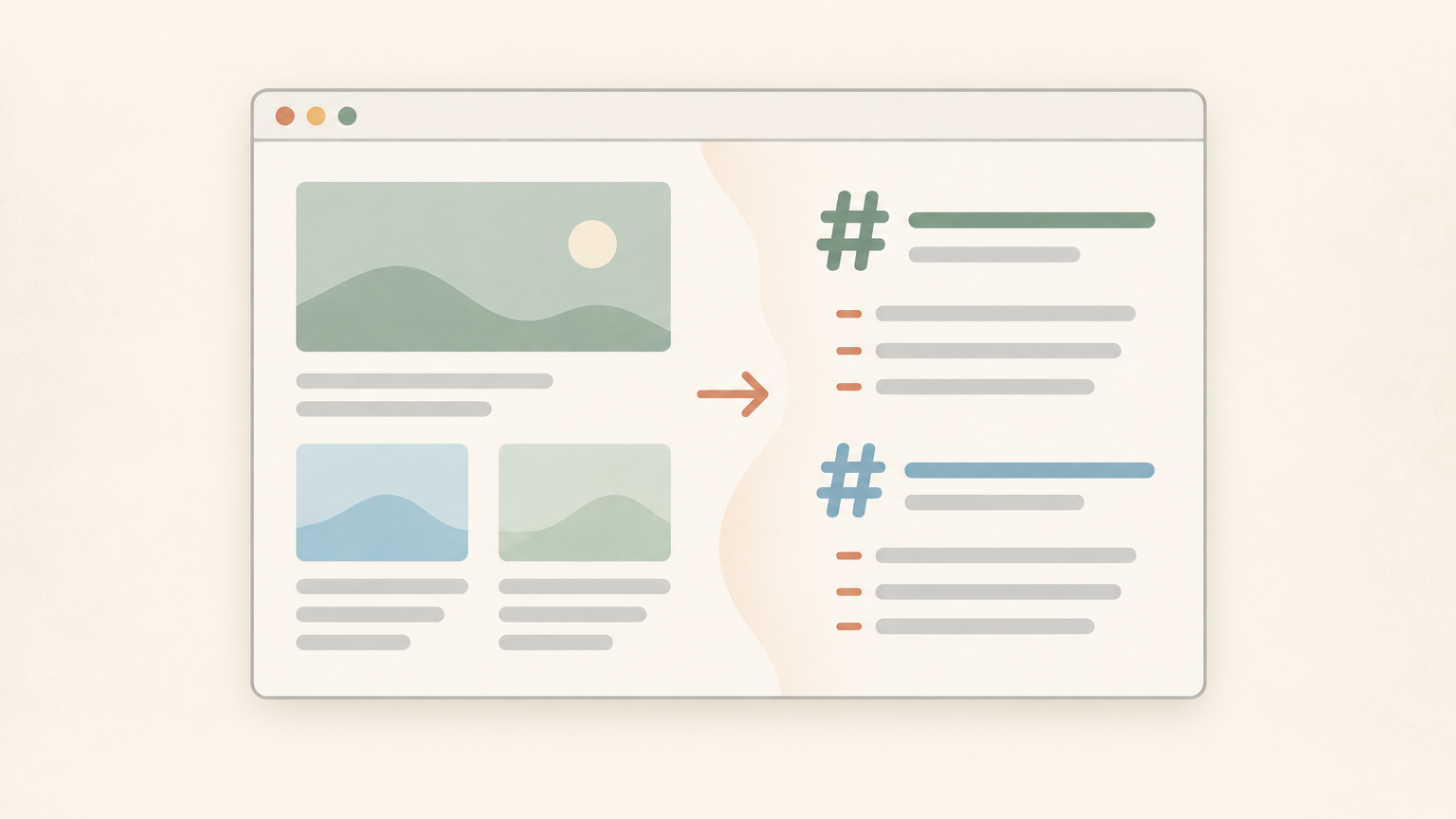
Sometimes you don't need a crawling API. You just want this one page, right now, as Markdown, so you can drop it into an AI chat or your notes app. Copy-pasting straight from a browser tab drags the nav menu, the cookie banner, and half the formatting along with it. Page to Markdown is a free Chrome extension that fixes this: click it, and the current page gets copied to your clipboard as clean Markdown. No signup, no API key, nothing running on a server.
Why "just give me the Markdown" is a real problem
People paste web content into AI chat constantly: a docs page, an article, a product page, to summarize it or ask questions. The normal move is select-all, copy, paste. Fast, but messy.
Copy rendered HTML out of a browser tab and you usually get:
- Nav links, footer text, and cookie-banner junk mixed into the content
- Headings and lists that collapse into a wall of text
- Code blocks squashed into one unreadable line
- Links stripped out entirely, so you're left with plain text and no URLs
Screenshotting the page and running OCR is worse: you lose all structure and now you're fixing OCR typos too. None of this is about how smart your AI tool is. It's about the format you feed it. Markdown keeps headings as headings, lists as lists, links as links, which is exactly what an LLM parses best.
There are a few ways to go from webpage to clean Markdown, depending on how much setup you're willing to do.
The ways to convert a page to Markdown
- Browser extension, zero setup. Install once, click on any page, get Markdown instantly. That's Page to Markdown, covered below.
- Free web tools, no install. For a one-off, or if you don't want another extension, WebCrawlerAPI's URL to Markdown tool converts a single URL, and Website to Markdown converts a whole site.
- API, for bulk. If you need many pages on a schedule, or you're feeding an AI knowledge base, the API does this with output_formats: ["markdown"]. See the job output docs.
This post covers the first option: zero setup, one click. If you outgrow it, the web tools and the API are right there.
What Page to Markdown actually does
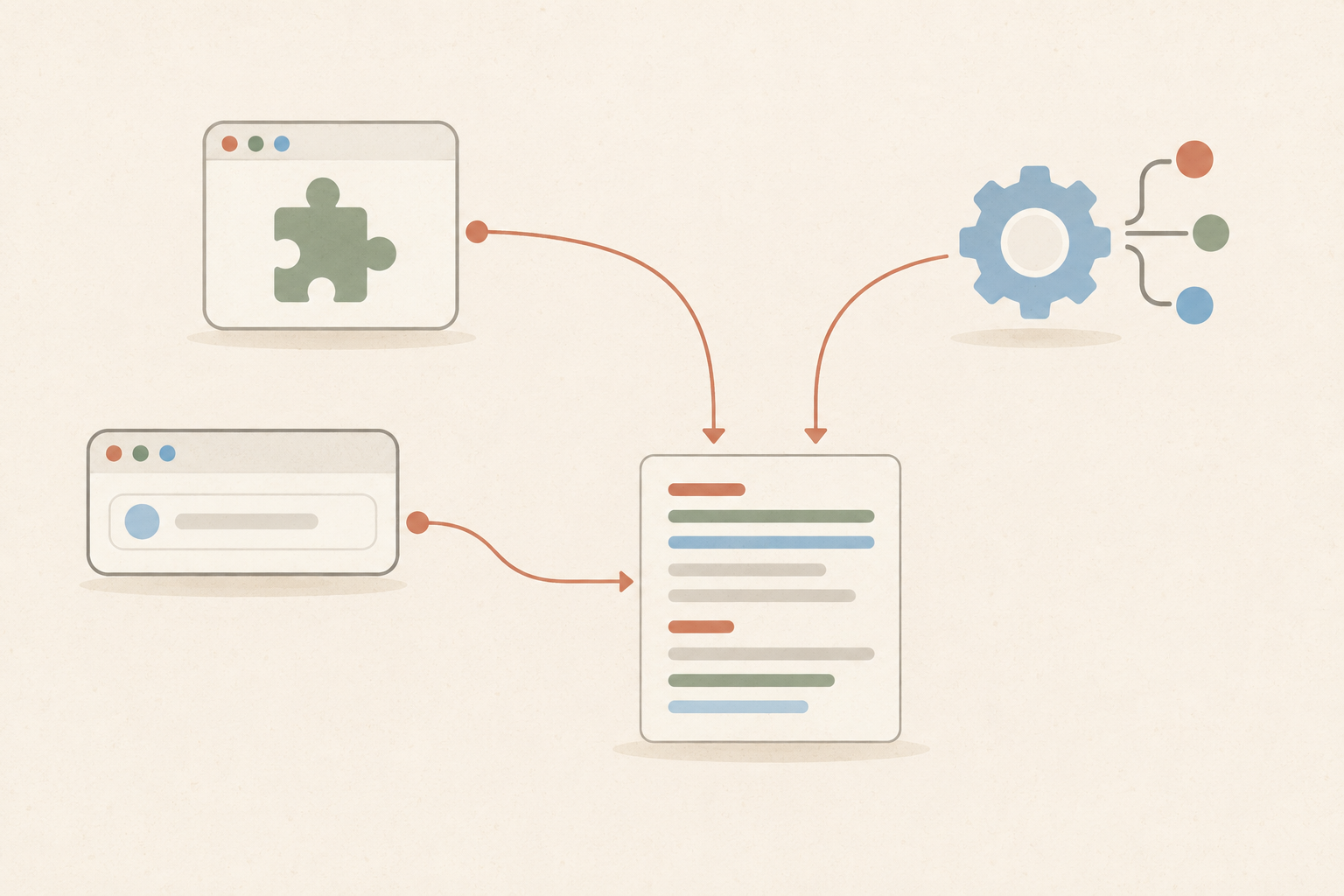
It converts the current tab into clean Markdown and copies it to your clipboard with one click. That's the whole feature. It's a copy-to-clipboard tool, not a file downloader; there's no "save as .md" button in the current version, so paste the result somewhere right after clicking.
It runs entirely client-side. I checked the manifest, and it asks for exactly three permissions: activeTab, scripting, clipboardWrite. No host_permissions, no background network calls. It reads only the tab you're looking at, only when you click it, and writes only to your clipboard. Nothing gets sent anywhere. The developer's privacy disclosure backs this up: no data collection.
No API key, no account, no rate limit. Install it, use it.
It's built by the WebCrawlerAPI team, and it's the same idea as the API's output_formats: ["markdown"] option: raw HTML is noisy, Markdown is what AI tools and note apps actually want.
How to install and use it
- Install Page to Markdown from the Chrome Web Store.
- Pin it to your toolbar (click the puzzle-piece icon in Chrome, then the pin next to it).
- Open any page, click the extension icon.
- Paste the Markdown wherever you need it: AI chat, Obsidian, a GitHub README, a text editor.
Here's what actually changes. A typical page's rendered text looks like a soup of "Home | Blog | Contact ... Skip to content ... Accept cookies ... ## Actual Heading Here actual paragraph text here ... Subscribe to our newsletter." The Markdown version strips the junk:
## Actual Heading Here

Actual paragraph text here, with [links](https://example.com) preserved
and lists kept as lists:

- Item one
- Item two
Less cleanup, more usable text.
Good use cases
- Pasting a docs page into an AI chat to ask questions about it
- Saving an article to Obsidian or Notion instead of a screenshot or a messy paste
- Dropping a page's content into a GitHub README or an issue
- Prepping content for an LLM prompt without stripping HTML by hand first
Limitations, upfront
- One page at a time, on demand. Not built for bulk or scheduled crawling. That's what the API is for.
- Only sees what's rendered in your tab. It reads the live DOM, so it handles JavaScript-heavy pages fine, but it won't follow links or paginate through a site.
- Clipboard only, as far as I can confirm. No file-download option in the current version.
- Small and new. 5.0 rating right now, but very few reviews. Worth knowing before you lean on it for something critical.
Bottom line
For the common case, "I just want this page as Markdown, right now", this extension is the fastest way there. No API key, no signup, no leaving the tab you're already on. Install Page to Markdown and try it on a page you'd normally copy-paste by hand.
If you outgrow single-page use, URL to Markdown and Website to Markdown cover the no-install case, and the WebCrawlerAPI docs cover bulk and scheduled conversion. Choosing between output formats for an AI pipeline: HTML vs Markdown and Cleaned Text vs Markdown walk through the tradeoffs.
