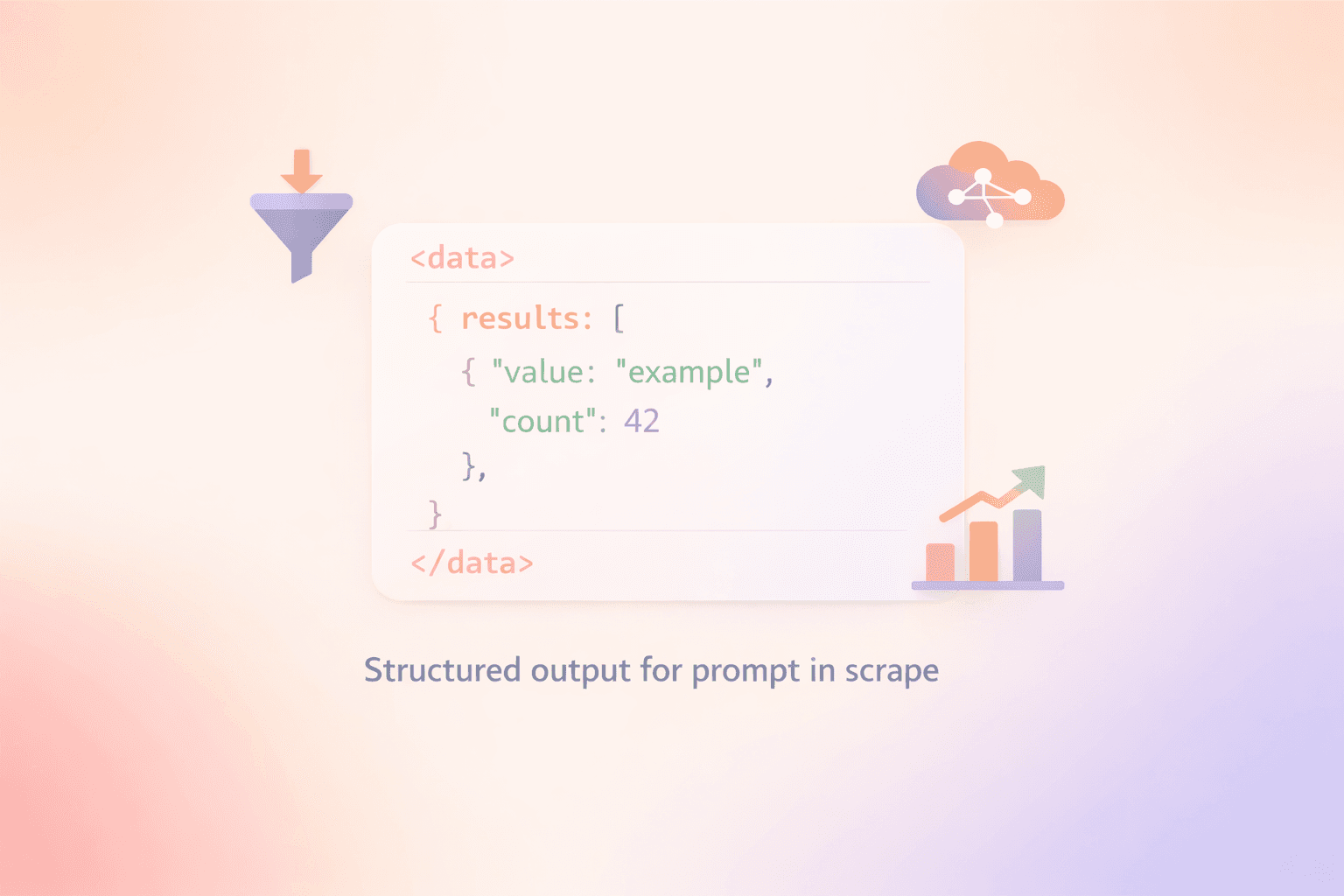
Meet the Crawling Agent — an AI-powered service that browses websites, follows links, and returns structured JSON, all from a natural-language prompt.
What it does
Unlike standard scraping that fetches a single URL, the agent acts like a researcher: it can perform web searches, read pages, decide which links are relevant, follow them, and extract the data you asked for. It autonomously decides how to find and extract the requested information. You describe what you want; the agent figures out how to get it.
Use cases
Find customers, partners, or contact info across a company's website
Extract product lists, pricing tiers, or feature sets from competitor sites
Gather job listings, articles, or announcements from sites without an API
Verify published information (pricing, specs, availability) against your expectations
Any other structured data extraction task you can describe in plain language
Key parameters
prompt — natural language instruction describing what to extract
max_spend_usd — spending cap per run (required)
urls — seed URLs to start from
output_schema — JSON Schema to enforce a strict response shape
model — choose from models like openai/gpt-5.4-mini, anthropic/claude-sonnet-4.6, google/gemini-3.1-flash-lite-preview, and more
Pricing
You pay per LLM token used and per page scraped during a run. A typical task can cost anywhere from a fraction of a cent up to the max_spend_usd limit you set, depending on complexity. All spending is visible in your dashboard.
A set of quality-of-life improvements landed this month across the API and dashboard.
Sitemap-assisted crawl discovery
Crawl jobs now automatically fetch and parse sitemap.xml when starting a new crawl. Pages found in the sitemap are added to the initial link queue, so the crawler reaches more pages earlier - without any changes to your requests.
Job cost in the dashboard
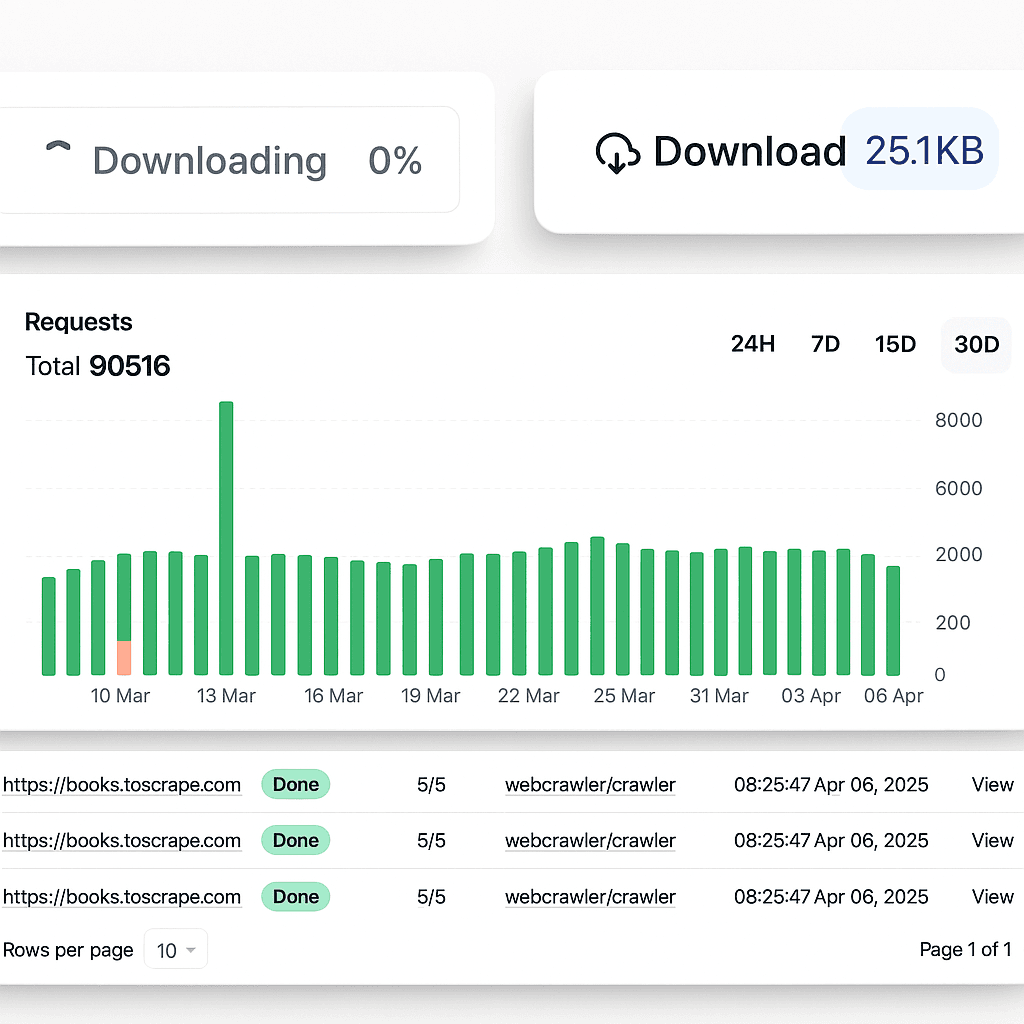
Each job in the jobs list now shows how much it cost. Useful for tracking spend per crawl or scrape run without having to cross-reference billing statements.
Job status filter
You can now filter your jobs list by status — done, processing, failed, and others. Quickly find the runs you care about without scrolling through everything.
Sync scrape timeout extended
The synchronous /v2/scrape endpoint now waits up to 3 minutes (previously 2 minutes) before timing out. Heavy pages and slower sites are less likely to return a timeout error.
Tax-inclusive billing
Top-up payments now go through Stripe Checkout, which automatically calculates and applies taxes based on your billing region.
The /v2/scrape endpoint now accepts an output_formats array, letting you request multiple output representations in a single API call.
What's new
output_formats field — pass an array of formats instead of a single output_format string; all requested formats are returned together in the response
Supported values: markdown, cleaned, html, and the new links
links format — returns all hyperlinks extracted from the page as a structured array, useful for link graph analysis, SEO audits, and crawl seed generation
output_formats takes precedence over the legacy output_format field when both are provided
Structured Outputs ensure AI-generated responses adhere to a JSON schema you define, eliminating the need to validate or retry incorrectly formatted responses.
When you provide a prompt to the /v2/scrape endpoint, you can now add a response_schema parameter to enforce strict JSON Schema validation. The API will return guaranteed structured data that matches your schema every time.
Perfect for:
Data Extraction: Extract product info, business details, or any structured data with type safety
Reliable Parsing: No more validating or handling malformed JSON responses
Complex Structures: Support for nested objects, arrays, enums, and optional fields
API Integration: Feed predictable data directly into your application or database
What's new?
JSON Schema Validation: Define exact structure using standard JSON Schema format
Type Safety: Guaranteed response format with string, number, boolean, object, array, and enum types
Nested Structures: Support for complex nested objects and arrays of objects
Enum Constraints: Restrict values to predefined options
Optional Fields: Use null union types for fields that may not always be present
Clear Error Handling: Validation errors returned immediately if schema is invalid
Pricing
Structured outputs cost the same as regular prompts: $0.002 per request (in addition to the base crawling cost).
New GET /job/:id/markdown endpoint returns the full job content in one single concatenated markdown file.
Instead of downloading individual page results, you can now get all crawled markdown content combined into a single file. Each page's content is separated with URL headers for easy parsing.
Perfect for:
RAG Applications: Feed combined documentation into vector databases or AI models
Batch Processing: Process entire website content at once for analysis or indexing
Documentation Extraction: Extract and combine docs from multiple pages
Backup: Archive complete crawl results in a single file
See the API documentation for usage examples and complete reference.
Turn any website into a feed. Monitor websites for changes and get automatic updates via RSS, JSON feeds, or webhooks.
The new Feeds API lets you track content changes on any website without building custom monitoring infrastructure. Perfect for tracking blogs, news sites, documentation, or any web content that doesn't offer native feeds.
What's new?
RSS/Atom Feeds: Subscribe to any website in standard Atom 1.0 format compatible with all feed readers
JSON Feed Format: Get updates in JSON Feed format for easy integration with applications
Webhook Notifications: Receive instant POST requests when content changes are detected
Automatic Monitoring: Periodic crawling with smart change detection
Flexible Configuration: Control crawl depth, page limits, URL patterns, and output formats (markdown, cleaned, HTML)
Error Resilience: Automatic pause after 3 consecutive errors to prevent unnecessary charges
Status Tracking: Detailed metrics on pages crawled, changed, new, unavailable, and errors
How it works
Create a feed with a single API call, then subscribe to updates via RSS/Atom, JSON Feed, or webhooks. The system automatically crawls your target website periodically and delivers only what changed.
WebcrawlerAPI is now available as an MCP (Model Context Protocol) server.
You can now integrate web scraping directly into AI workflows through MCP-compatible applications like Claude Code. The MCP server provides a webcrawler-scrape tool for extracting webpage content.
The MCP server includes:
Single webpage scraping with markdown output
Content extraction with optional prompts
Seamless integration with Claude Code and other MCP clients
The integration allows AI assistants to dynamically scrape and process web content during conversations, enabling real-time data analysis and content extraction workflows.
The integration supports all v2 features including running prompts on scraped content to extract specific information or format the output. You can also specify output formats (markdown, cleaned text, or HTML) and use CSS selectors to clean unwanted elements.
Connect your WebcrawlerAPI account and start building automated workflows.
WebcrawlerAPI is now available on Make (formerly Integromat).
You can now automate web scraping workflows with other apps through Make. The integration uses the Scrape API v2 endpoint to scrape single webpages.
The Make app includes for now a single Scrape a single webpage action. It supports all v2 features including running prompts on scraped content to extract specific information or format the output. You can also specify output formats (markdown, cleaned text, or HTML) and use CSS selectors to clean unwanted elements.
To use the WebcrawlerAPI in the Make app just search for "WebcrawlerAPI" in the app store.
You can now automate web scraping workflows with 1200+ apps through Integrately. The integration provides seamless connectivity with popular business tools and platforms.
The Integrately app includes actions for:
Scrape a single webpage
Start crawling job
Get crawling job result
The integration supports all WebcrawlerAPI features including running prompts on scraped content to extract specific information or format the output. You can also specify output formats (markdown, cleaned text, or HTML) and use CSS selectors to clean unwanted elements.
Connect your WebcrawlerAPI account and start building automated workflows with Integrately's powerful automation platform.
You can now automate web scraping workflows with other apps through Zapier. The integration uses the Scrape API v2 endpoint to scrape single webpages.
The Zapier app includes actions for:
Scrape a single webpage
The integration supports all v2 features including running prompts on scraped content to extract specific information or format the output. You can also specify output formats (markdown, cleaned text, or HTML) and use CSS selectors to clean unwanted elements.
Easier and straight forward. The new version lets you run a prompt on the page. You can get results in markdown, cleaned text, or HTML. Scraping is now in synchronous mode, with a single API call.
The new endpoint is at https://api.webcrawlerapi.com/v2/scrape. See the API Reference for details.
What's new?
Scraping is now sync, with a single API call.
You can remove parts of the page using CSS selectors.
You can get results in markdown, cleaned text, or HTML.
When starting a job via API, just add several parameters, like access_key_id, secret_access_key and a few others. Crawled data will be placed under the specified path. Your keys will be deleted after the job ends. Read Upload to S3 docs for detailed information.
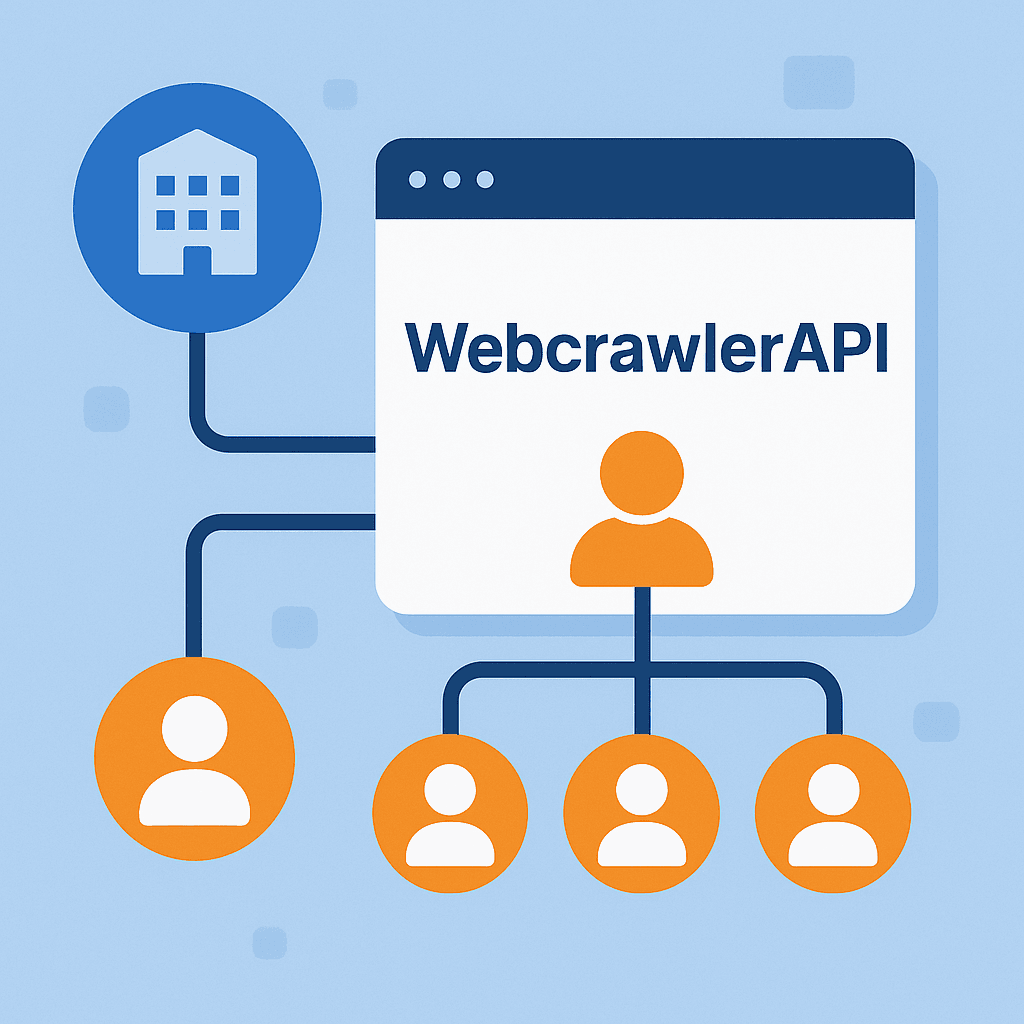
Organizations has been added to WebcrawlerAPI. This feature lets multiple team members use the same API account with different access levels.
What's new:
Organizations are now automatically created for all accounts
All existing users have been assigned the "OWNER" role
New "DEVELOPER" role with limited access:
Can use API and see usage statistics
Cannot access billing information
Cannot add or manage team members
How it works:
To add team members, go to your dashboard and click the "Invite member" button. You can assign roles based on what each person needs to do. This lets developers use the API without seeing billing details or changing the team.
We're thrilled to announce the release of our official LangChain integration! The new webcrawlerapi-langchain package makes it seamless to incorporate WebcrawlerAPI's powerful web crawling capabilities into your LangChain document processing pipelines.
Key Features:
🚀 Simple integration with LangChain's document loaders
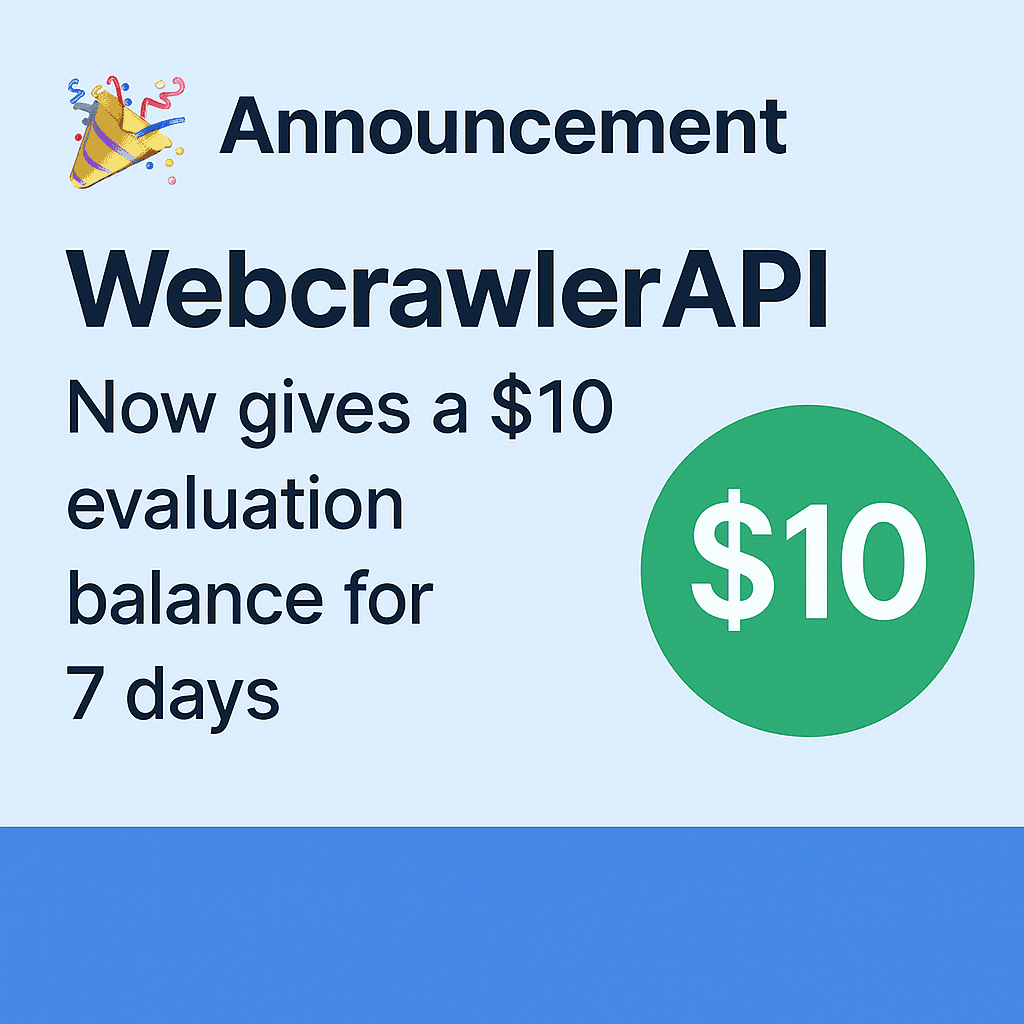
We're excited to announce that all new WebcrawlerAPI accounts now receive a $10 evaluation balance for a 7-day trial period! This initiative allows new users to thoroughly test our API capabilities without any upfront commitment.
What's included:
$10 trial funds automatically added to new accounts
Complete API access during 7-day evaluation period
Start immediately with no credit card required
Full access to all standard API features
The new trial balance makes it easier than ever to evaluate WebcrawlerAPI and test its capabilities for your projects.
Launched free llmstxt Generator Tool that helps create standardized llms.txt files for documenting AI models in your projects. You can learn more about the llms.txt standard in our detailed guide.
The issue lasted for 9 hours but was not related to crawling. The root cause was a network issue affecting the monitoring server. Because the monitoring server was unavailable to the main job manager, each job report had to wait several minutes for a timeout response from the monitoring server.
As a result, the processing time for each job increased, and the job queue grew to several thousand jobs.
The incident has now been resolved. We are continuously working on improving our monitoring system to prevent similar issues in the future.
A new tool Webpage to Markdown has been added. This tool converts any documentation or website into a beautiful Markdown file. It is free and does not require an API key. It can crawl up to 100 pages.
PDF content rendering has been implemented. Text content can now be extracted from PDF files. When a website contains a PDF file, its content will be extracted and returned in the response as page content.