
Case Law Scraper: How to Scrape Court Records and Legal Opinions
Search for "case law scraper" and you mostly get two kinds of results: articles about famous scraping lawsuits, or product pages that want your credit card before they tell you what data they actually have. Neither answers the real question.
The real question is: where does this data live, which parts of it already have a free API, and where do you genuinely need to write a scraper?
This post walks through that in order. Free and open sources first, because if your data is in there you can stop and go home. Then the paid and gated stuff. Then a working code example for the case where nobody offers an API and you have to pull structured fields out of a court's web page yourself.
One quick note before we start: scraping public court data is generally on solid legal ground. If you want the case-by-case detail, we covered it in court cases where scrapers won and where scrapers lost.
Where Case Law and Court Records Actually Live
First, a distinction people skip and then regret.
Case law is published opinions. A judge wrote a decision, it got a citation, and it's meant to be read and cited by other lawyers. It's stable, it's text-heavy, and it's well covered by free datasets.
Court records are dockets, filings, motions, party lists, hearing dates, case status. This is operational data about a case as it moves, not a finished opinion. It changes daily, it's scattered across hundreds of systems, and it's much harder to get in bulk.
If someone asks you to "build a case law scraper" and they actually mean docket monitoring, those are two completely different projects. I'd sort that out on day one, before anyone writes code.
Here's the landscape:
| Source | Data type | Access | Cost |
|---|---|---|---|
| CourtListener | Opinions, federal dockets, judges, oral arguments | REST API + bulk data | Free (token, rate limited) |
| Caselaw Access Project | Historical published opinions | Bulk download | Free |
| PACER | Federal dockets and filings | Web + login | $0.10/page |
| RECAP | Free mirror of PACER docs people already bought | API via CourtListener | Free |
| State/county portals | Dockets, case status, some opinions | Web only, mostly | Free but scrape-only |
| Court websites | Recent slip opinions, PDFs | Web / RSS | Free but scrape-only |
| Justia, Google Scholar | Opinions | Web only | Free but scrape-only |
The pattern: federal published opinions are basically solved. Everything else is a sourcing problem.
Free and Low-Friction Sources (Use These First)
CourtListener and the RECAP Archive
CourtListener, run by the non-profit Free Law Project, is the single best starting point. It has a real REST API (currently v4, at https://www.courtlistener.com/api/rest/v4/), millions of opinions, judge data, oral argument recordings, and - through the RECAP archive - a large pile of federal PACER dockets and documents that other people already paid for.
You authenticate with a token from your profile page, sent as Authorization: Token <your-token>. Note that word "Token" - it's not Bearer, and getting it wrong is the most common mistake people make here.
Here's a search against the opinion index:
// Node 18+
// Search CourtListener for opinions matching a query.
// type=o -> case law opinion clusters. Other useful types:
//   d  = federal dockets, rd = PACER filing documents, oa = oral arguments
async function searchOpinions(query, { court, token } = {}) {
  const params = new URLSearchParams({ q: query, type: "o" });
  if (court) params.set("court", court);

  const res = await fetch(
    `https://www.courtlistener.com/api/rest/v4/search/?${params}`,
    { headers: { Authorization: `Token ${token}` } }
  );

  if (!res.ok) {
    throw new Error(`CourtListener ${res.status}: ${await res.text()}`);
  }

  const data = await res.json();

  // data.count  -> total matches
  // data.next   -> cursor URL for the next page
  return data.results.map((r) => ({
    caseName: r.caseName,
    court: r.court,
    dateFiled: r.dateFiled,
    docketNumber: r.docketNumber,
    citation: r.citation,
    snippet: r.snippet,
  }));
}

const hits = await searchOpinions("qualified immunity", {
  court: "ca9",
  token: process.env.COURTLISTENER_TOKEN,
});
console.log(hits.slice(0, 3));
Two operational things to know.
It is rate limited, and the limits are real. Throttles apply concurrently on rolling windows, and anonymous requests are restricted much harder than token-based ones. Before you plan any bulk pull, check the current quotas in their docs rather than trusting a number you read in a blog post - including this one. If you need real volume, use their bulk data downloads instead of hammering the API, or talk to them about a membership.
It's a non-profit running on donated infrastructure. I cache everything and re-fetch nothing - an opinion from 1998 is not going to change - and I back off hard on errors. Treat it like someone's server, because it is.
Caselaw Access Project
CAP is Harvard Law School's scan of US case law - hundreds of years of official reporters, digitized. Bulk files live at static.case.law, organized by reporter series.
This is the right tool for historical and research work: training a legal search index, citation-graph analysis, anything where you want everything at once. It is not a live feed. Coverage ends several years back, so check the current cutoff on case.law before you build anything that assumes recent cases are present. For anything filed this year, you're back to CourtListener or the courts themselves.
Juriscraper
Worth knowing about even if you don't use it: Juriscraper is the open-source Python library that CourtListener itself runs to pull opinions from court websites. It has per-court scrapers already written for a large number of federal and state courts. If your target is a court Juriscraper already supports, adopting it beats writing your own parser.
If free sources cover you, stop here. Published federal opinions plus already-RECAP'd dockets is a lot of data for zero dollars and no scraping infrastructure. Don't build a scraper you don't need.
When You Need to Scrape Instead of Call an API
The gaps are consistent and predictable:
- State and county courts. There is no unified system. Every state, and often every county, runs its own portal. No shared format, no shared URL scheme, no API.
- Fresh federal dockets. RECAP only has documents someone already purchased and contributed. A filing from this morning in a case nobody's watching probably isn't there.
- PDF-only courts. Plenty of courts publish opinions as scanned or generated PDFs and nothing else.
- Specialty and administrative tribunals. Immigration, tax, state agency decisions - thin coverage almost everywhere.
And these sites are genuinely annoying to scrape:
- Session-based search. You submit a form, the site holds results in server-side state, and there's no stable URL for the result. Deep-linking to a case is impossible without replaying the session.
- JS-rendered docket tables. The HTML you get from curl is an empty shell; the docket entries arrive later over XHR.
- CAPTCHA on repeated queries. Fine for one lookup, hostile at ten.
- Per-county HTML that shares nothing. Same state, same court system, completely different markup.
That last point is the actual cost driver, and it's the one I see people underestimate every time. Writing one scraper is easy - an afternoon. Maintaining forty of them, each breaking on its own schedule whenever some county IT department redesigns its portal, is not a project. It's a job, and it's somebody's whole week, forever.
Scraping a Court Records Page: Practical Walkthrough
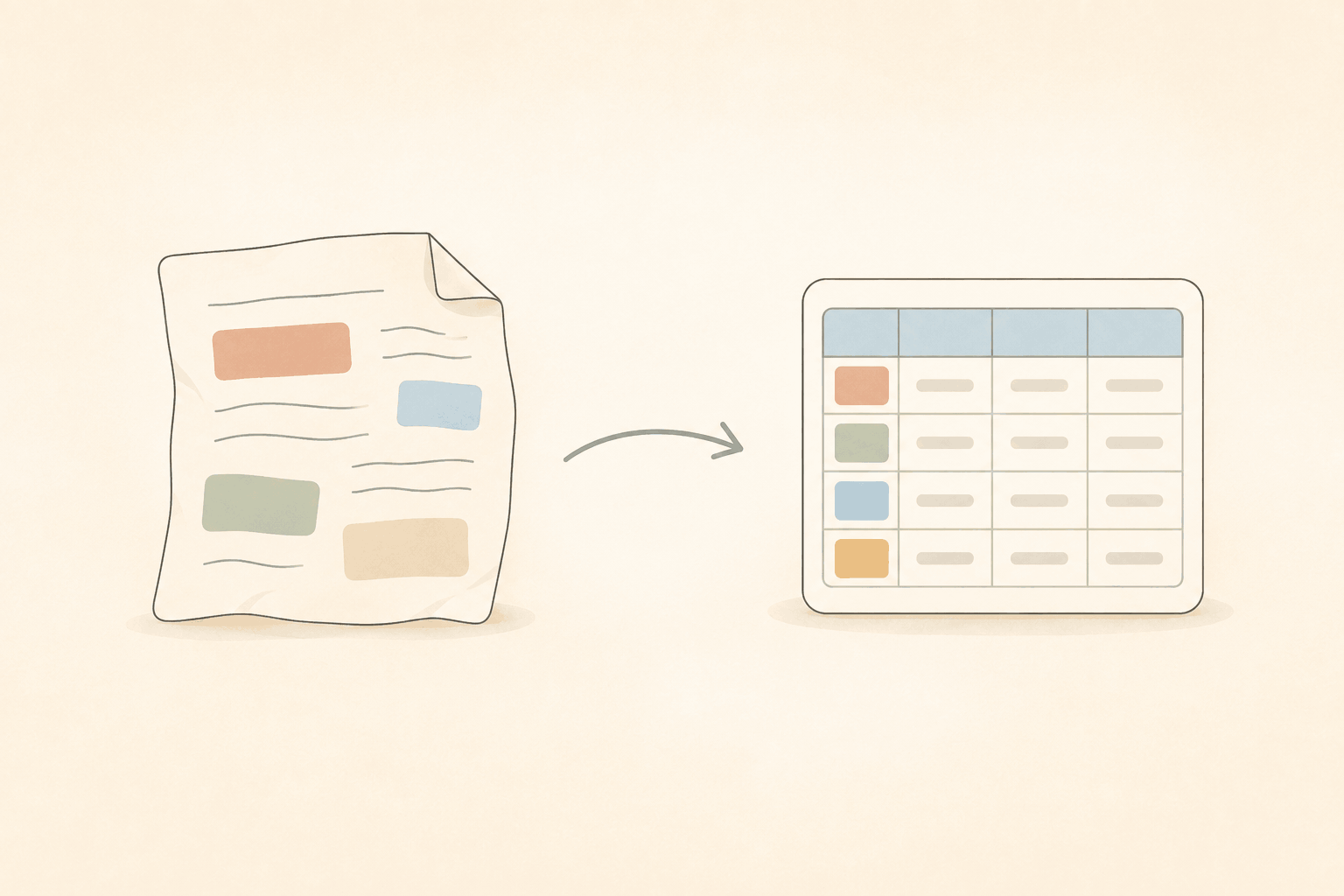
Instead of writing a parser per court, you can describe the fields you want and let structured extraction pull them out of the rendered page. WebCrawlerAPI's /v2/scrape endpoint takes a prompt plus an optional response_schema and returns validated JSON in structured_data.
// Node 18+
// Pull structured fields out of a single court case-detail page.
async function scrapeCaseDetail(url) {
  const res = await fetch("https://api.webcrawlerapi.com/v2/scrape", {
    method: "POST",
    headers: {
      Authorization: `Bearer ${process.env.WEBCRAWLER_API_KEY}`,
      "Content-Type": "application/json",
    },
    body: JSON.stringify({
      url,
      prompt:
        "Extract the case details from this court record page. " +
        "Use null for any field that is not shown on the page.",
      response_schema: {
        type: "object",
        properties: {
          case_name: { type: "string" },
          docket_number: { type: ["string", "null"] },
          court: { type: ["string", "null"] },
          filed_date: { type: ["string", "null"] },
          status: { type: ["string", "null"] },
          parties: {
            type: "array",
            items: {
              type: "object",
              properties: {
                name: { type: "string" },
                role: { type: ["string", "null"] },
              },
              required: ["name", "role"],
              additionalProperties: false,
            },
          },
        },
        // Strict mode: every property must be listed in `required`.
        // Optional data is expressed with null unions, not by omission.
        required: [
          "case_name",
          "docket_number",
          "court",
          "filed_date",
          "status",
          "parties",
        ],
        additionalProperties: false,
      },
    }),
  });

  const data = await res.json();
  if (!data.success) {
    throw new Error(`${data.error_code}: ${data.error_message}`);
  }

  return data.structured_data;
}

console.log(await scrapeCaseDetail("https://example-court.gov/case/2026-CV-01234"));
The schema rules are strict: every property goes in required, additionalProperties is false, and anything that might be missing gets a null union like ["string", "null"]. That's what makes the output safe to write straight into a database. Full details are in the structured outputs docs, and the endpoint itself is documented under POST /scrape.
JavaScript rendering happens automatically, which matters more here than on most sites - a lot of court portals build their docket tables client-side.
If you need many cases from one court rather than a single page, use /v2/crawl with whitelist_regexp set to the court's case-detail URL pattern so the crawl doesn't wander into help pages and calendars. The filters guide covers the pattern syntax.
A few caveats worth taking seriously:
- Go slow. Many county sites run on modest infrastructure. Add delays, retry with backoff, and don't run forty parallel workers against a single clerk's office.
- Read the portal's terms. They vary, and some explicitly restrict automated access.
- PACER charges per page - $0.10. Individual documents are capped at $3, but search results and non-case-specific reports are not capped, which is where people get surprised. Billing kicks in once quarterly usage passes $30. Check RECAP first for anything you're about to buy twice.
- Don't scrape around a paywall. If the data is behind authentication you're supposed to pay for, pay for it.
Is It Legal to Scrape Court Records?
Short version: public court records are public government data, and collecting them is generally defensible. Courts have not had much success restricting the scraping of dockets that are already open to any member of the public walking into a clerk's office, and there's a real First Amendment argument that public access to court records shouldn't depend on a portal's terms of service.
That said, "generally defensible" isn't a legal opinion, and two things reliably turn a clean project into a bad one: circumventing authentication, and evading a paywall. PACER is the obvious case - the records are public, but access is metered, and routing around the meter is a different act than reading a free page. Check the specific portal's terms before you build, and if the data has real commercial stakes, ask a lawyer rather than a blog.
For the actual litigation history, our two breakdowns cover it: cases where scrapers won and cases where scrapers lost.
Wrapping Up
The decision path is short:
- Check CourtListener and RECAP first. Free, real API, huge coverage of federal opinions and dockets. If your data is here, you don't need a scraper at all.
- Check the Caselaw Access Project for historical bulk opinions, and Juriscraper for courts it already supports.
- Scrape directly only for what's left - state and county portals, fresh dockets, PDF-only courts.
- Respect rate limits, terms, and paywalls. Especially PACER.
Step 3 is where the maintenance cost lives, and it's the part worth not hand-rolling. Structured extraction means you describe the fields once instead of writing and repairing a parser for every county portal that decides to redesign. If that's the part you'd rather not own, give WebCrawlerAPI a try - the docs will get you from API key to structured JSON in a few minutes.
