
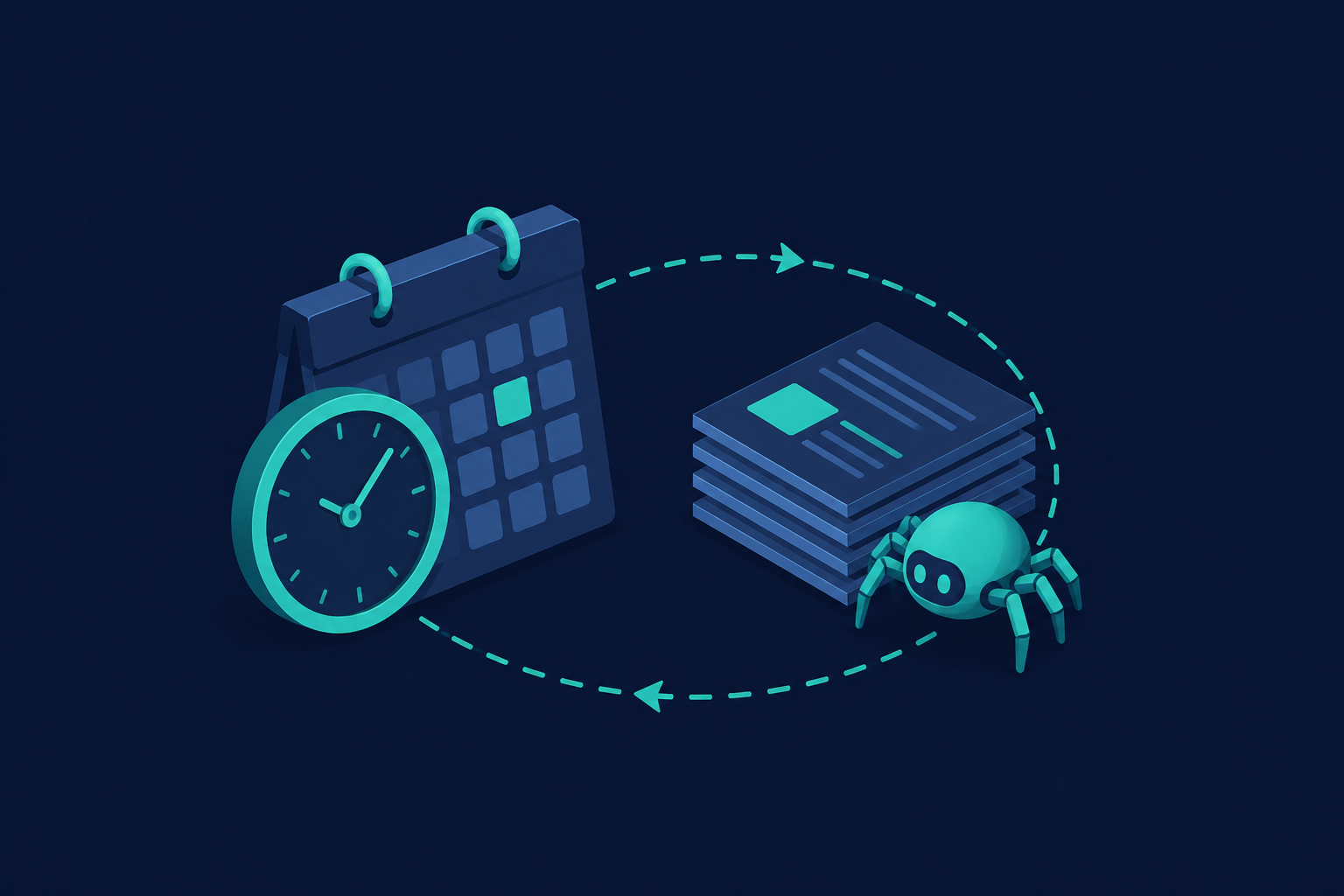
How Often Should You Re-Crawl a Website for an AI Knowledge Base?
The question I get asked more than almost any other is some version of "how often should I re-crawl my sources?"
Here's the honest answer: that's the wrong question. The right question is how often does this specific source actually change, and what does it cost you if your AI knowledge base gets it wrong.
An AI knowledge base is only as good as its last crawl. If a page changed an hour after you indexed it, your system doesn't know that. It just answers confidently, using data that's already wrong. That's worse than no answer at all, because the user trusts it.
This post covers how to think about crawl frequency, a practical framework by content type, and a way to detect changes instead of blindly re-crawling everything on a timer. It assumes the pipeline described in how to build a knowledge base from a website.
Why Crawl Frequency Matters More Than People Think
Most teams building an AI search or AI knowledge base get the crawl right once, then never think about it again. That's the mistake.
Content drifts. Pricing changes. Docs get updated. Job postings close. A support article gets rewritten to fix a bug. If your index doesn't catch up, your AI knowledge base starts answering with stale facts, and it does it with the same confident tone it uses for correct ones.
The cost here is asymmetric:
- Re-crawl too often and you waste money and compute on pages that never changed. You're paying for bandwidth, rendering, and re-embedding for no reason.
- Re-crawl too rarely and you get silently wrong answers. Nobody tells you your knowledge base is stale. Users just quietly stop trusting it, or worse, act on bad information.
There's no universal cadence that works for every source. It depends on two things: how fast the content actually changes, and how expensive it is when your system is wrong about it.
The Real Factors That Decide Crawl Frequency
Before you pick a number (daily, weekly, monthly), work through these four factors for each source you're indexing:
- Content volatility. How often does this page actually change? A pricing page might change every few months. A news feed changes every hour. A terms-of-service page might not change for a year.
- Cost of staleness. What happens if your AI knowledge base gives an answer that's a week out of date? For a support doc, maybe a minor annoyance. For a stock price or a job listing, it can be actively harmful or embarrassing.
- Crawl cost. Every crawl costs something: bandwidth, JavaScript rendering time if the page needs it, and rate limits on how politely you can hit the target site. Re-crawling 10,000 pages daily adds up fast, especially if most of them are unchanged.
- Detection capability. Do you actually know when content changed, or are you just re-crawling everything on a fixed timer and hoping? This one matters more than people think, and I'll get to it below.
A Practical Framework: Match Frequency to Content Type
Different content types change at very different rates. Here's a starting point I'd use if I were setting this up from scratch:
| Content type | Typical change rate | Suggested re-crawl frequency |
|---|---|---|
| Marketing/landing pages | Weeks to months | Weekly to monthly |
| Pricing pages | Occasional, high-impact | Weekly |
| Docs/knowledge base articles | Occasional | Weekly |
| Blog/news/changelog | Frequent | Daily |
| Product catalogs/inventory | Frequent | Daily to hourly |
| Legal/ToS/compliance pages | Rare | Monthly |
| Forums/community/reviews | Continuous | Daily |
This is a starting point, not a rule. Pricing pages don't change often, but when they do, a stale price in your AI knowledge base can cost you a customer's trust immediately. That's why it's weekly instead of monthly, even though the "typical change rate" column looks similar to docs.
Once you have real data (how often your sources actually change, and how often stale answers show up in user feedback), tune the schedule per source instead of using one blanket interval for everything.
Smarter Than a Fixed Schedule: Change Detection
A fixed-interval re-crawl (say, "re-crawl everything every day") is the easiest thing to set up, and it's usually wasteful. Most pages in most knowledge bases don't change day to day. You end up paying to re-fetch, re-parse, and re-embed content that's identical to what you already have.
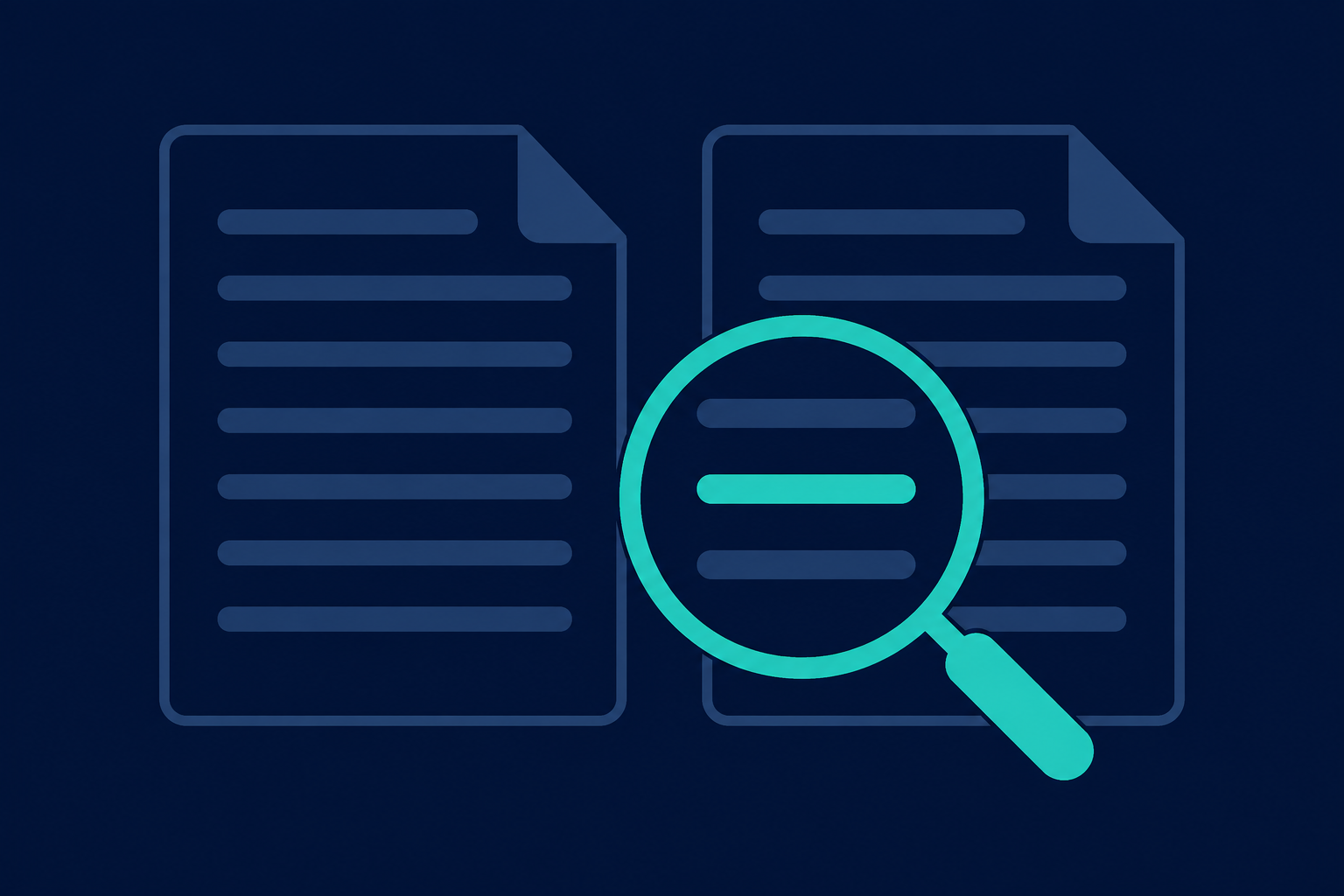
The cheaper approach: track a fingerprint per URL (a content hash, or the ETag / Last-Modified headers if the site sends them), and only do the expensive work (re-parsing, re-embedding, re-indexing) when that fingerprint actually changes.
Here's a small example of the idea in Node 18+:
// Node 18+
// Idea: fetch a page, hash its content, and only treat it as
// "changed" if the hash is different from what we stored last time.
import { createHash } from "node:crypto";

function hashContent(text) {
  return createHash("sha256").update(text).digest("hex");
}

// getLastHash/saveHash would read/write your own storage (Postgres, Redis, etc).
export async function checkForChange(url, { getLastHash, saveHash }) {
  const res = await fetch(url);
  const html = await res.text();

  const currentHash = hashContent(html);
  const lastHash = await getLastHash(url);

  if (currentHash === lastHash) {
    return { changed: false };
  }

  await saveHash(url, currentHash);
  return { changed: true, html };
}
Only when changed comes back true do you bother re-parsing and re-embedding. Everything else is a cheap HTTP request that costs you almost nothing.
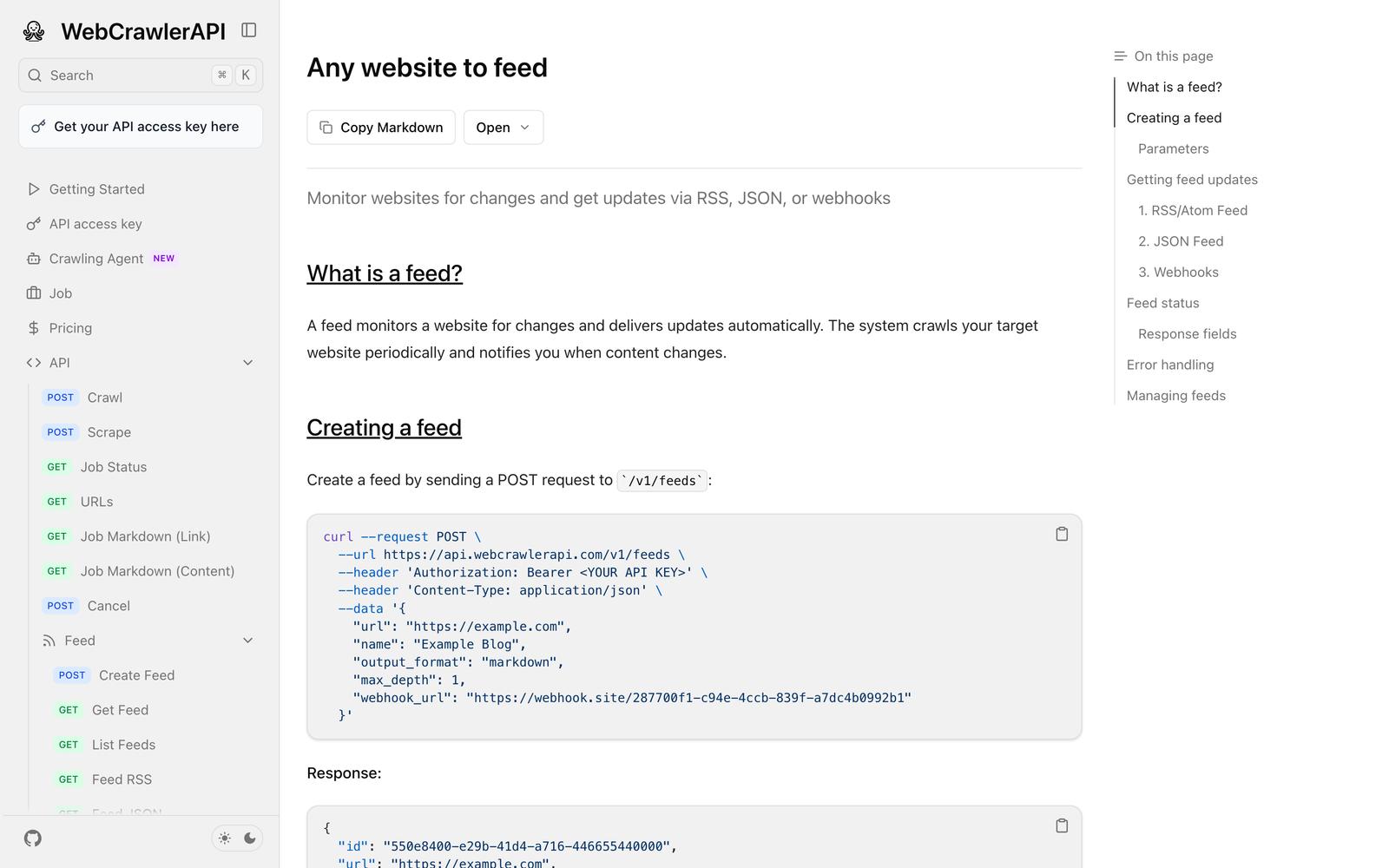
This is also exactly the problem WebCrawlerAPI's feeds feature is built for: instead of you writing and maintaining a cron job that blindly re-crawls a URL, a feed monitors a target page on a schedule and only notifies you (via webhook, RSS, or JSON) when something actually changed. You get the "did this change" signal without building the hashing and storage logic yourself.
Signs You're Re-Crawling Wrong
A few symptoms that tell you your current schedule is off:
- Users report answers referencing removed pages or discontinued products. That's a sign you're re-crawling too infrequently. Your index is behind reality.
- Crawl costs or API usage keep climbing with no improvement in answer accuracy. That's a sign you're re-crawling too often, probably on a fixed schedule that doesn't account for how rarely most of those pages actually change.
- You have no way to tell when your knowledge base was last updated for a given source. This isn't a frequency problem, it's an observability gap. Fix this first. You can't tune a schedule you can't measure.
A Simple Decision Checklist
If you're setting this up now, here's what I'd actually do, in order:
- Estimate how often each source realistically changes (don't guess, check the page's own history if you can, or its Last-Modified header).
- Estimate the cost of a stale answer for that source (annoying vs. actively harmful).
- Start conservative. Weekly is a safe default for most content that isn't news or inventory.
- Use change detection instead of blind re-crawling wherever you can. It's cheaper and it scales better.
- Log a "last crawled" and "last changed" timestamp per source, not just per job.
- Alert yourself when a source hasn't been successfully re-crawled past your own threshold. Silent staleness is the actual enemy here.
Conclusion
There's no single right cadence for re-crawling a website for an AI knowledge base. The right cadence is the one matched to how fast your specific sources change and how much a wrong answer actually costs you.
Start with the table above as a baseline, add change detection instead of relying on a fixed timer, and adjust the schedule once you have real data on how often things break.
If you'd rather not build and babysit the cron job, hashing logic, and storage yourself, WebCrawlerAPI's feeds can run the recurring crawl and change detection for you, so re-crawl cadence becomes a config value instead of infrastructure you maintain. Check the docs for the full API reference, including how to pick output formats like markdown vs. cleaned text or CSV vs. plain text once you've got fresh content flowing in.
