
How CoffeeHunt Tracks 67 Roasters With an AI Web Agent
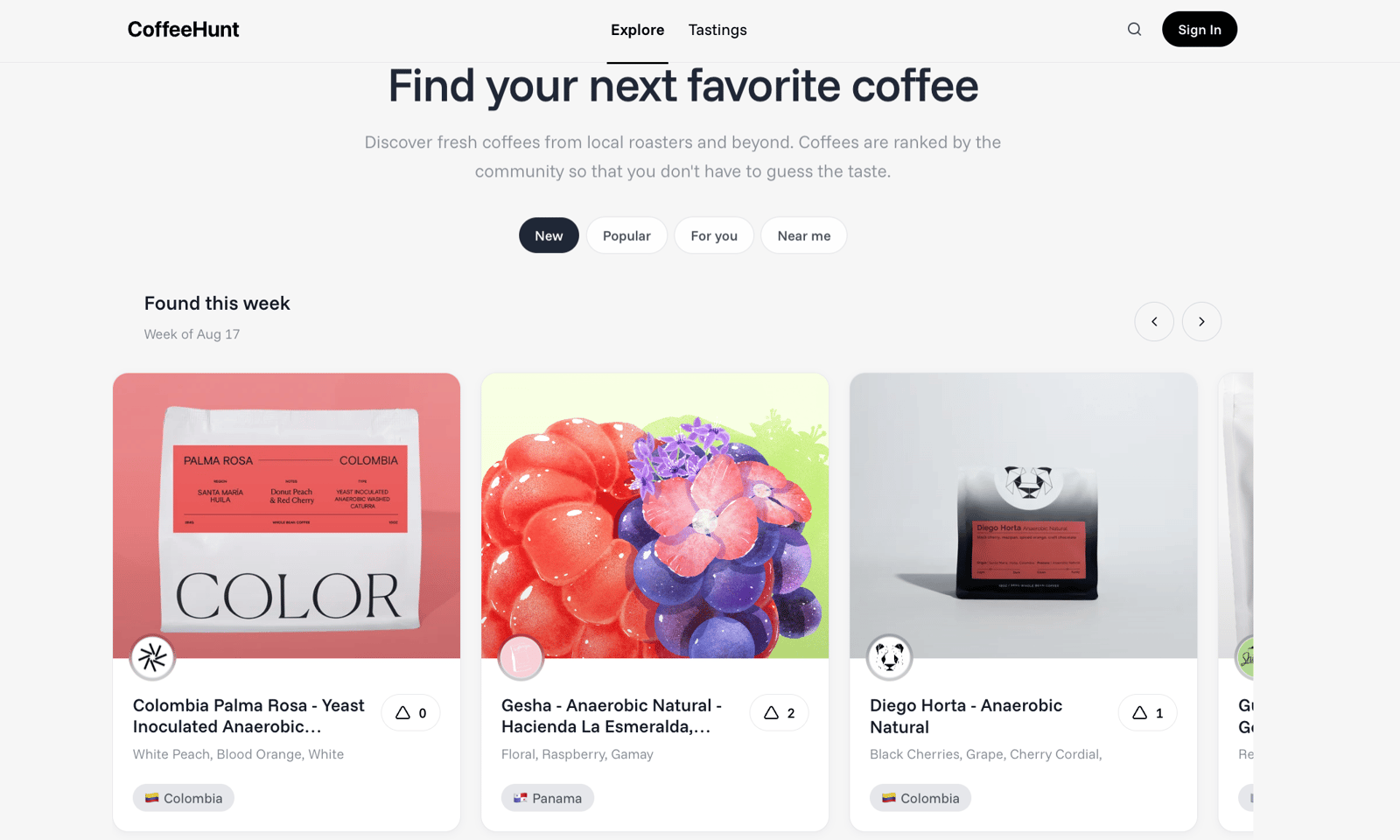
CoffeeHunt is a community-driven coffee discovery site. Every week it publishes a new batch of drops pulled from dozens of independent specialty roasters, ranked by the community.
The catch: coffee roasters run their own stores on whatever platform they picked, redesign without warning, sell out in an afternoon, and none of them expose an API. A scraper-per-site means 67 sets of CSS selectors to maintain. A generic scraper with fixed rules breaks the moment a theme shows three prices on one page and picks the wrong one.
So CoffeeHunt built this on WebCrawlerAPI's AI web agent instead: natural-language prompts against product and collection pages, reading them the way a person would. Since late June that's roughly 1,000 completed runs across 67 roaster domains, climbing from about one run a week to 250-280 a week by early August as they added more roasters and more monitoring frequency.
Two use cases carry most of that volume.
1. Pulling structured product data
When a new coffee shows up, the agent extracts a full spec sheet from the product page: coffee name, roaster, roast level, processing method, origin, price, bag size, and more. If a field isn't stated on the page, it comes back unspecified rather than guessed. It also cross-checks the product URL's domain against a known roaster list before trusting a roaster name it reads on the page, since specialty coffee sites link to each other constantly and a page can show one roaster's name while living on a different roaster's site.
2. Stock and price monitoring
This is the biggest category by volume: recurring per-product checks against the same 67 sites, answering one question, is this coffee still buyable, and at what price. The output is in_stock, sold_out, or unknown, plus current price.
"Sold out" text on a page doesn't reliably mean the product is sold out, themes often render both "Sale" and "Sold out" badges and just hide the one that doesn't apply. So the agent judges by whether the buy action actually works, not by scanning for keywords. When it genuinely can't tell (page fails to load, captcha, JS it can't see through), it returns unknown instead of guessing wrong in either direction, a bad guess either hides a coffee someone could buy or sends a customer to a dead cart.
None of this needs a large model. CoffeeHunt runs it on a small, efficient model, since the task is reading a page and following clear rules, not open-ended reasoning, keeping per-run cost low enough to check 67 sites a few hundred times a week without it becoming a budget line to watch.
The takeaway
CoffeeHunt's setup is a decent template for anyone tracking a catalog spread across sites they don't control: affiliate product feeds, marketplace listings, competitor pricing, anything where the "source of truth" is somebody else's website and somebody else's redesign schedule.
If you're dealing with something similar, WebCrawlerAPI's AI web agent takes a URL and a natural-language goal and handles the navigation and extraction for you.
