Looking for an open source web crawler you can run yourself? This guide covers the best self-hostable options: libraries and tools you install, run, and maintain on your own infrastructure.
Not interested in managing infrastructure? If you want a production-ready crawling API without the operational overhead, see our managed web crawling services guide instead. Managed services handle proxies, retries, anti-bot handling, and scaling for you.
What Is an Open Source Web Crawler?
An open source web crawler is code you can read, run, and modify yourself, usually under an MIT, Apache, or BSD license. No vendor, no per-request bill, no black box. You clone the repo, install it, and it's yours to run on whatever infrastructure you already have. For Python-based crawlers, the Python web crawler page shows a managed alternative to running one yourself.
That freedom comes with a real tradeoff:
- Open source: you own the infrastructure, the scaling, the bug fixes, the maintenance. No monthly bill for a crawl API, but you're paying in servers and engineering time instead.
- Managed services: the vendor handles servers, updates, anti-bot bypass, and support. Faster to ship, easier to scale, but you pay per request and you're stuck with whatever the API gives you.
Open source tools make sense when you need full control over the crawling process, have specific requirements a hosted API won't meet, or simply prefer not to send data through a third-party service. Managed services win when per-request pricing is worth it to avoid owning the ops.
Comparison Table
| Tool | Language | Best For | GitHub Stars | LLM-Ready Output |
|---|---|---|---|---|
| Firecrawl | Python, JS/TS, Go, Rust | Full crawl API you self-host | 177k+ | Yes |
| Scrapy | Python | Large-scale structured extraction | 64k+ | No |
| Crawlee | JS/TS, Python | Code-level control, production crawlers | 25.7k+ | No |
| Crawl4AI | Python | Clean markdown for AI/RAG pipelines | 81.8k+ | Yes |
| LLM Scraper | TypeScript | Schema-based extraction from messy HTML | 6.9k+ | Yes (schema, not markdown) |
| Katana | Go | Fast URL/endpoint discovery | 17.4k+ | No |
| ScrapeGraphAI | Python | Natural-language extraction, no selectors | 30.6k+ | Yes |
Star counts change fast in this space — check the repos before you commit to one.
1. Firecrawl
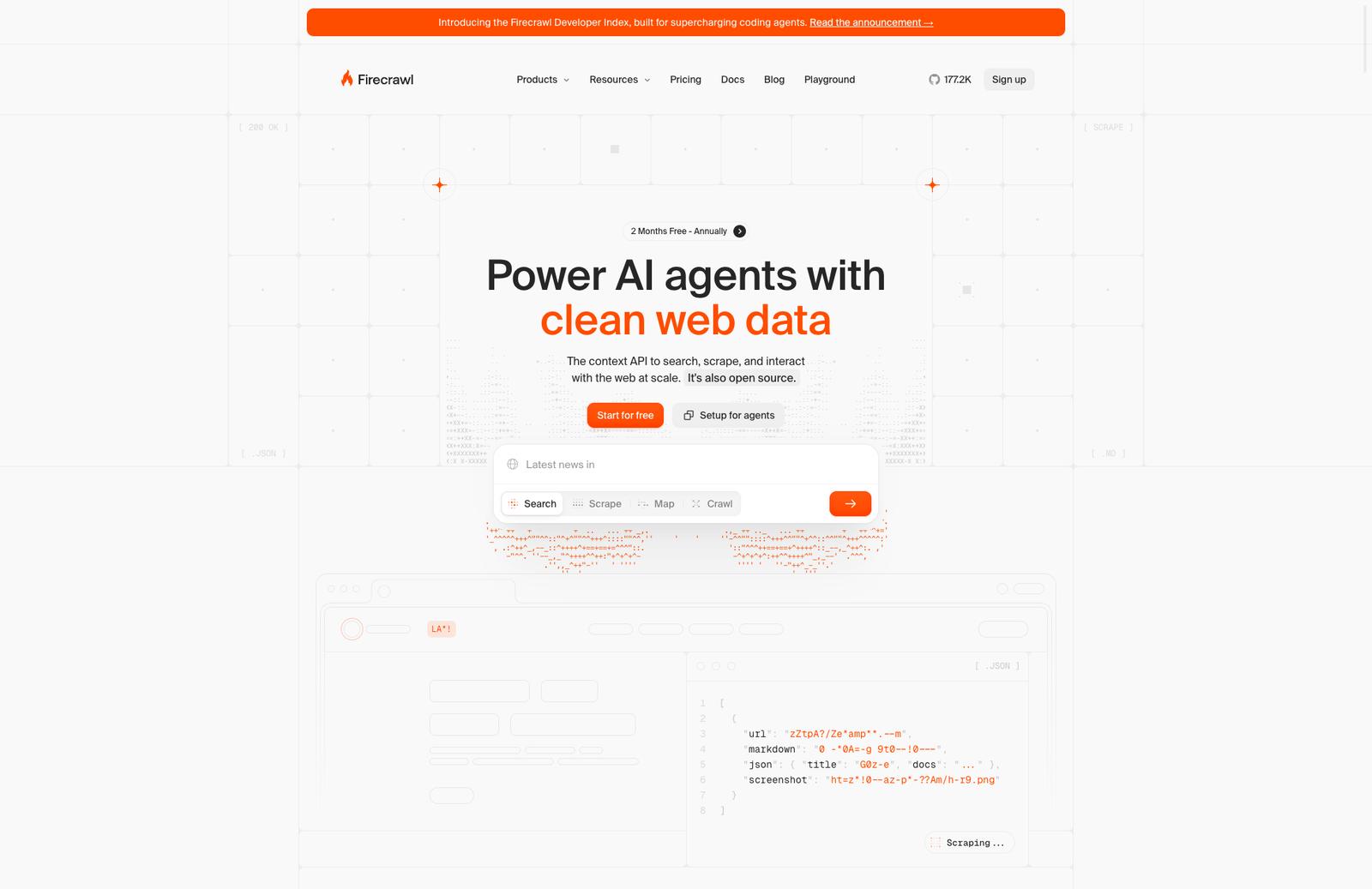
Firecrawl is both a managed crawling API and an open source project you can self-host. 177k+ GitHub stars, TypeScript, well-maintained. It's the most recognized tool in this space right now.
The open source version covers the core use case: give it a URL, get back markdown, HTML, or structured JSON. It handles JavaScript rendering via Playwright, supports site mapping, batch crawling, and basic scraping actions. Self-hosted runs via Docker Compose and exposes the same REST API as the cloud version.
Before you commit to self-hosting though: the self-hosted version is missing several key features that the cloud product has. There's no Fire-engine (the proprietary anti-bot and proxy layer), no /agent endpoint for AI-driven autonomous crawling, and no browser sandbox. If you hit a site with aggressive bot detection, the self-hosted version will struggle where the cloud version handles it.
When Firecrawl self-hosted fits
- You want a full crawl API (scrape, crawl, map, batch) running on your own infrastructure
- Data privacy or compliance requirements prevent using a third-party API
- You don't need the advanced anti-bot layer for your target sites
- You want the same developer experience as the managed API but self-controlled
Key Features (self-hosted)
- Scrape any URL to markdown, HTML, screenshot, or structured JSON
- Full site crawl from a seed URL with configurable depth and limits
- Site mapping - discover all URLs on a domain
- Batch scraping for multiple URLs in parallel
- Basic page actions: click, type, wait, scroll
- REST API compatible with the cloud version - swap the base URL to migrate
- SDKs for Python and JavaScript/TypeScript
- Docker Compose setup, runs on 2GB RAM minimum
Code Example
from firecrawl import Firecrawl

# Point to your self-hosted instance or the cloud API
app = Firecrawl(api_url="http://localhost:3002")

# Scrape a single page
result = app.scrape("https://example.com", formats=["markdown"])
print(result)

# Crawl an entire site
crawl = app.crawl_url("https://docs.example.com", limit=50)
Self-hosting setup:
git clone https://github.com/firecrawl/firecrawl
cd firecrawl
docker compose up
# API available at http://localhost:3002
Potential Drawbacks
- Self-hosted version lacks Fire-engine - no managed proxies, no advanced anti-bot bypass
- No /agent or /browser endpoints in self-hosted - those are cloud-only
- Requires Docker, PostgreSQL, and Redis - more infra than a simple library
- You'll need to configure your own LLM (OpenAI or Ollama) for JSON extraction features
- Operational overhead: monitoring, updates, scaling are all on you
If your target sites are well-behaved, Firecrawl self-hosted is the cleanest crawl API you can run yourself. If you need anti-bot handling, just use the managed service - no self-hosted setup will replicate that layer.
2. Scrapy
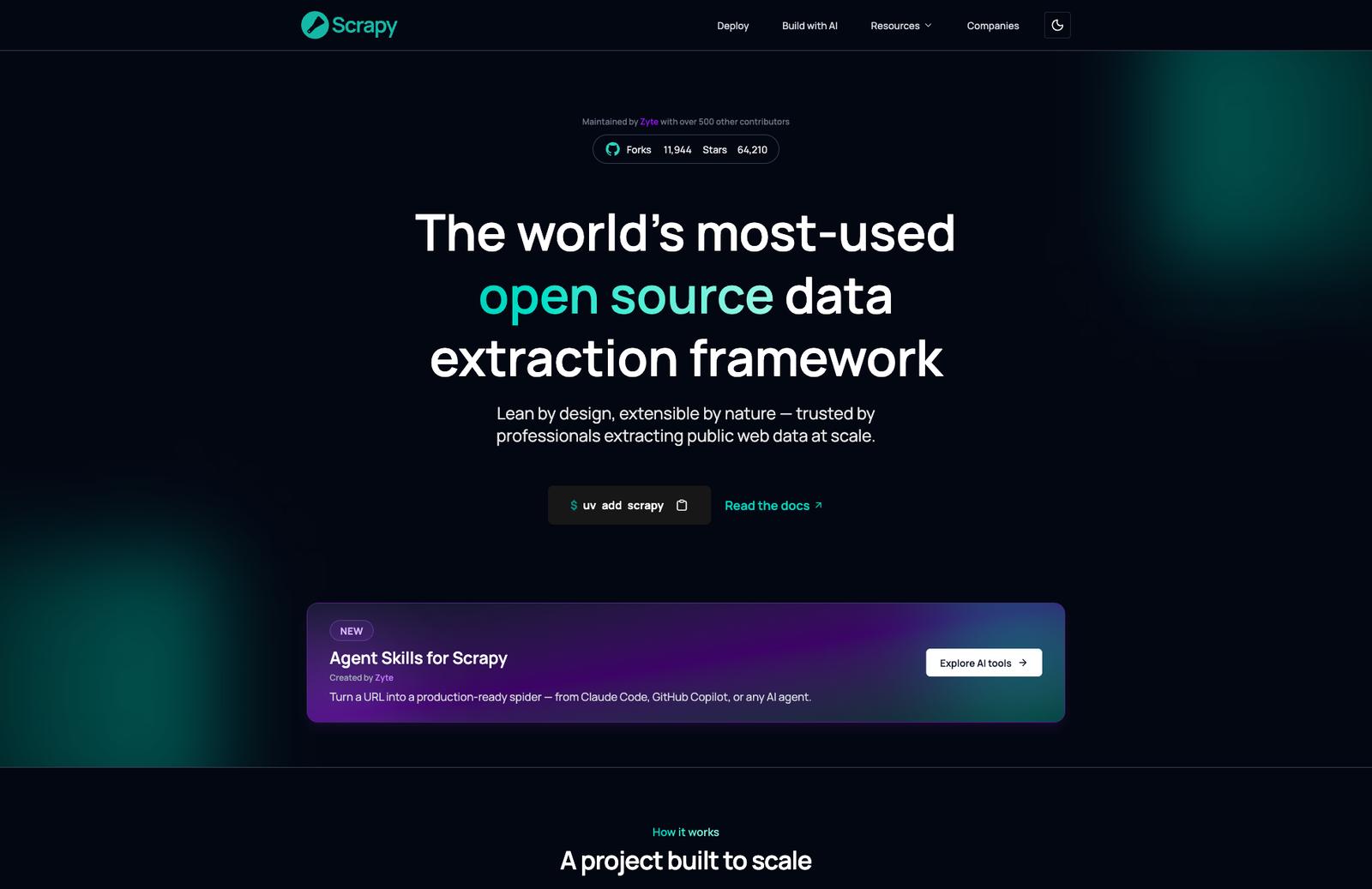
Scrapy has been the default choice for serious Python web scraping since 2008. 64k+ GitHub stars, BSD 3-Clause license, built on Twisted - an event-driven networking engine that lets it fire off thousands of concurrent requests without breaking a sweat.
It skips browser overhead entirely and works at the raw HTTP level, which makes it significantly faster than browser-based tools on static, server-rendered sites. The architecture splits work into distinct pieces: spiders define what to scrape, middleware handles request/response processing, item pipelines clean and store the data. That modularity is what lets it scale to millions of pages, but it also means a real learning curve before you're productive - Scrapy is a framework, not a one-liner.
Where it falls short is JavaScript. Scrapy was built for an era of server-rendered HTML, and dynamic content needs Splash or scrapy-playwright bolted on. If your target sites lean heavily on client-side rendering, you'll spend more time fighting Scrapy than using it - a browser-based tool from this list will save you the headache.
When Scrapy fits
- You're scraping static or server-rendered pages at real scale (thousands to millions of URLs)
- You want fine-grained control over request scheduling, retries, and concurrency
- You're comfortable investing time up front to learn the spider/pipeline architecture
- You're already in the Python ecosystem and want the most battle-tested option there
- You don't need markdown or LLM-ready output out of the box - you're building your own pipeline
Not the right fit if your target sites are JS-heavy and you want that handled automatically, or if you want to go from URL to clean text in an afternoon.
Key Features
- Built on Twisted for async, high-concurrency crawling
- Spider / middleware / item pipeline architecture - clean separation of concerns
- Built-in support for exporting to JSON, CSV, and XML
- Extensive middleware ecosystem for proxies, retries, and throttling
- robots.txt compliance and configurable auto-throttle out of the box
- Massive community - years of documentation, plugins, and Stack Overflow answers
- Free, BSD 3-Clause license, no cloud version to upsell you to
Code Example
import scrapy

class QuotesSpider(scrapy.Spider):
    name = "quotes"
    start_urls = ["https://quotes.toscrape.com/"]

    def parse(self, response):
        for quote in response.css("div.quote"):
            yield {
                "text": quote.css("span.text::text").get(),
                "author": quote.css("small.author::text").get(),
            }

        # Follow pagination automatically
        next_page = response.css("li.next a::attr(href)").get()
        if next_page is not None:
            yield response.follow(next_page, self.parse)
Install and run:
pip install scrapy
scrapy startproject myproject
cd myproject
scrapy genspider quotes quotes.toscrape.com
scrapy crawl quotes -o quotes.json
Potential Drawbacks
- No native JavaScript rendering - needs Splash or scrapy-playwright for dynamic sites
- Steep learning curve for the component architecture compared to a simple library
- No built-in markdown or LLM-ready output - you write your own conversion step
- Overkill for a quick one-off scrape of a handful of pages
If you're building a serious, high-volume scraper for static or server-rendered sites, Scrapy is still the tool to beat. If your targets are JS-heavy or you want clean markdown with zero setup, look at Crawl4AI or Firecrawl instead.
3. Crawlee
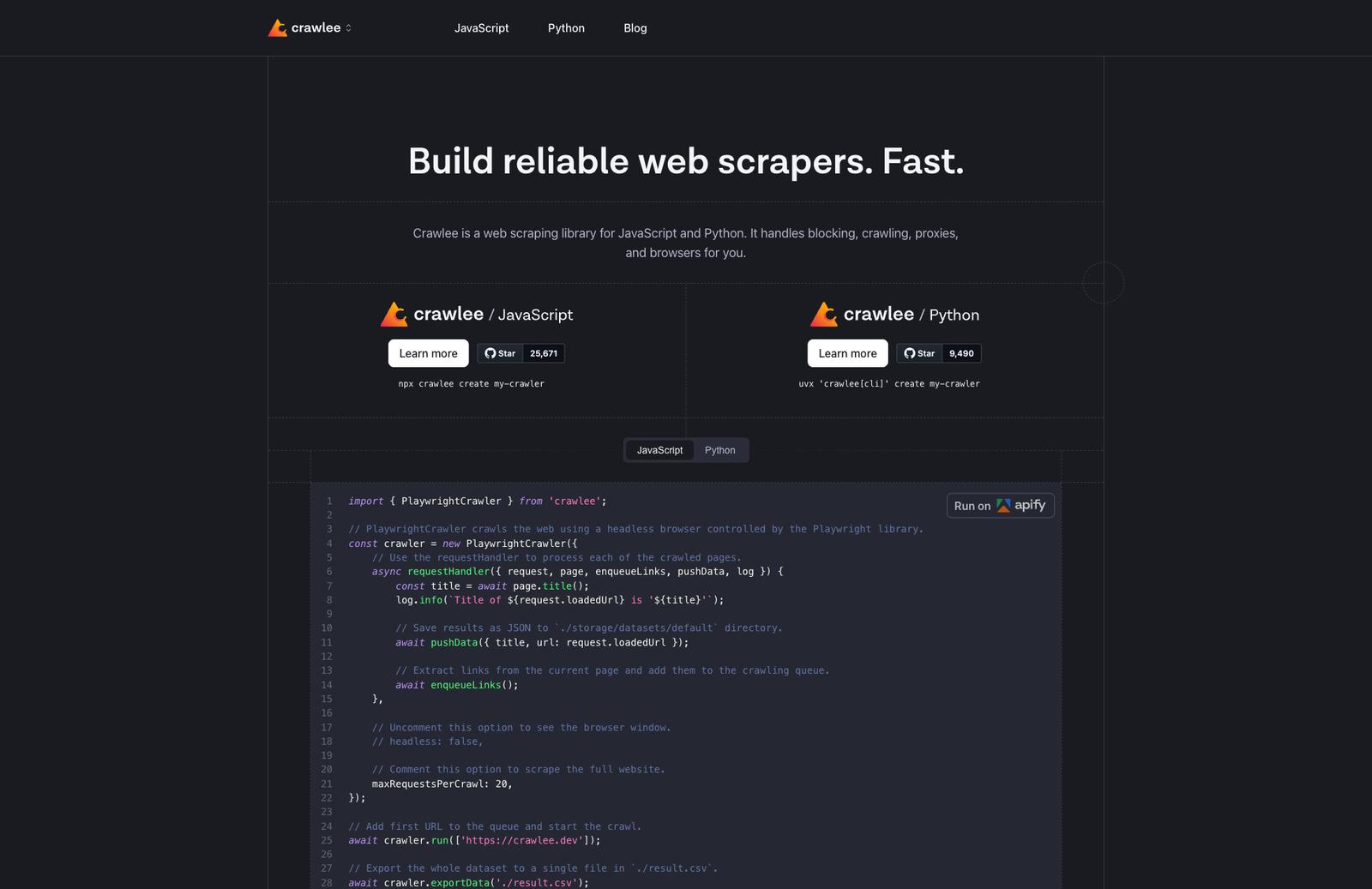
Crawlee is an open source web scraping and browser automation library built and maintained by Apify. Available in both JavaScript/TypeScript and Python. 25.7k+ GitHub stars. Apache 2.0 license.
Crawlee handles the infrastructure so you can focus on the scraping logic. Proxy rotation, session management, human-like browser fingerprints, automatic link queuing - all built in. What it doesn't do is decide what to extract or how to structure the output. That part is yours to write.
Worth noting: Crawlee is built by Apify, the same team behind the Apify platform. If your project grows beyond what you want to self-host, there's a natural path to running your Crawlee scrapers as Apify Actors in their cloud - same code, managed execution.
When Crawlee fits
- You want full code-level control over the crawling logic
- Your output format varies - sometimes JSON, sometimes markdown, sometimes raw HTML - and you need to decide that per-scraper
- You're comfortable managing your own infrastructure (a server, Docker, a cron job)
- You don't need structured extraction by default - you're fine writing selectors or processing raw content yourself
- You want to build something repeatable and maintainable, not a one-off script
It's not the right tool if you want to give it a URL and get clean markdown back with no code written. For that, use a crawl API.
Key Features
- HTTP crawling (CheerioCrawler) and headless browser crawling (PlaywrightCrawler, PuppeteerCrawler) in the same library - Crawlee is what sits on top of Playwright and Puppeteer if you don't want to wire up crawling logic yourself
- Automatic link extraction and request queue management
- Built-in proxy rotation and session handling
- Human-like browser fingerprints out of the box - helps avoid detection without extra config
- Export to JSON, CSV, or any custom format
- Available in JavaScript/TypeScript (Node.js 16+) and Python
- Forever free, Apache 2.0
Code Example
Here's a basic Crawlee crawler in Node.js that crawls a site, logs page titles, and saves results to a dataset:
import { PlaywrightCrawler, Dataset } from 'crawlee';

const crawler = new PlaywrightCrawler({
    async requestHandler({ request, page, enqueueLinks, log }) {
        const title = await page.title();
        log.info(`Crawling: ${request.loadedUrl}`);

        // Save whatever you need - title, HTML, markdown, custom extraction
        await Dataset.pushData({ title, url: request.loadedUrl });

        // Automatically finds and queues links on the page
        await enqueueLinks();
    },
});

await crawler.run(['https://example.com']);
Install and run:
npx crawlee create my-crawler
# or manually
npm install crawlee playwright
The Python version works similarly with BeautifulSoupCrawler for lightweight HTTP crawling or PlaywrightCrawler for JS-heavy sites.
Potential Drawbacks
- You write and maintain all the code - selectors, output format, storage, scheduling
- No built-in markdown or LLM-ready output - you handle content processing yourself
- Infrastructure is your responsibility: server, scaling, monitoring, retries at the job level
- Steeper learning curve than calling a crawl API
If you're building a serious, maintainable scraping system and want library-level control, Crawlee is the best fit here. If you're prototyping or need something working in an afternoon, a managed API will be faster.
4. Crawl4AI
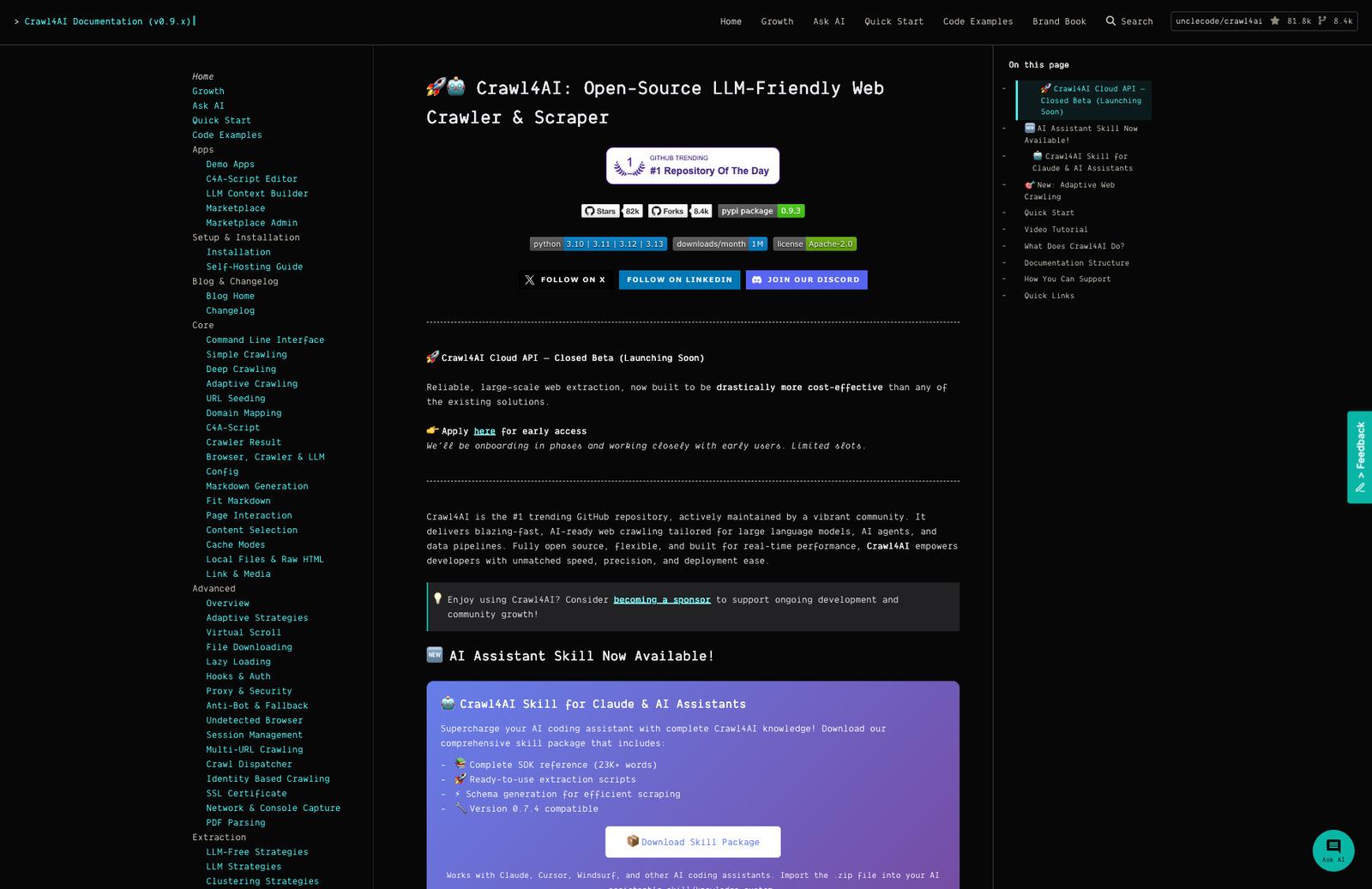
Crawl4AI is an open source Python crawler built specifically for AI workflows. 81.8k+ GitHub stars, no cloud version - you run it yourself. Give it a URL, get back clean markdown. Simple model, no API keys required.
The project moves fast. Recent releases added crash recovery and a prefetch mode that's 5-10x faster on large jobs. There's an active community (50k+ developers) and the repo is sponsored, which suggests the maintainer isn't going away soon.
When Crawl4AI fits
- You want clean markdown output from URLs but don't want to pay for a managed service
- You're already working in Python
- You need to self-host for data privacy or compliance reasons
- You want more extraction control than a simple crawl API provides - CSS selectors, semantic filtering, JS execution
- You're building something at scale and want to avoid per-page API costs
No cloud version means no managed proxies, no anti-bot handling as a service, no SLA. You handle all of that.
Key Features
- Clean markdown output from any URL - no API keys, no subscriptions
- Multiple extraction strategies: CSS/XPath selectors, cosine similarity semantic matching, BM25 relevance filtering
- JavaScript execution via Playwright - handles dynamic, JS-heavy pages
- Session reuse, proxy support, stealth modes, persistent browser authentication
- Parallel processing built in - designed for high-volume crawling
- Deploy as CLI (crwl), Docker container, REST API, or use as a Python library
- Fully open source, no mandatory subscriptions
Code Example
import asyncio
from crawl4ai import AsyncWebCrawler

async def main():
    async with AsyncWebCrawler() as crawler:
        result = await crawler.arun(
            url="https://docs.example.com/"
        )
        print(result.markdown)  # Clean markdown, ready to use

asyncio.run(main())
Install:
pip install -U crawl4ai
crawl4ai-setup   # installs Playwright browsers
crawl4ai-doctor  # verifies the setup
Potential Drawbacks
- Python only - no JavaScript/TypeScript SDK
- No managed infrastructure: you're responsible for proxies, anti-bot handling, scaling, and uptime
- Self-hosting adds operational overhead compared to a crawl API
- Still pre-1.0 (v0.8.x) - API can change between releases
For Python-based AI workflows where you want clean output without a managed service, Crawl4AI is hard to beat. It won't suit production use cases where reliability and anti-bot handling matter at scale, but for research, prototyping, or internal tooling it does the job well.
5. LLM Scraper
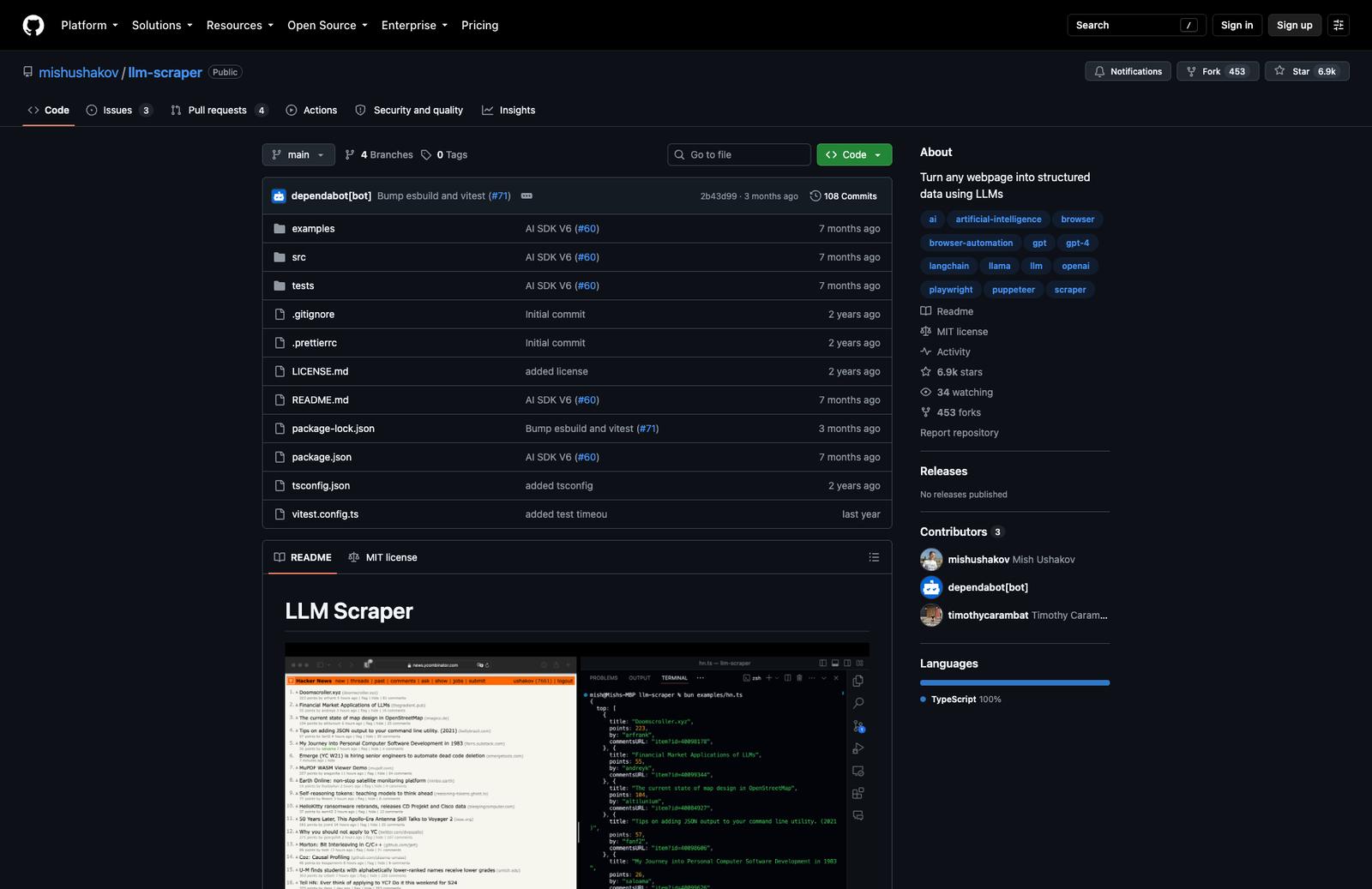
LLM Scraper is a TypeScript library that uses an LLM to extract structured data from web pages. You define a Zod schema describing what you want, point it at a page, and the model figures out the extraction. 6.9k+ stars, actively maintained.
Unlike everything else on this list, LLM Scraper doesn't use CSS selectors or XPath. It sends the page content to a language model and asks it to fill in your schema. That means it handles messy, inconsistent HTML well - but it also means every extraction costs an LLM API call.
It's built on Playwright and supports OpenAI, Claude, Gemini, Llama, and others through the Vercel AI SDK.
When LLM Scraper fits
- You need structured typed data from pages with inconsistent or complex HTML
- You don't want to write and maintain CSS selectors
- You're already using an LLM in your stack and the per-request cost is acceptable
- You're building in TypeScript and want full type safety on the extracted output
- The target sites are few and the extraction logic is hard to express as selectors
It's not a general-purpose site crawler. It loads one page at a time via Playwright, extracts from it, and returns typed data. There's no built-in link following or bulk crawling.
Key Features
- Schema-based extraction via Zod - define what you want, get typed TypeScript output back
- Supports any LLM through Vercel AI SDK: OpenAI, Claude, Gemini, Llama, Qwen
- 6 content formats: HTML, raw HTML, markdown, plain text, screenshots (for multimodal models), or custom
- Streaming support - get partial results as the model processes
- Code generation mode - outputs reusable Playwright scripts instead of just data
- TypeScript, MIT license
Code Example
import { chromium } from 'playwright'
import LLMScraper from 'llm-scraper'
import { openai } from '@ai-sdk/openai'
import { z } from 'zod'

const browser = await chromium.launch()
const scraper = new LLMScraper(openai('gpt-4o'))
const page = await browser.newPage()
await page.goto('https://news.ycombinator.com')

// Define exactly what you want - the LLM does the extraction
const schema = z.object({
  top: z.array(z.object({
    title: z.string(),
    points: z.number(),
    by: z.string(),
  })).length(5).describe('Top 5 stories on Hacker News'),
})

const { data } = await scraper.run(page, schema, { format: 'html' })
console.log(data.top)

await browser.close()
Install:
npm install zod playwright llm-scraper @ai-sdk/openai
Potential Drawbacks
- Every extraction costs an LLM API call - this adds up at scale
- Slower than selector-based extraction - you're waiting on an LLM response each time
- No built-in crawling - you handle page navigation and link following yourself
- Requires a Playwright browser running locally - adds setup overhead
- Small compared to Scrapy or Crawlee - smaller community, fewer examples
When the extraction logic is too messy or variable for selectors, letting a model handle it makes sense. If you need to crawl many pages cheaply and fast, the per-call LLM cost will make it impractical - Scrapy or Crawlee will serve you better there.
6. Katana
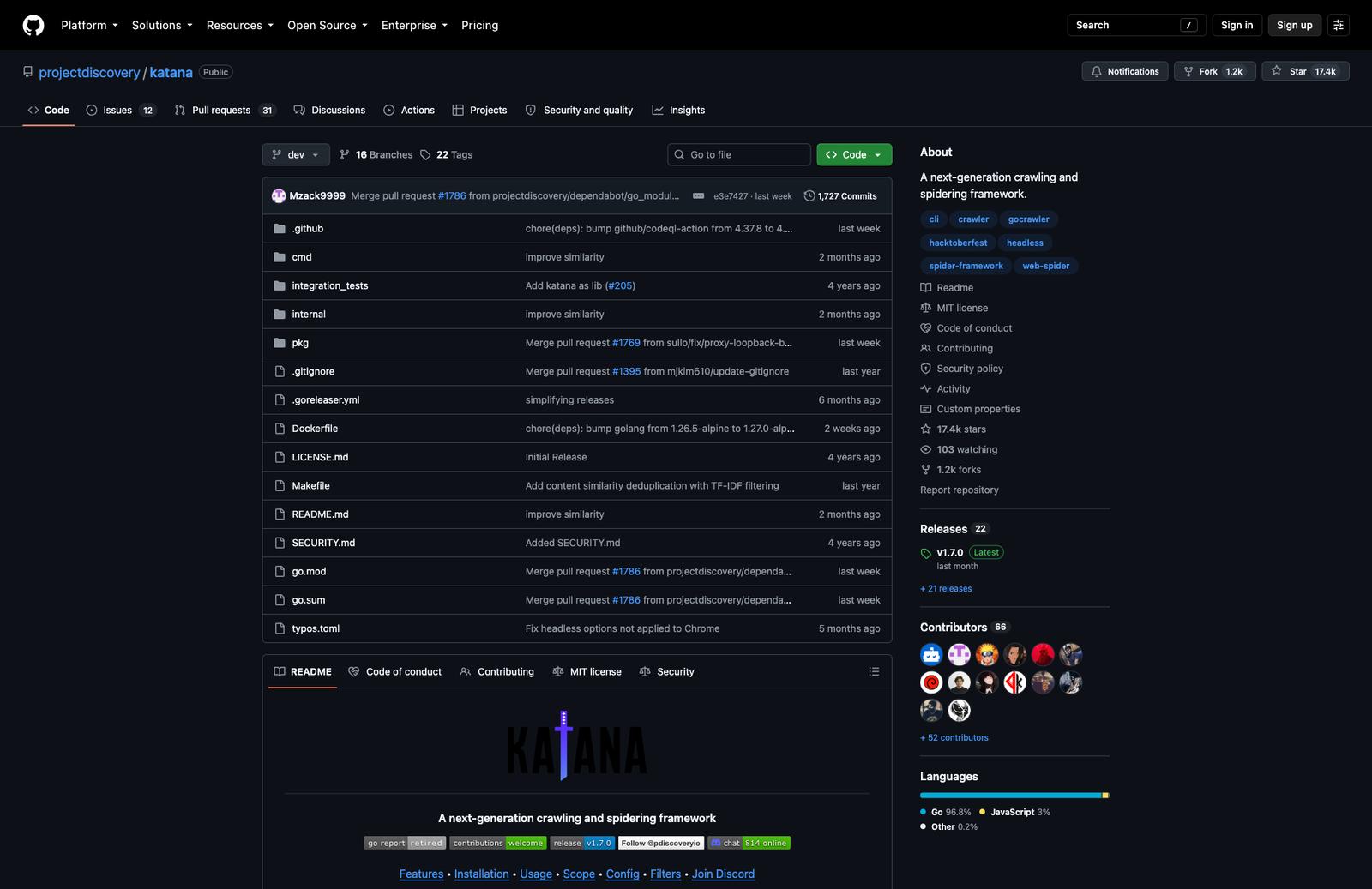
Katana is a crawling and spidering framework by ProjectDiscovery, the team behind tools like Nuclei and httpx. Written in Go. 17.4k+ GitHub stars. Actively maintained.
It's the outlier on this list. Katana is not about extracting content - it's about discovering URLs and endpoints. You give it a domain, it maps every URL, endpoint, and path it can find, including ones buried in JavaScript files. The primary audience is security researchers and pentesters mapping an attack surface, not developers building data pipelines.
That said, it's useful in a content crawling context too: if you need a fast, complete list of all URLs on a site before deciding what to scrape, Katana is one of the best tools for that job.
When Katana fits
- You need to map all URLs and endpoints on a site quickly
- You want to discover hidden endpoints in JavaScript files
- You're doing security research, bug bounty, or reconnaissance
- You need a fast CLI tool you can pipe into other tools (httpx, nuclei, etc.)
- You want a Go binary with no runtime dependencies to install
Not the right fit if you need to extract page content, generate markdown, or get structured data out of pages.
Key Features
- Dual crawling modes: fast HTTP-based and headless browser (for JS-heavy sites)
- JavaScript endpoint extraction - parses JS files to find hidden URLs and API paths
- Scope management - crawl within specific domains, subdomains, or regex-defined boundaries
- Output to stdout, file, or JSON - easy to pipe into other tools
- Experimental form filling for discovering endpoints behind forms
- CAPTCHA solving support (reCAPTCHA, Turnstile, hCaptcha via capsolver)
- Single binary, no runtime required - install via Go, Homebrew, or Docker
Usage Example
# Basic crawl - outputs all discovered URLs
katana -u https://example.com

# Headless mode for JavaScript-heavy sites
katana -u https://example.com -headless

# Output as JSON
katana -u https://example.com -json-output

# Pipe from a list of domains
cat domains.txt | katana -o output.txt
Install:
go install github.com/projectdiscovery/katana/cmd/katana@latest
# or
brew install katana
Potential Drawbacks
- Not a content extractor - outputs URLs, not page content or markdown
- Go-only - no library to import into your Python or TypeScript project
- CLI-first design, less suited for embedding in an application
- Security tooling origins mean features are oriented toward recon, not data extraction
Pair Katana with something like Crawl4AI if you need both URL discovery and content extraction - Katana is fast and thorough at the discovery part, but stops there.
7. ScrapeGraphAI
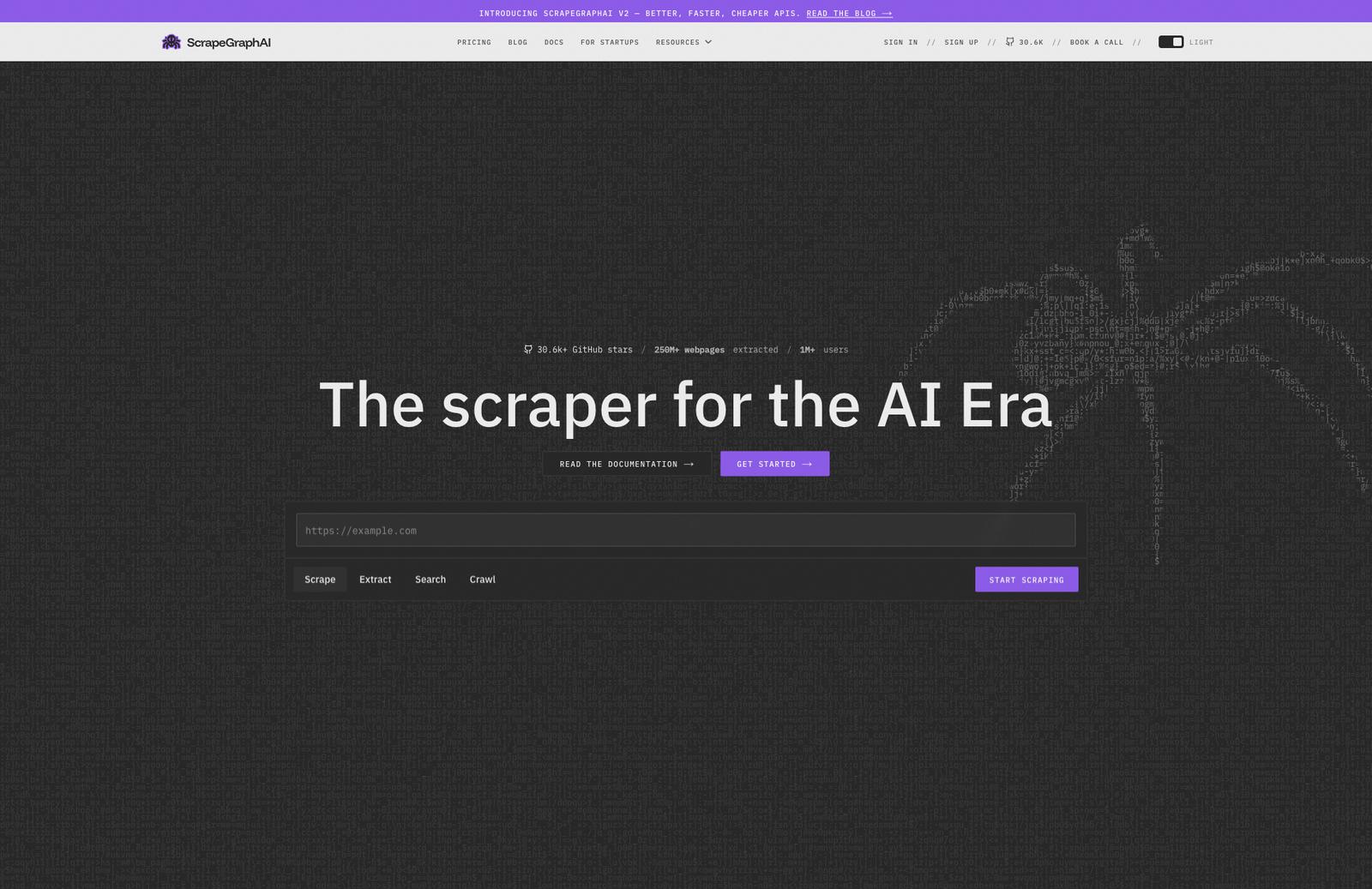
ScrapeGraphAI is a Python library that uses LLMs to extract data from web pages using natural language prompts instead of CSS selectors or XPath. You describe what you want in plain English, and the model figures out the extraction. 30.6k+ GitHub stars, MIT license. It moves fast, with frequent releases.
It also has a cloud API with its own pricing tier, but the open source library is fully functional on its own - you bring your own LLM (OpenAI, Groq, Gemini, or Ollama locally).
When ScrapeGraphAI fits
- You want to extract specific information from a page without writing selectors
- You're already using an LLM and the per-request cost is acceptable
- You need flexible output: JSON, CSV, XML, or Markdown depending on the use case
- You want to run extraction locally with Ollama at no API cost
- You're integrating with AI agent frameworks like LangChain, Crew.ai, or Llama Index
Like LLM Scraper, every extraction costs an LLM call. Unlike LLM Scraper, you describe what you want in plain text rather than defining a Zod schema.
Key Features
- Natural language prompts for extraction - no selectors, no schema definitions
- Multiple scraping pipelines: SmartScraperGraph (single page), SearchGraph (across the web), SmartCrawler (full site), MarkdownifyGraph (page to markdown)
- Supports OpenAI, Groq, Azure, Gemini, and local Ollama models
- Built-in proxy rotation and JavaScript rendering
- Integrations with LangChain, Llama Index, Crew.ai, n8n, Zapier
- Python, MIT license
Code Example
from scrapegraphai.graphs import SmartScraperGraph

# Use Ollama locally (free) or swap for OpenAI/Gemini
graph_config = {
    "llm": {
        "model": "ollama/llama3.2",
        "model_tokens": 8192,
        "format": "json",
    },
}

scraper = SmartScraperGraph(
    prompt="Extract the company description, founders, and social media links",
    source="https://example.com/",
    config=graph_config
)

result = scraper.run()
print(result)
# Returns structured JSON with the extracted fields
Install:
pip install scrapegraphai
playwright install
Potential Drawbacks
- Every extraction costs an LLM API call - adds up fast at scale (unless using Ollama locally)
- Slower than selector-based tools - you're waiting on a model response per page
- Natural language prompts can be imprecise - results vary depending on how you phrase the prompt
- No built-in link following or queue management for large crawls
- The cloud product and open source library are separate things - docs can conflate the two
If you want structured data without writing extraction code, ScrapeGraphAI is the most accessible entry point here. The Ollama option makes it genuinely free to run. If you need to crawl at scale or want deterministic output, the LLM-per-call model will work against you - Scrapy or Crawlee are better choices.
How to Choose
Start with two questions, not a feature checklist.
First: do you need markdown or clean LLM-ready output?
- LLM-native (handle this for you): Firecrawl, Crawl4AI, ScrapeGraphAI
- You build the conversion step yourself: Scrapy, Crawlee, Katana, LLM Scraper (schema output, not markdown)
Second: does the target site need a real browser?
- Browser-based (renders JavaScript): Firecrawl, Crawlee, Crawl4AI, LLM Scraper, ScrapeGraphAI, Katana (with -headless)
- HTTP-only (faster, static/server-rendered HTML only): Scrapy, Katana (default mode)
Once those two are answered, language and team familiarity decide the rest. Python teams choosing between raw control and speed will land on Scrapy; the same teams wanting AI-ready output land on Crawl4AI. Node/TypeScript teams building something maintainable pick Crawlee; ones extracting typed data from a handful of messy pages pick LLM Scraper. Security and recon workflows are Katana's job, full stop.
There's no single "best" open source crawler. If you want the most ground covered with the least setup, Firecrawl self-hosted gets you closest to a full crawl API. If you're building a serious high-volume scraper of static pages, Scrapy is still the one to beat. Everything else on this list is the right tool for a narrower job.
Frequently Asked Questions
What's the difference between a web crawler and a web scraper?
A crawler discovers URLs by following links across a site. A scraper extracts data from specific pages. Most tools on this list do both, with the emphasis differing by tool - Scrapy and Crawlee are crawl-first with extraction built in, while LLM Scraper is page-focused and needs to be wrapped in your own crawling logic if you want to cover a whole site.
Which open source crawler is best for beginners?
Crawl4AI has the lowest barrier to a working result: pip install, three lines of Python, and you get clean markdown back with no API keys or config. Firecrawl self-hosted is the next step up if you want a full REST API rather than a library.
Can I use these tools for commercial projects?
Yes. All seven use permissive licenses (MIT, Apache 2.0, or BSD), except Firecrawl, which is AGPL. AGPL only requires you to open-source your modifications if you distribute the modified software - using it internally or via its API doesn't trigger that clause. Check each repo's LICENSE file before shipping, since terms can change between releases.
Which of these is fastest?
For raw HTTP crawling of static or server-rendered pages, Scrapy is the fastest tool here - no browser overhead, async by default, built to handle millions of pages. Anything running a real browser (Firecrawl, Crawlee, Crawl4AI) will be slower per page, but that's the cost of handling JavaScript-heavy sites correctly. Speed matters less than reliability: a fast crawler that misses half the content isn't actually faster.