Looking for Firecrawl alternatives? This guide compares five options for teams that want production-ready crawling without stitching together an open source stack: WebCrawlerAPI, Crawlee, Spider, Apify, and Browser Use.
Looking for free, self-hostable options instead? See our best open source web crawlers guide. Looking for Apify alternatives specifically? See our best Apify alternatives guide.
Why Look for Firecrawl Alternatives?
Teams usually start looking for a Firecrawl alternative for one of four reasons: pricing gets expensive at scale, rate limits become a bottleneck, they need something optimized for a narrower use case, or they want a different product model entirely. Some need a clean crawling API for LLM pipelines. Others need actor-based scraping workflows, stronger browser automation, or a self-hostable stack. There's no single right replacement — it depends on whether you care most about low-cost page extraction, marketplace flexibility, AI-ready output, or agent-style browser control.
Quick Comparison
| Tool | Pricing | Best for | Main tradeoff |
|---|---|---|---|
| WebCrawlerAPI | Pay-as-you-go, $2 per 1k pages | AI teams that want clean markdown from a simple, reliable crawl API | Crawl-and-return only - no page actions, agents, or automation workflows |
| Crawlee | Free, open source | Teams that want full code-level control over crawling logic | You write and maintain all the code; no built-in markdown output |
| Spider | Usage-based, custom/variable | Teams that want a powerful managed crawler with customisation | Pricing is harder to predict |
| Apify | Credits-based, roughly ~$5-$10/1k | Teams that want ready-made actors and workflow flexibility | Can become costly if you only need simple crawling |
| Browser Use | From $40/mo PAYG or $75/mo sub | AI agents that need to interact with websites in a browser | Not a direct crawling API replacement |
Pricing Comparison
If you are specifically comparing Firecrawl pricing vs competitors, this is the fastest way to narrow the list.
| Tool | Pricing model | Cost per 1k pages | Free tier / trial |
|---|---|---|---|
| WebCrawlerAPI | Pay-as-you-go | $2 | $10 credit |
| Crawlee | Free | $0 (self-hosted) | Fully free |
| Apify | Credits-based | ~$5-$10 | $5/month |
| Spider | Usage-based | Varies | No clear self-serve free tier |
| Browser Use | Task + session | N/A (per-task) | 5 prompts free |
This makes the tradeoff clear: if you want a simple, focused crawl API with predictable pricing, WebCrawlerAPI is the most direct option on this list. If you want full code control and don't mind managing infrastructure, Crawlee is the strongest open source option. If you need a broader automation platform, Apify or Browser Use may justify the higher per-task cost.
1. WebCrawlerAPI
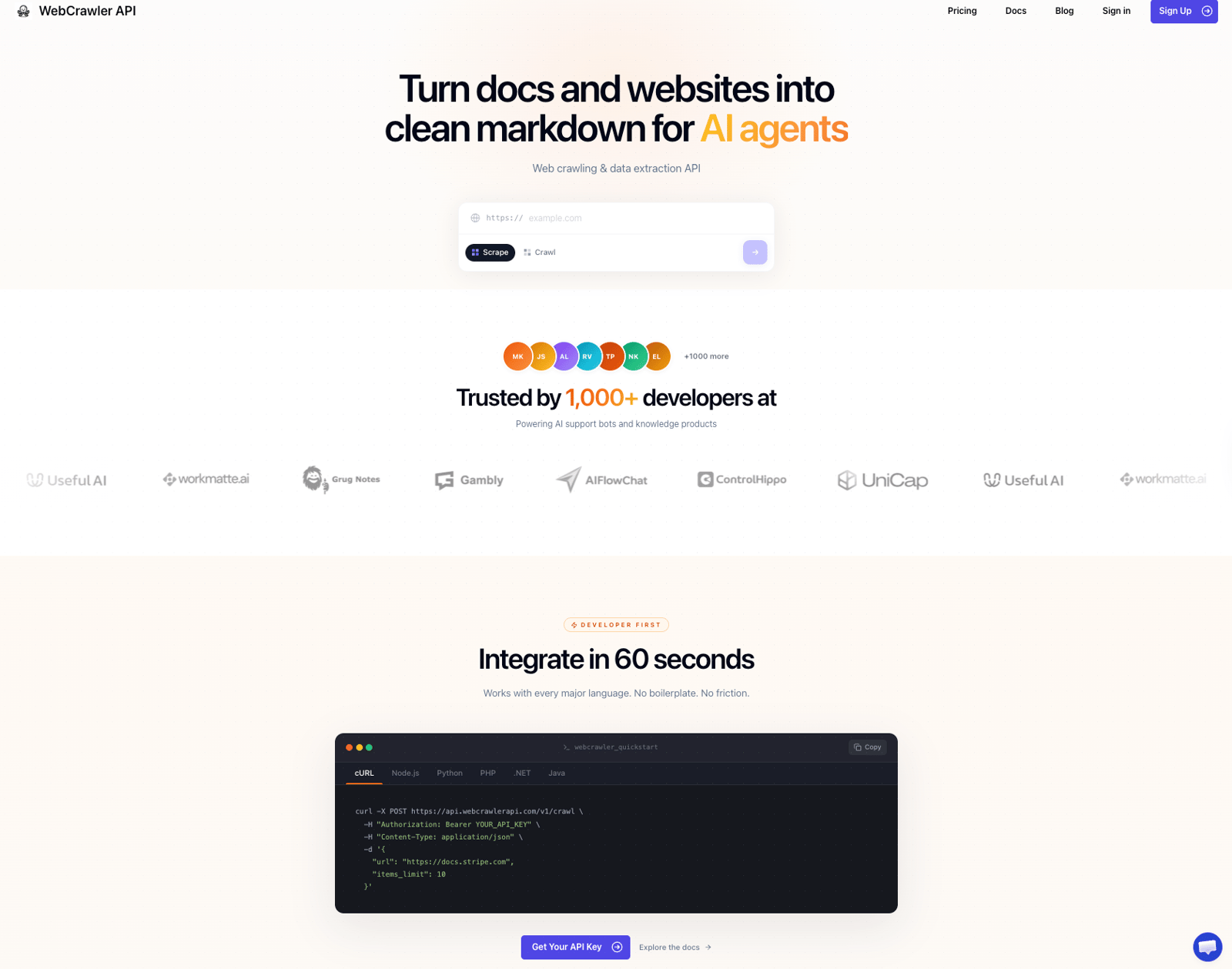
Full disclosure: I'm the founder of WebCrawlerAPI, so I'm biased. I built it because building AI pipelines made me realize how bad the crawling layer usually is — most of the work ended up being HTML cleanup, retry logic, and fighting JavaScript rendering. I wanted to solve that once and stop thinking about it.
The use case it fits best: you're building an AI support bot, a knowledge assistant, or an AI product that needs to ingest docs, help centers, or marketing sites into clean markdown. You don't want to deal with Playwright, proxies, retries, or HTML cleanup. You just want a URL in and usable content out.
It's intentionally narrow. There are no browser agents, no page actions, no actor marketplace. If you need any of that, Apify or Browser Use are better fits. But if you need a reliable crawl API with clean output and predictable pricing, this is the simplest path.
Key Features
- Recursive crawl from a single seed URL - give it a domain, it maps and crawls the whole site
- Output in Markdown, text, and HTML - clean enough to feed directly into an AI knowledge base
- JavaScript rendering, retries, and proxy rotation included - no infra to manage
- Feed API - get only new or changed pages via webhook, RSS, or JSON
- SDKs for JavaScript/TypeScript, Python, PHP, and .NET
Here's a basic example of integrating WebCrawlerAPI using Node.js. More Node.js crawl examples are on the JavaScript web crawler page:
import webcrawlerapi from "webcrawlerapi-js";

const client = new webcrawlerapi.WebcrawlerClient("YOUR_API_KEY");

const result = await client.crawl({
  url: "https://stripe.com/",
  scrape_type: "markdown",
  items_limit: 10,
});
Pricing
WebCrawlerAPI uses pay-as-you-go pricing at $2 per 1k pages.
Potential Drawbacks
- Crawl-and-return only - no page actions, multi-step workflows, or agent features
- No cookie or session support - can't crawl authenticated pages
- No sitemap-first crawling mode
If your job is crawling docs, help centers, or websites into clean content for an AI knowledge base, this is the most direct fit on this list.
2. Crawlee
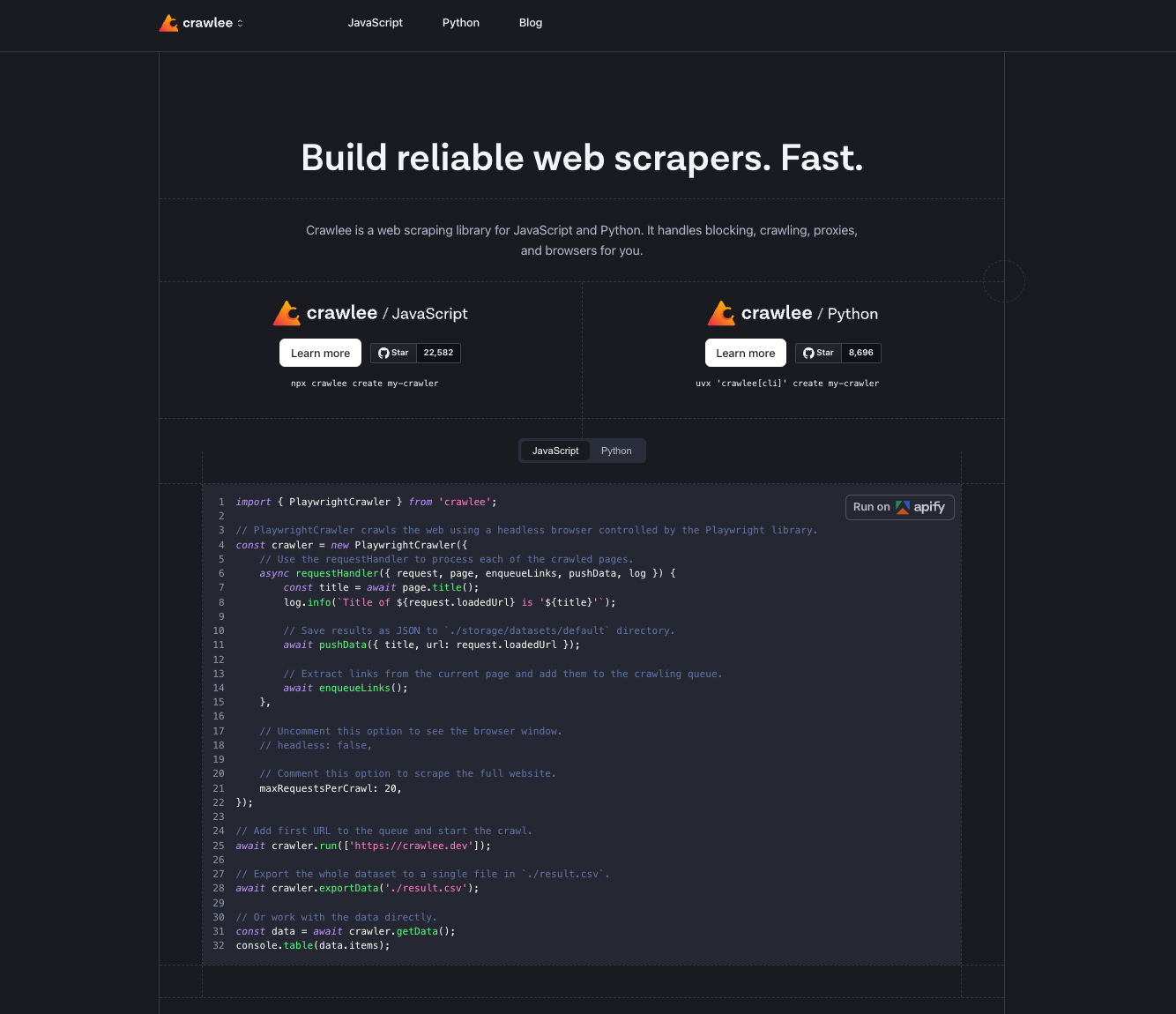
Crawlee is an open source web scraping and browser automation library built and maintained by Apify. Available in both JavaScript/TypeScript and Python. 22k+ GitHub stars. Apache 2.0 license.
The core idea: Crawlee handles the infrastructure so you can focus on the scraping logic. Proxy rotation, session management, human-like browser fingerprints, automatic link queuing - all built in. What it doesn't do is decide what to extract or how to structure the output. That part is yours to write.
It's a Firecrawl alternative in the sense that it solves the same underlying problem - getting content from the web - but at a lower level. You're writing code, not calling an API.
Key Features
- HTTP crawling (CheerioCrawler) and headless browser crawling (PlaywrightCrawler, PuppeteerCrawler) in the same library
- Automatic link extraction and request queue management
- Built-in proxy rotation and session handling
- Human-like browser fingerprints out of the box - helps avoid detection without extra config
- Export to JSON, CSV, or any custom format
- Available in JavaScript/TypeScript and Python
- Forever free, Apache 2.0
import { PlaywrightCrawler, Dataset } from 'crawlee';

const crawler = new PlaywrightCrawler({
    async requestHandler({ request, page, enqueueLinks, log }) {
        const title = await page.title();
        log.info(`Crawling: ${request.loadedUrl}`);

        await Dataset.pushData({ title, url: request.loadedUrl });
        await enqueueLinks();
    },
});

await crawler.run(['https://example.com']);
Pricing
Free. Open source. You run it on your own infrastructure.
Potential Drawbacks
- You write and maintain all the code - selectors, output format, storage, scheduling
- No built-in markdown or LLM-ready output - you handle content processing yourself
- Infrastructure is your responsibility: server, scaling, monitoring, retries at the job level
- Steeper learning curve than calling a crawl API
Crawlee is the right option if you want library-level control and don't mind writing the scraping logic yourself. If you want a URL in and clean markdown out, a managed API will get you there faster.
3. Spider
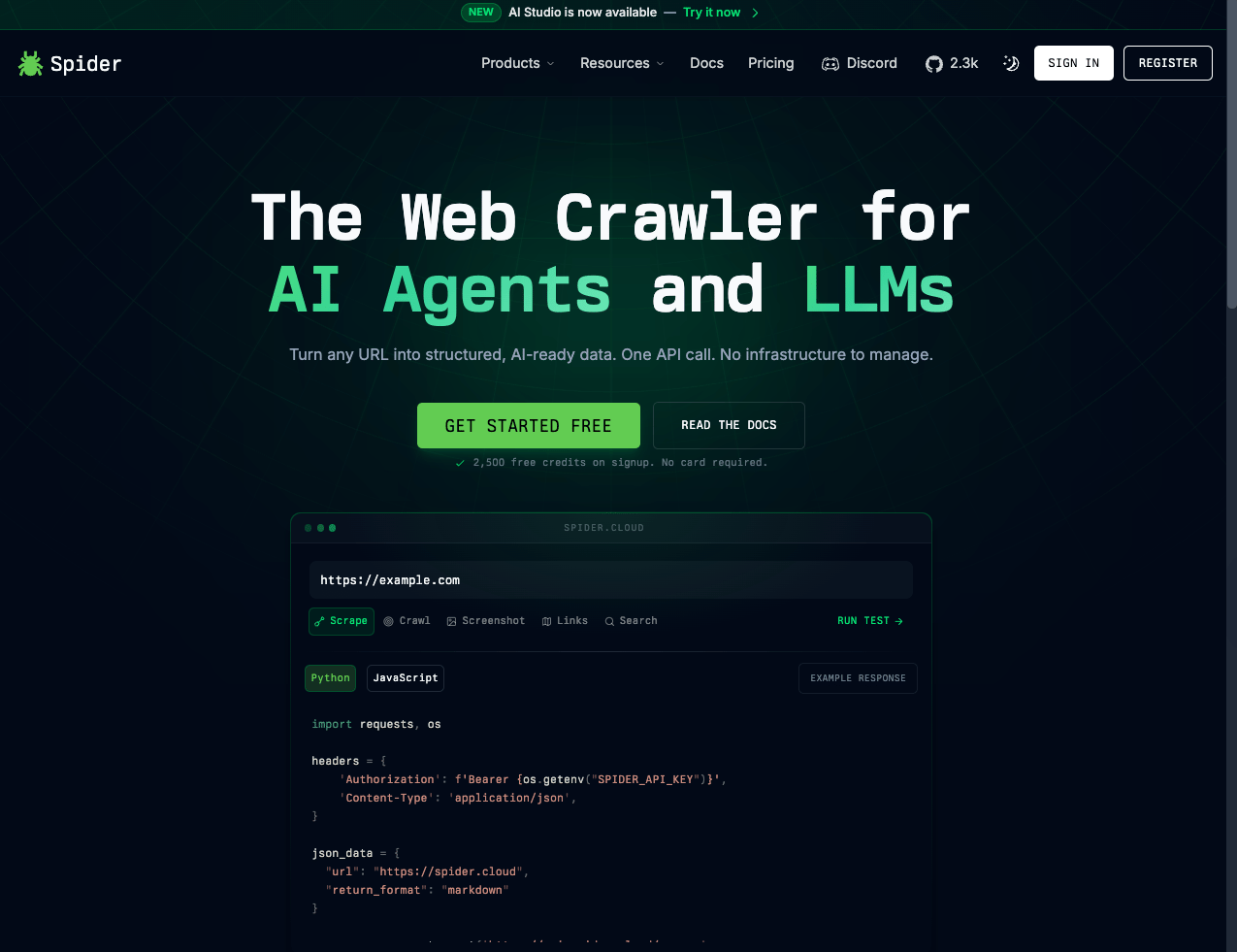
Spider calls itself "The Web Crawler for AI Agents and LLMs" — turn any URL into structured, AI-ready data with one API call. Same target buyer as Firecrawl: teams building AI products that need clean web content without managing crawling infrastructure themselves.
Compared to WebCrawlerAPI, Spider has a broader feature set and supports more output types, but that also means more surface area to navigate before you get to a working integration.
Key Features
- Crawl any URL and return structured, AI-ready output in markdown or other formats
- Screenshots and additional extraction workflows beyond basic content
- Managed infrastructure - no Playwright or proxy setup required
- API-first with SDKs for quick integration
- Open Source
Pricing
Spider uses usage-based pricing, but costs are harder to estimate upfront than a flat per-page rate. Price varies depending on the endpoints used, rendering requirements, and data volume. Check their pricing page for current plans - it's not straightforward to calculate ahead of time.
Potential Drawbacks
- Pricing is harder to predict than simple pay-as-you-go tools
- More surface area than you need if all you want is crawl-to-markdown
Spider is a solid option if you want AI-ready output and more extraction flexibility than a minimal crawl API provides. If you just need clean markdown from a site, simpler tools will get you there faster.
4. Apify
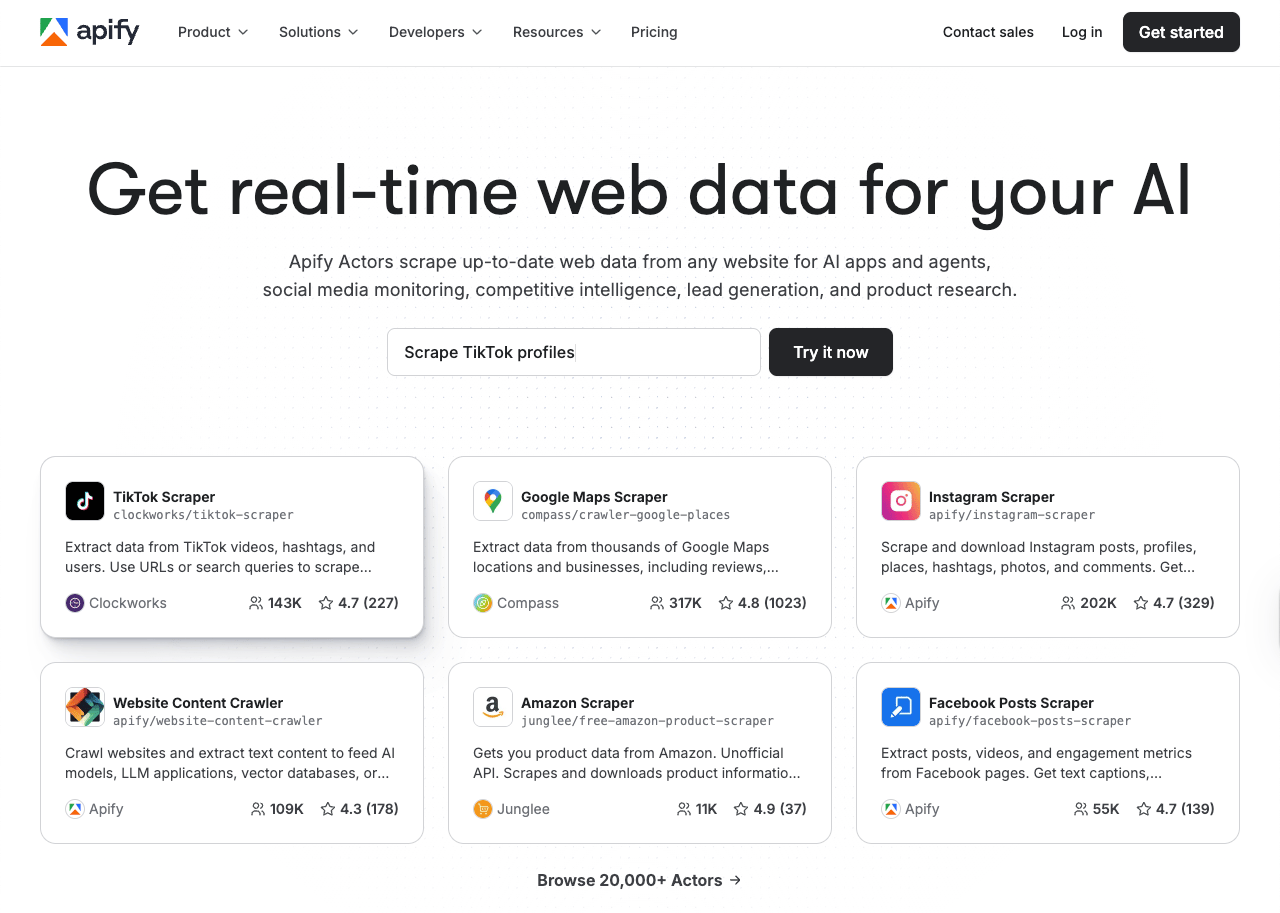
Apify is not really a Firecrawl alternative - it's a scraping platform. The headline is "Get real-time web data for your AI" but the product is built around Actors: pre-built, reusable scrapers you can run on demand. There are over 20,000 of them covering TikTok, Google Maps, Instagram, Amazon, and thousands of other sites.
If you need a specific site scraped and someone has already built an Actor for it, Apify is fast and practical. If you want to crawl an arbitrary URL and get clean markdown, you'll need to find the right Actor or build one yourself - it doesn't work the same way as a crawl API.
If you're scraping a dozen different known sites with varying structure, this model makes sense. If you just need a single clean crawl API for an AI product, you'll be paying for a lot you won't use.
Key Features
- 20,000+ pre-built Actors covering popular sites and data sources
- Build and publish your own Actors - can sell them on the marketplace
- Supports web crawling, browser automation, data extraction, and scheduling
- Enterprise-grade with professional services available
- Credits-based billing - pay for what you run
Pricing
Apify uses a credits-based model. Cost depends on which Actor you run, compute time, and whether it uses a headless browser. A simple crawl Actor runs cheaper; browser-heavy ones cost more. Rough estimate: $5 to $10 per 1k pages, but it varies enough that you should test your specific workflow before committing.
Potential Drawbacks
- Not a crawl API - if you want to give it a URL and get markdown, you need to pick the right Actor first
- Credit pricing is hard to estimate upfront without running a test job
- Overkill and expensive if your use case is simple content extraction
- Actor quality varies - some are well-maintained, others are not
Apify is the right choice when you need data from specific, known websites and someone has already built the scraper. It's not the right choice if you need a clean, general-purpose crawl API. If you're actively evaluating Apify vs other options, see our best Apify alternatives guide for a deeper comparison.
5. Browser Use
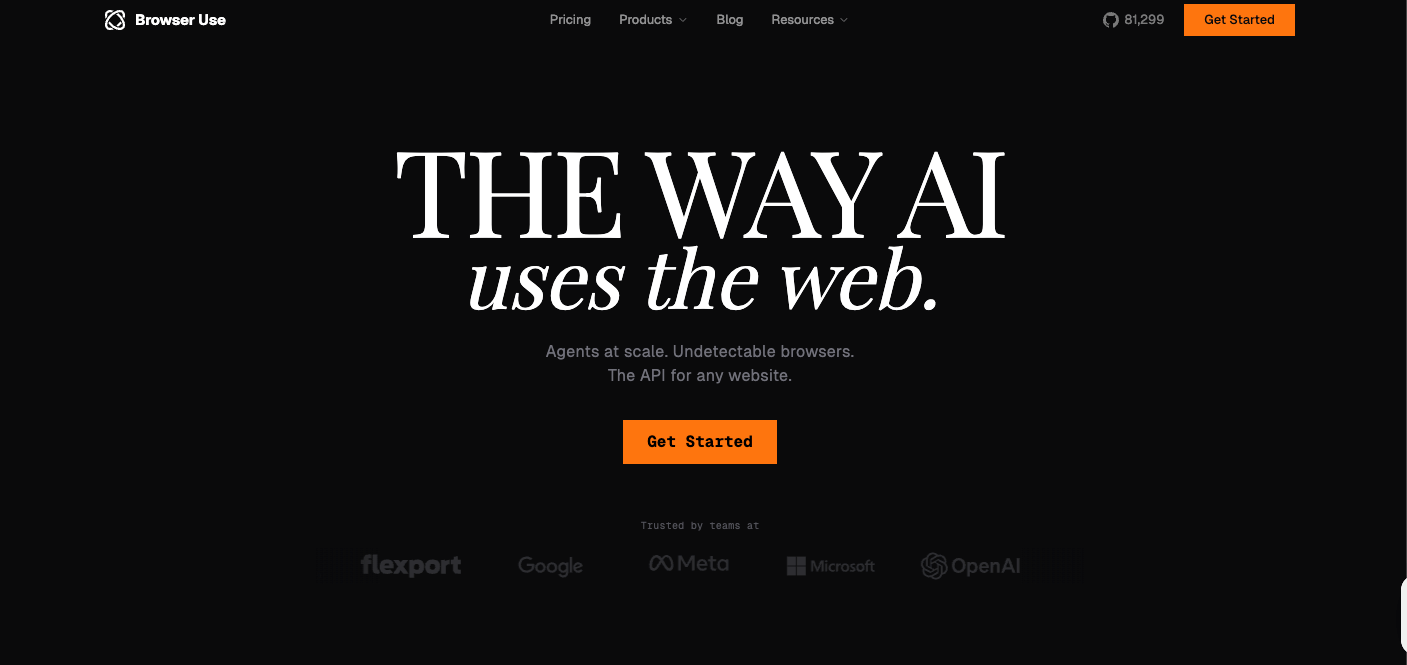
Browser Use isn't a Firecrawl alternative — it's a browser automation platform for AI agents. You give it a task in natural language, and an agent browses, clicks, fills forms, and completes multi-step workflows. 81k GitHub stars. The comparison keeps coming up in search because the names are similar, but the tools do different things. Firecrawl reads pages. Browser Use acts on them.
Key Features
- AI agent executes browser tasks from a natural language prompt - no step-by-step scripting
- Saved browser profiles - persists cookies and session state across tasks (can browse authenticated pages)
- Built-in anti-fingerprinting, CAPTCHA solving, and Cloudflare bypass
- Residential proxies across 195+ countries included
- Structured output via Pydantic/Zod schemas
- Python and TypeScript SDKs
- Live monitoring URL per session so you can watch the agent work
Pricing
Two main plans:
- Pay as you go: from $40/month, $0.06/hour per browser session, 25 concurrent sessions
- Subscription: $75/month, includes $100 in credits, 100 concurrent sessions, advanced stealth mode, unlimited browser profiles
- Free trial: 5 prompts, no credit card required
- Enterprise: custom pricing with on-premises deployment and custom SLAs
On top of the plan cost, you pay per task: $0.01 to start a task, then per-step LLM costs (BU Mini is ~$0.006/step, Claude Sonnet is ~$0.05/step). A 20-step task with BU Mini costs roughly $0.13 in steps plus session time. Complex workflows add up fast.
Potential Drawbacks
- Not a crawling API - if you want content extracted from a URL, this is the wrong tool
- Cost per task is hard to predict without benchmarking your specific workflow
- Slower than a crawl API - agents take time to navigate and act, not just fetch
- Still evolving - API versions (v2, v3) and pricing are subject to change
Use Browser Use when your AI system needs to act inside a browser - log in, fill forms, navigate multi-step flows. If you just want to get content from a page or site, a crawl API will be faster and cheaper.
Pros and Cons Summary
| Tool | Key advantages | Main limitations |
|---|---|---|
| WebCrawlerAPI | Simple crawl API, AI-ready output, predictable pay-as-you-go pricing, multiple SDKs | Crawl-and-return only - no page actions, agents, or automation workflows |
| Crawlee | Free, full code control, strong browser automation, JS and Python support | No built-in markdown output, you own the infrastructure |
| Spider | Powerful crawler, flexible setup, good for advanced teams | Less predictable pricing and higher complexity |
| Apify | Broadest ecosystem and actor marketplace | Can be expensive and overbuilt for simple crawling |
| Browser Use | Best for AI agents that must interact with websites | Not a direct scraping API replacement |
Conclusion
If you want the closest managed alternative to Firecrawl for AI-ready crawling, WebCrawlerAPI is the strongest fit for simplicity and focus. If you want full code control and don't mind running your own infrastructure, Crawlee is the most capable open source option. If you want a broader scraping platform, Apify is the most flexible. If your workflow is really browser automation for AI agents, the better comparison is Browser Use vs Firecrawl, and Browser Use wins only when interaction matters more than extraction.
The right choice depends on the job:
- Pick WebCrawlerAPI for clean, reliable crawling and AI-ready output without the complexity
- Pick Crawlee for code-level control and a self-hosted scraping system you can build on
- Pick Apify for marketplace breadth and workflow variety
- Pick Spider for more control and power
- Pick Browser Use for agent-driven browser tasks, not standard scraping
Start with the job, then the pricing model, then pick the simplest tool that handles it without making you maintain a stack.