
I get this question a lot: "We're using Apify but it feels like overkill. What should we switch to?"
This guide compares 5 Apify alternatives: WebCrawlerAPI, Firecrawl, Spider, Crawlee, and Browser Use. All of them solve the crawling problem in a different way, at a different price point.
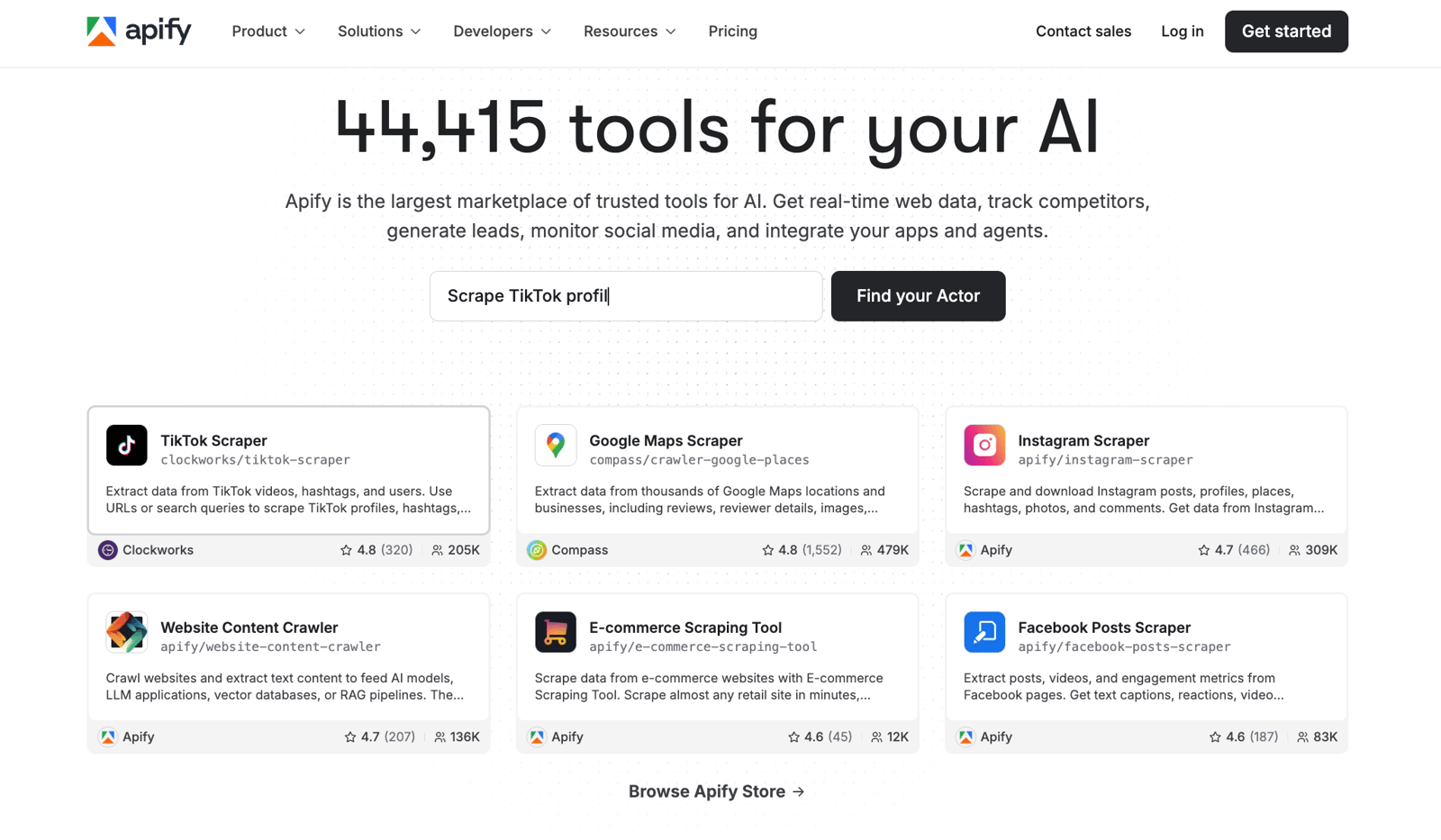
Apify has 20,000+ pre-built Actors, a marketplace, scheduling, enterprise features. It's a platform. Most teams evaluating alternatives don't need a platform - they need a reliable API that returns content.
Looking for Firecrawl alternatives specifically? See our best Firecrawl alternatives guide.
Why Look for Apify Alternatives?
Most teams I talk to hit one of three walls.
The complexity wall. You're building an AI product that needs to ingest web content. You want a URL in, clean markdown out. Apify can do that - but you have to find the right Actor, understand the credits model, and navigate a platform built for a much broader set of use cases. It's not hard. It's just more than you needed.
The pricing wall. Apify bills in compute units, not pages. $0.20 per CU on Free and Starter, $0.13 on Business. That's fine if you know what a CU costs for your specific workflow. Most people don't until they see the bill.
The infrastructure wall. Apify is an actor-based cloud platform. Deploying, versioning, and running Actors takes overhead. If you want one API call that crawls a site and returns structured data, the model feels heavier than it needs to be.
That said: if you need to scrape 50 known sites and someone has already built an Actor for each one, Apify is genuinely fast. The alternatives below make more sense when your use case is more general - crawl any URL, get content, feed it somewhere.
Quick Comparison
| Tool | Pricing | Best for | Main tradeoff |
|---|---|---|---|
| WebCrawlerAPI | Pay-as-you-go, $2 per 1k pages | AI teams that want clean markdown from a simple crawl API | Crawl-and-return only - no page actions, agents, or actor marketplace |
| Firecrawl | Subscription-based, from $16/mo | Teams that want more extraction features and LLM-native output | No pay-as-you-go option; credits don't roll over |
| Spider | Pay-as-you-go, $1/GB | Teams that want a powerful managed crawler with no subscription | Bandwidth-based pricing is harder to estimate per page |
| Crawlee | Free, open source | Full code control over crawling logic | You write and maintain all the code; no built-in markdown output |
| Browser Use | From $40/mo + per-task costs | AI agents that need to interact with websites in a browser | Not a crawl API - a different tool category entirely |
Pricing Comparison
If you're comparing Apify pricing vs alternatives, here's the honest breakdown.
| Tool | Pricing model | Cost per 1k pages | Free tier |
|---|---|---|---|
| WebCrawlerAPI | Pay-as-you-go | $2 | $10 credit |
| Firecrawl | Subscription | ~$0.16-0.60/1k pages (plan-dependent) | 1k pages/month free |
| Spider | Pay-as-you-go (per GB) | Fraction of a cent per page (varies) | Free credits on signup |
| Apify | Compute units + plan | $5-15/1k pages (Actor-dependent) | $5 free credits |
| Crawlee | Free | $0 (self-hosted) | Fully free |
| Browser Use | Per task + session | N/A (per-task model) | 5 prompts free |
Apify's per-page cost is genuinely hard to estimate without running your actual workflow. It depends on which Actor you use, how much RAM it needs, and whether it's browser-based. Simple HTTP crawlers are cheap. Browser-based Actors can hit $10-15/1k pages or more.
WebCrawlerAPI is the flattest on pricing: $2/1k pages, pay-as-you-go, no monthly minimum. Firecrawl is subscription-based - you buy a credit bucket each month, credits don't roll over. Spider charges by bandwidth (GB) rather than pages, which usually ends up cheaper since most pages are small, but you can't predict it from a URL count alone.
1. WebCrawlerAPI
Full disclosure: I'm the founder of WebCrawlerAPI, so I'm biased here.
I built it because I kept running into the same problem while building AI products: getting clean content out of URLs was the boring part, but it ate most of the time. HTML cleanup, retry logic, JavaScript rendering, proxy rotation - none of it was interesting work, but it all had to happen before the interesting work could start. I wanted to solve it once.
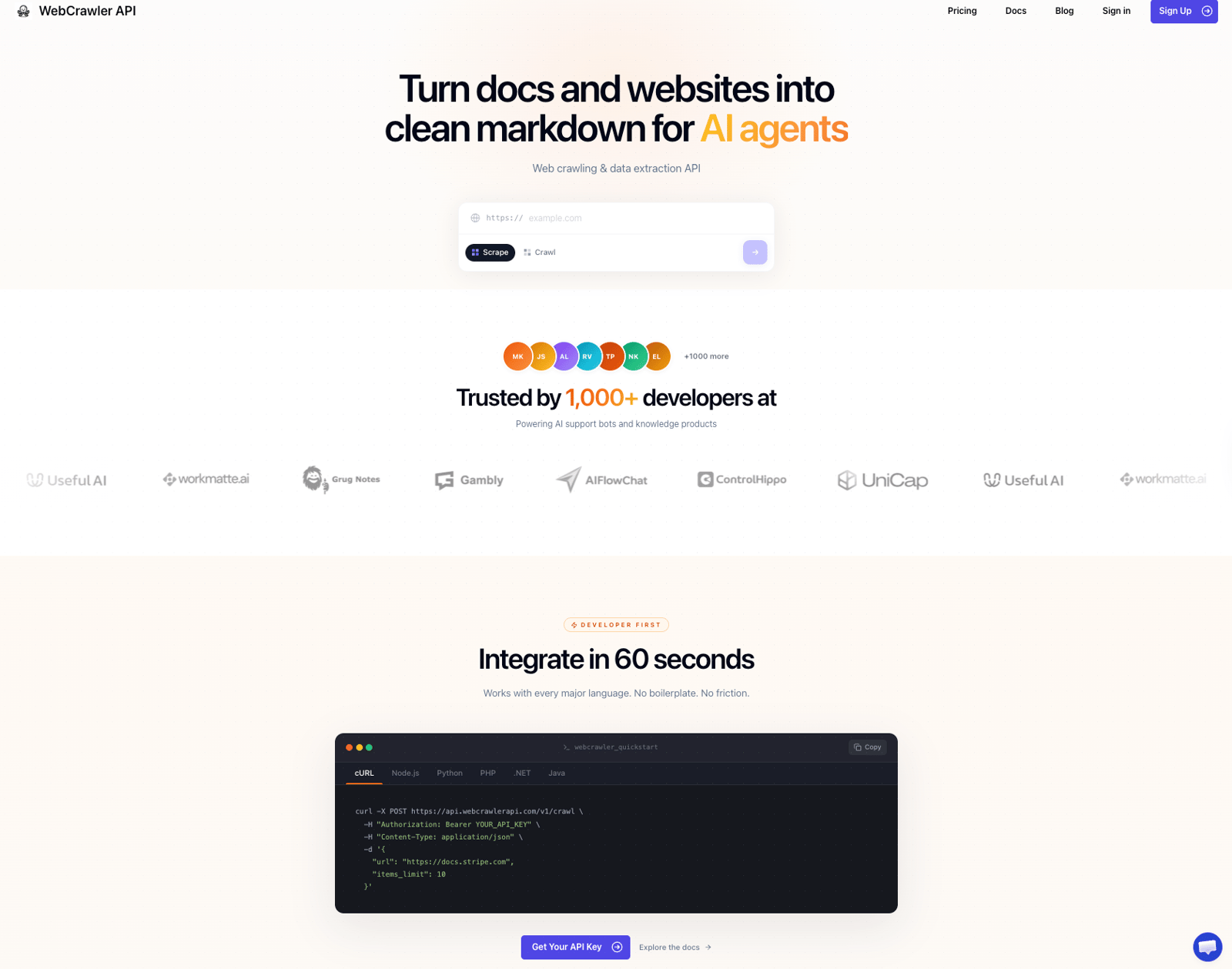
The use case it fits best: you're building an AI assistant, a knowledge base ingestion pipeline, or an LLM product that needs to read websites. You have URLs. You want markdown. You don't want to think about the infrastructure in between.
It's intentionally narrow. No actor marketplace, no page interactions, no multi-step automation. If you need any of that, Apify or Browser Use are better fits. But if you need a clean crawl API with predictable pricing and output you can feed directly into a vector store or LLM context, this is the most direct path on this list.
Key Features
- Recursive crawl from a single seed URL - give it a domain, it maps and crawls the whole site
- Output in Markdown, text, and HTML - clean enough to feed directly into an LLM knowledge base
- JavaScript rendering, retries, and proxy rotation included by default
- Feed API - get only new or changed pages via webhook, RSS, or JSON
- SDKs for JavaScript/TypeScript, Python, PHP, and .NET
Here's what a basic crawl looks like in Node.js:
import webcrawlerapi from "webcrawlerapi-js";

const client = new webcrawlerapi.WebcrawlerClient("YOUR_API_KEY");

const result = await client.crawl({
  url: "https://stripe.com/docs",
  scrape_type: "markdown",
  items_limit: 50,
});

// result.items contains clean markdown for each crawled page
Pricing
Pay-as-you-go at $2 per 1k pages. No monthly plan required. New accounts get $10 in free credit to start.
Potential Drawbacks
- Crawl-and-return only - no page actions, form fills, or multi-step workflows
- Can't crawl authenticated pages (no cookie or session support)
- No pre-built scrapers for specific sites
If your job is getting content from URLs into an AI pipeline with no infrastructure to manage, this is the simplest option on this list.
2. Firecrawl
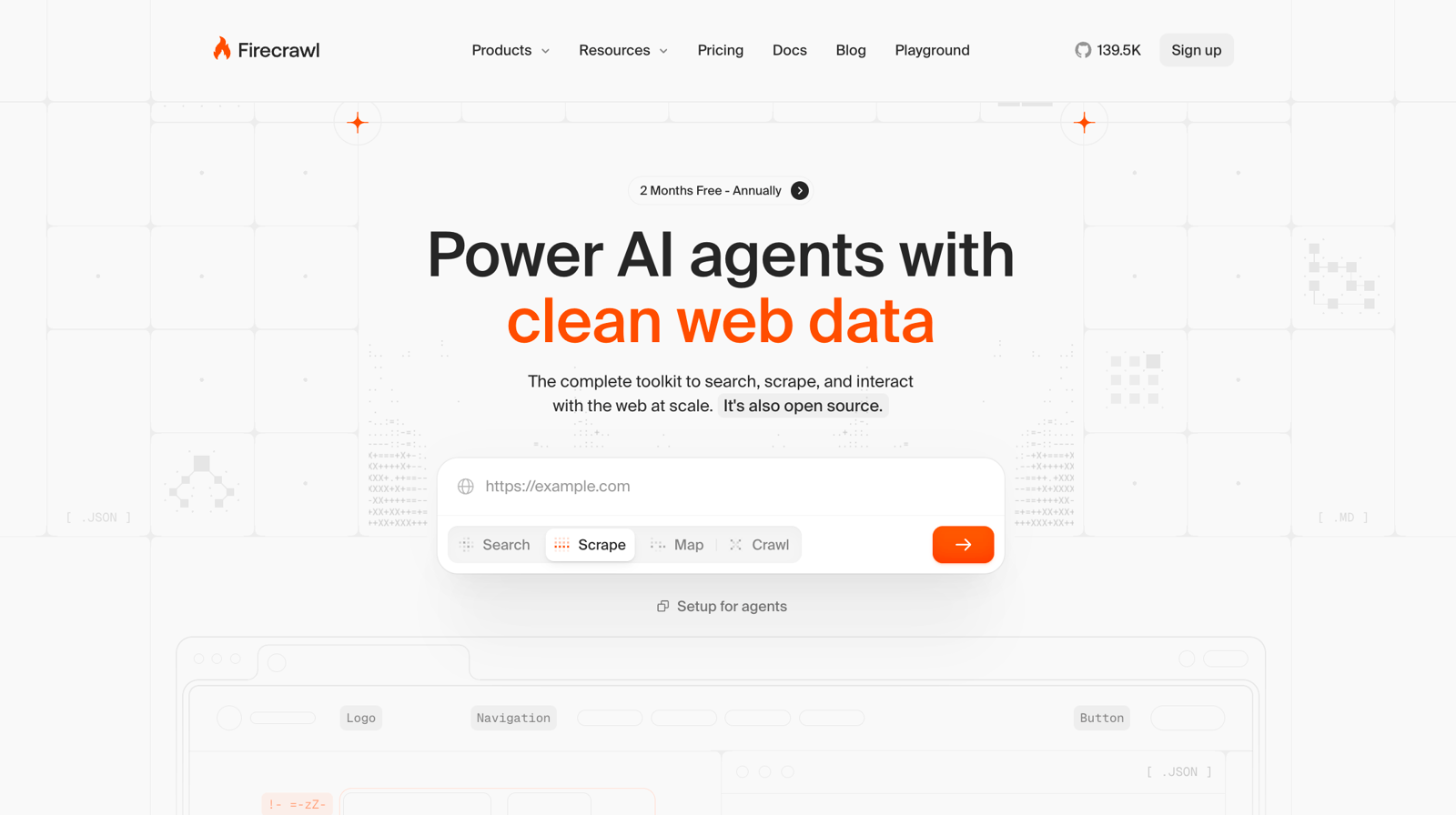
Firecrawl is the Apify alternative that's probably already on your radar. It's a managed crawling API built for AI use cases - search, scrape, crawl, and extract structured data from any URL.
Compared to Apify, the model is simpler: you call an API, you get content back. No actors to find, no marketplace to navigate. Compared to WebCrawlerAPI, it has more surface area - LLM-native structured extraction, site mapping, screenshot capture, a monitor endpoint for watching pages for changes.
If you need more than basic crawl-to-markdown but want to stay in the managed API world rather than managing infrastructure yourself, Firecrawl is worth looking at.
For a full breakdown of how Firecrawl compares to other tools, see our best Firecrawl alternatives guide.
Key Features
- Scrape, crawl, map, and monitor endpoints - all at 1 credit per page
- LLM Extract mode - returns structured JSON from any page using a schema you define
- Screenshot capture included
- Open source core with a managed cloud offering
- SDKs for Python, JavaScript, Go, Rust, and more
- Trusted by Zapier, Replit, Lovable, and Gamma (according to their site)
Pricing
Subscription-based. Free tier includes 1,000 pages per month. Paid plans start around $16-19/month for higher volume. No pay-as-you-go option - you buy a monthly credit bucket, and credits don't roll over to the next billing period.
Potential Drawbacks
- No pay-as-you-go option - you're committed to a monthly plan
- Credits expire each billing cycle
- More features means more surface area to learn before you're productive
- Can get expensive at high volume compared to per-page PAYG pricing
Firecrawl is a good fit if you need structured extraction or the site monitoring endpoint, and you'd rather pay a monthly subscription than track per-page usage.
3. Spider
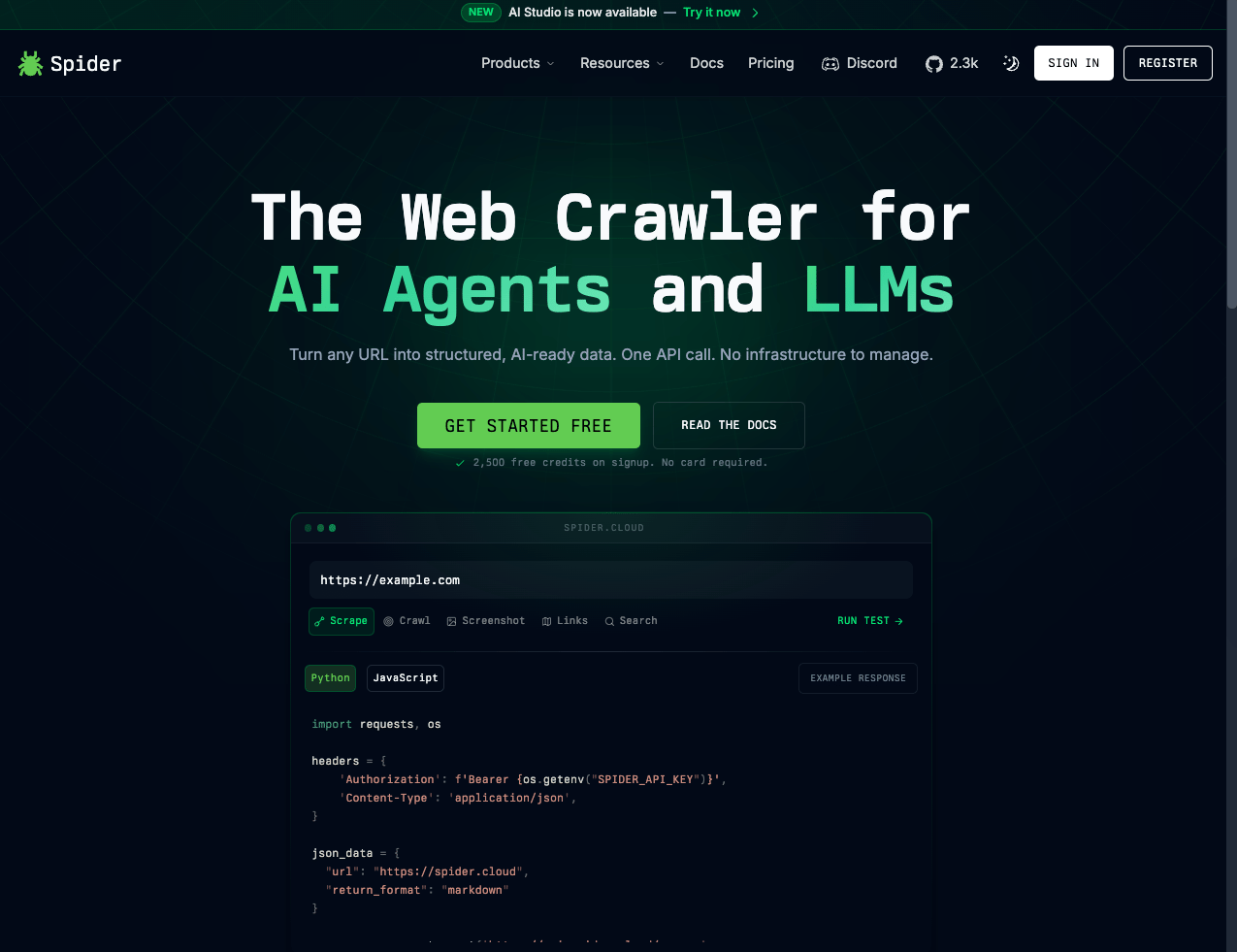
Spider calls itself "Realtime web data for AI agents" - one API for crawling, scraping, search, and a real browser. The positioning is similar to Firecrawl and WebCrawlerAPI: managed infrastructure, AI-ready output, API-first.
Where Spider stands apart from both: the pricing model. There's no subscription. You top up a balance and pay as you use it, by bandwidth ($1 per GB of content) and compute time ($0.001 per minute of CPU). Your balance never expires. That makes it easier to use for bursty workloads - you're not paying a monthly fee on months you barely use it.
The tradeoff is that per-page cost is hard to predict upfront. Most pages are small (under 100KB of content), so a GB goes a long way. But it varies enough that you should run a test batch before committing to a workflow at scale.
Key Features
- Crawl, scrape, search, and full browser session in a single API
- Returns HTML, plain text, and multiple markdown formats
- Bandwidth-based pricing ($1/GB), no subscription required, balance never expires
- 10,000 API requests per minute rate limit by default
- Built-in Unblocker with stealth, rotating proxies, and automatic retries
- AI Studio add-on for natural language crawl and scrape (alpha, from $6/month)
- Open source core
Pricing
Pay-as-you-go. $1 per GB of content, $0.001 per minute of CPU. No monthly commitment, no expiry. Top up any amount - purchases of $500+ include a bonus of up to 12% extra.
Potential Drawbacks
- Per-GB pricing is harder to estimate per page compared to flat per-page rates
- AI Studio is still alpha
- Less documentation and community resources than Apify or Crawlee
Spider is a solid option if you want a powerful managed crawler with no monthly subscription and don't mind estimating cost by bandwidth rather than page count.
4. Crawlee
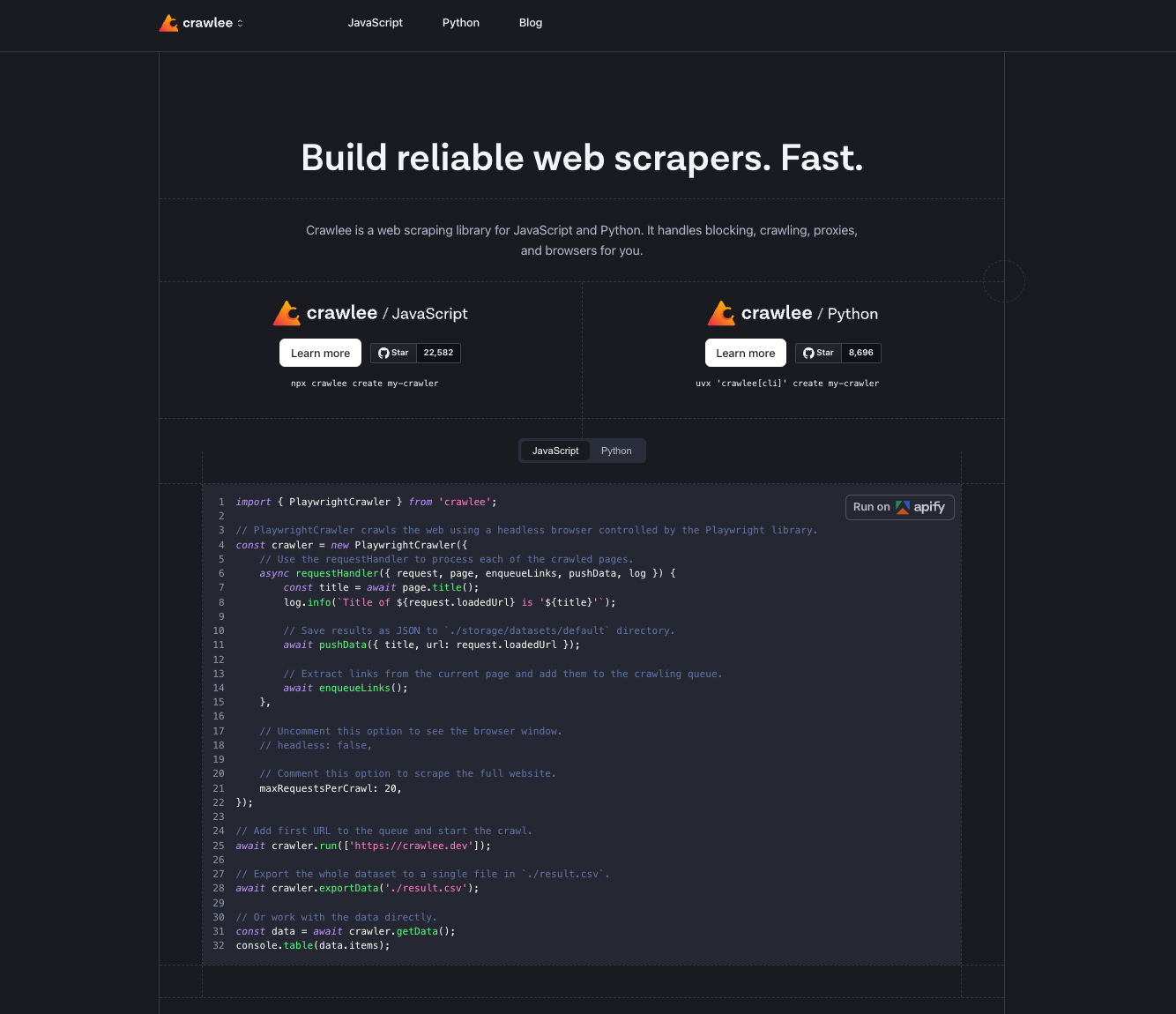
Here's the irony: the best free Apify alternative is built by Apify.
Crawlee is the open source web scraping library that powers a lot of what Apify does under the hood. It's Apache 2.0, available in JavaScript/TypeScript and Python, and you run it on your own infrastructure. 22k+ GitHub stars. No pricing, no credits, no platform.
The core idea: Crawlee handles the infrastructure so you can focus on the scraping logic. Proxy rotation, session management, browser fingerprinting, automatic link queuing - all built in. What it doesn't do is decide what to extract or how to structure the output. You write that part.
It's an Apify alternative in the sense that it solves the same crawling problem, but at a lower level of abstraction. You're writing code, not configuring actors.
Key Features
- HTTP crawling (CheerioCrawler) and headless browser crawling (PlaywrightCrawler, PuppeteerCrawler) in one library
- Automatic link extraction and request queue management
- Built-in proxy rotation and session handling
- Human-like browser fingerprints out of the box
- Available in JavaScript/TypeScript and Python
- Forever free, Apache 2.0
import { PlaywrightCrawler, Dataset } from 'crawlee';

const crawler = new PlaywrightCrawler({
    async requestHandler({ request, page, enqueueLinks, log }) {
        const title = await page.title();
        log.info(`Crawling: ${request.loadedUrl}`);

        await Dataset.pushData({ title, url: request.loadedUrl });
        await enqueueLinks();
    },
    maxRequestsPerCrawl: 50,
});

await crawler.run(['https://example.com']);
Pricing
Free. Open source. You run it on your own server. The only cost is your infrastructure.
Potential Drawbacks
- You write and maintain all the scraping logic - selectors, output format, storage, scheduling
- No built-in markdown or LLM-ready output (you handle that layer yourself)
- Infra is your responsibility: servers, scaling, monitoring, retry logic at the job level
- Steeper learning curve than calling a managed API
Crawlee is the right call if you want full code-level control and don't mind owning the stack. If you want a URL in and clean content out without maintaining anything, a managed API gets there faster.
5. Browser Use
Browser Use isn't a crawling API. I'm including it because "Apify alternatives" searches surface it, and the overlap is real but narrow.
Both Apify and Browser Use handle complex web automation. The difference is the model: Apify uses actors (pre-built, configurable scrapers you trigger via API). Browser Use sends an AI agent into a real browser to complete tasks described in natural language. The agent clicks, scrolls, fills forms, and navigates multi-step flows - it doesn't just fetch content.
If your Apify use case was "run the Amazon product scraper Actor on a list of ASINs," Browser Use won't replace that directly. If your use case was closer to "log into this dashboard, export this report, and send it to Slack," that's exactly what Browser Use is built for.
Key Features
- AI agent executes browser tasks from a natural language prompt
- Stealth browsers with anti-fingerprinting, CAPTCHA solving, and Cloudflare bypass
- Residential proxies across 195+ countries, zero config
- Browser Harness: open source, self-healing, gives agents superpowers for web tasks
- Custom LLMs purpose-built for browser automation
- Session persistence - saves cookies and state across tasks (can handle authenticated pages)
- New infrastructure at $0.02/hour (3x cheaper than previous pricing, sub-second cold starts)
Pricing
Two main plans:
- Pay as you go: from $40/month, $0.02/hour per browser session (new pricing)
- Subscription: from $75/month, includes $100 in credits, 100 concurrent sessions, advanced stealth
- Free trial: 5 prompts, no credit card
- Enterprise: custom, on-premises deployment available
On top of the plan, you pay per task: per-step LLM costs add up fast on longer workflows. A 20-step task can run $0.10-0.50+ depending on the model you use. Test your specific workflow before scaling.
Potential Drawbacks
- Not a crawl API - wrong tool if you just want content extracted from URLs
- Per-task cost is hard to predict without benchmarking first
- Slower than a fetch-based crawler - agents navigate, they don't just retrieve
- API and pricing have changed frequently (v2, v3); check current docs before building on it
Use Browser Use when your workflow requires acting inside a browser, not just reading from it. If you're extracting content at scale, a crawl API will be faster and cheaper.
