

Full disclosure before anything else: I run WebCrawlerAPI, which is first on this list. I've tried to be fair about where we lose. If you work on one of the other products here and I got something wrong or out of date, email me at hello@webcrawlerapi.com and I'll fix it. Node.js developers can see the crawl flow in code on the JavaScript web crawler page.
The best web crawler API depends on the job:
- A whole domain to Markdown for an AI knowledge base: WebCrawlerAPI.
- Scrape, crawl and search behind one SDK: Firecrawl.
- High throughput, pay by bandwidth: Spider.
- Fully custom flows and logins: Apify.
- You already have a URL list and want a cheap fetch layer: Crawlbase.
Last verified: October 2026.
Picking a crawler API is not a small decision. Whatever you choose gets wired into your ingestion pipeline, your billing forecast, and your on-call rotation. Swapping it out six months later means rewriting the part of your system you understand least.
This post compares seven products people shortlist when they need the best web crawling API for AI tools and knowledge bases, on the things that decide it: can it crawl a whole site from one seed URL, does it render JavaScript, what comes out the other end, and what it costs per 1,000 pages. One of them isn't really a crawler. A fifth shortlist name, Usescraper, is gone: it shut down, so it's not covered. New to this? Read how a crawl API works. If you only ever need one page at a time, you want the web scraping API comparison instead. If you are looking for self-hosted tools, see open-source web crawlers.
How we compared them
Each product was checked against the same questions:
- Does it discover pages from a seed URL, or do you bring the URLs?
- Does it render JavaScript?
- What formats come out? Markdown matters most for an AI knowledge base.
- What controls exist: depth, include and exclude patterns, page cap?
- Can it crawl behind a login?
- Can it re-crawl and detect changes?
- How is it priced, and what would 10,000 pages cost?
- SDKs and MCP support.
Prices and features were checked on each vendor's own pages in October 2026. Vendor pricing moves fast, so verify before you commit budget.
Quick comparison
| Vendor | Seed-URL discovery | JS rendering | Output formats | Crawl controls | Auth / cookies | Price per 1,000 pages | SDKs / MCP |
|---|---|---|---|---|---|---|---|
| WebCrawlerAPI | Yes | Yes, included | Markdown, cleaned text, HTML, links | Page limit, depth, regex include and exclude, robots.txt, main content only | No | $2 (Starter), $1.50 (Professional), $1 (Business) | JS/TS, Python, PHP, Java, MCP, LangChain, n8n, Make, Zapier |
| Firecrawl | Yes (crawl, map) | Yes | Markdown, HTML, JSON | UNKNOWN | UNKNOWN | 1 credit per page: about $3.20 on Hobby, about $0.83 on Standard | UNKNOWN |
| Spider | Yes (Crawl API) | Yes, billed as compute | HTML, plain text, several Markdown formats | UNKNOWN | UNKNOWN | Not per page: $1 per GB of bandwidth plus $0.0001 per CPU minute. Depends on settings | UNKNOWN |
| Scrapfly | Yes (Crawler API) | Yes, 5 credits | UNKNOWN | UNKNOWN | UNKNOWN | Credits: $0.15 per 1K credits on the entry plan. Crawler credits per page not published on the pricing page | UNKNOWN |
| Oxylabs | Only via AI-Crawler (prompt-driven) | Yes (render_javascript) | Markdown, JSON | Not on AI-Crawler | Not on AI-Crawler | Not published per page. AI Studio from $12/mo for 3,000 credits | Python, JS |
| Crawlbase | No, you supply the URLs | Yes, at a price multiplier | HTML, Markdown, JSON, structured JSON | Not applicable | Yes, headers and cookies | $3.00 for the first 1K, dropping to $0.02 at the top of the ladder | Node, Python, Ruby, PHP, Java, .NET, Go |
| Apify | Yes, via Website Content Crawler | Yes | Depends on the actor | Depends on the actor | Yes, if the actor supports it | Not page-based: $0.2 per compute unit, down to $0.13 | JS, Python |
Cells marked UNKNOWN were not stated on the vendor's pricing page. Check its docs.
A few cells need footnotes.
Apify doesn't price per page, and no honest conversion exists. A compute unit is 1 GB of RAM running for one hour. How many pages that buys depends on the actor, the site, and whether the browser is rendering. Anyone publishing a clean "Apify costs $X per 1,000 pages" number made it up.
Crawlbase's ladder is per successful request, and the headline rates are for standard pages. JS rendering and site difficulty apply multipliers whose values aren't on the pricing page. So the $0.76 blended rate their calculator shows for 100K requests is a floor, not a forecast.
Firecrawl's per-1K figure is derived. Crawl costs 1 credit per page. Hobby is $16/month billed yearly ($19 monthly) for 5,000 credits, which is $3.20 to $3.80 per 1K pages. Standard is $83/month for 100K credits, about $0.83 per 1K. JSON-style formats add 4 credits per page.
1. WebCrawlerAPI
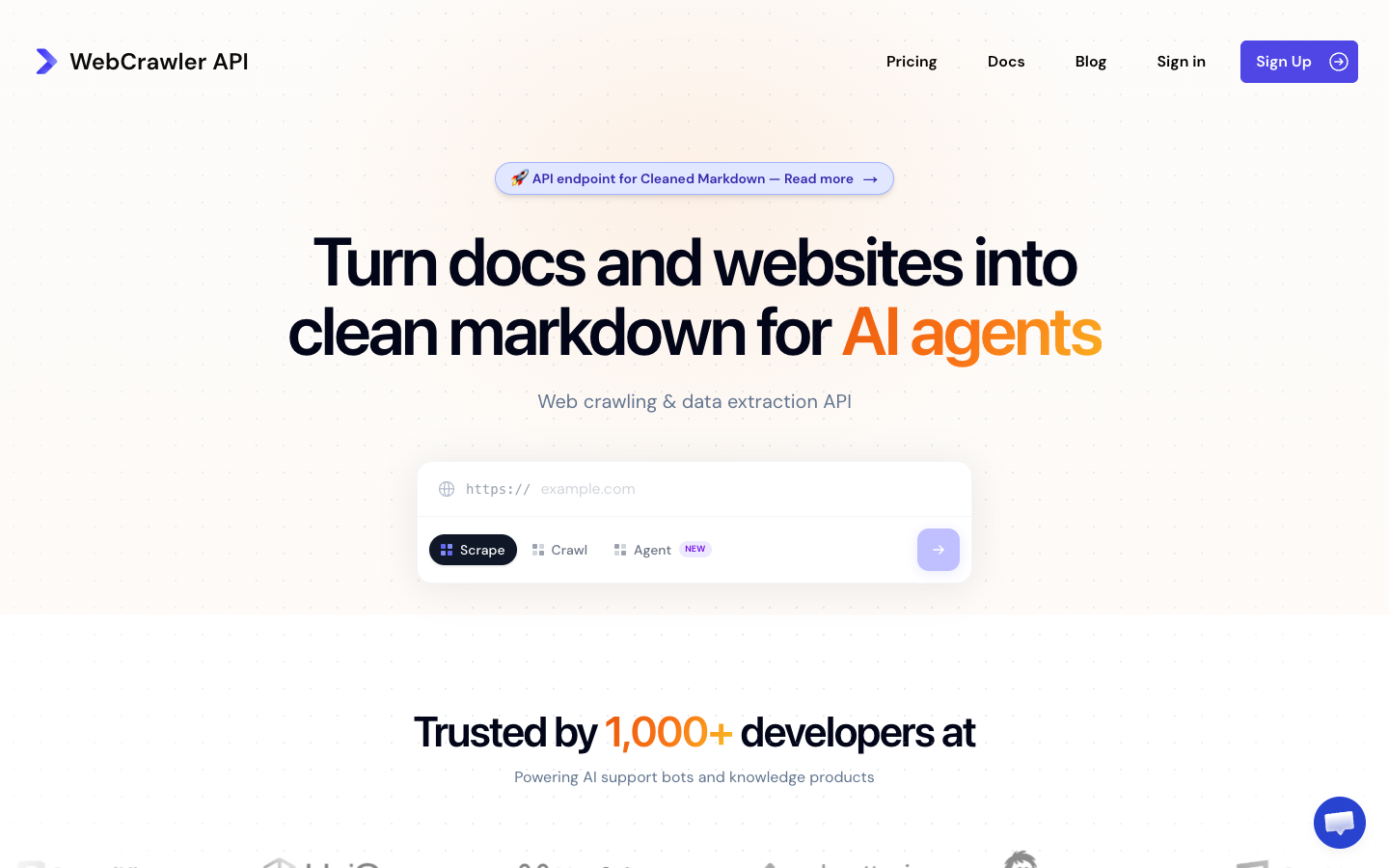
I built this one, so read the pros with appropriate suspicion and the cons carefully.
The job it's designed for is narrow: you have a domain - docs site, help center, marketing site - and you want every page of it as clean Markdown, indexed into an AI knowledge base or search product. You don't want to run Playwright, rotate proxies, or write yet another boilerplate stripper.
You give it a seed URL and a page limit. It maps the site, follows links, renders JavaScript, and returns Markdown, cleaned text, raw HTML, or the link graph. Menus, footers, cookie banners, and ads get stripped before you see anything.
// Node 18+. Kick off a crawl and get the job id back.
const res = await fetch("https://api.webcrawlerapi.com/v1/crawl", {
  method: "POST",
  headers: {
    Authorization: `Bearer ${process.env.WEBCRAWLER_API_KEY}`,
    "Content-Type": "application/json",
  },
  body: JSON.stringify({
    url: "https://docs.stripe.com",
    items_limit: 200,          // hard stop, so a big site can't drain your balance
    output_formats: ["markdown"],
    max_depth: 2,              // 0 = seed page only
    respect_robots_txt: true,
  }),
});

const { id } = await res.json();  // crawling is async - poll the job or use webhook_url
console.log(id);
Full parameter list is in the crawl endpoint docs. The controls that matter in practice are max_depth, whitelist_regexp, and blacklist_regexp - you'll want them the first time a crawl wanders into a site's paginated tag archive.
Two other pieces worth knowing. Feeds handle re-crawling: point a feed at a site and get back only the changed or new pages, instead of re-ingesting everything weekly. And the Webcrawler Agent takes a plain-English prompt plus a seed URL, browses across pages, and returns structured JSON - billed per LLM token on top of the page cost. Useful when what you want isn't "the content" but "every pricing tier listed anywhere on this site."
Pros
- Seed URL in, clean Markdown out, with depth and regex controls that behave predictably
- Four output formats including cleaned text and the raw link graph
- Pay-as-you-go with no monthly fee - you can use it at $0/month forever
- JS rendering, retries, and proxy rotation are included, not add-ons
- Feeds for incremental re-crawls
- SDKs for JavaScript/TypeScript, Python, PHP, and Java, plus an MCP server, LangChain, n8n, Make and Zapier
Cons
- No authenticated crawling. No cookie jar, no custom headers, no session handling. Anything behind a login is out of reach. Crawlbase and Apify both beat us here.
- No sitemap-first mode. Crawling is link-discovery only. If a site's sitemap is better than its internal linking, you can't take advantage of it.
- We get expensive at volume. More on this in a second.
Pricing
Pay-as-you-go starts at $2 per 1,000 pages with no monthly fee. The $29/month Starter tier is the same $2 per 1,000 - what it buys is concurrency, 10 parallel requests instead of 5. The higher tiers are where the rate actually drops: $99/month takes it to $1.50 per 1,000 and 20 parallel requests, $499/month to $1 and 50. The LLM-cleaned /markdown endpoint, which strips boilerplate harder, costs $0.006, $0.0055 and $0.005 per page. A handful of hard sites - TikTok, LinkedIn public pages - are priced above the standard rate.
That's fine at 50K pages a month. It is not fine at 10 million. Crawlbase's published ladder works out around $0.15 per 1,000 at that volume - roughly one seventh of our best rate. If you crawl at that scale and the pages are mostly simple, we're the wrong choice on price, and I'd rather say so here than have you find out on an invoice.
Where I'd still argue we win is everything below that line: zero to clean Markdown for a whole domain, no subscription, no actor to configure.
2. Firecrawl
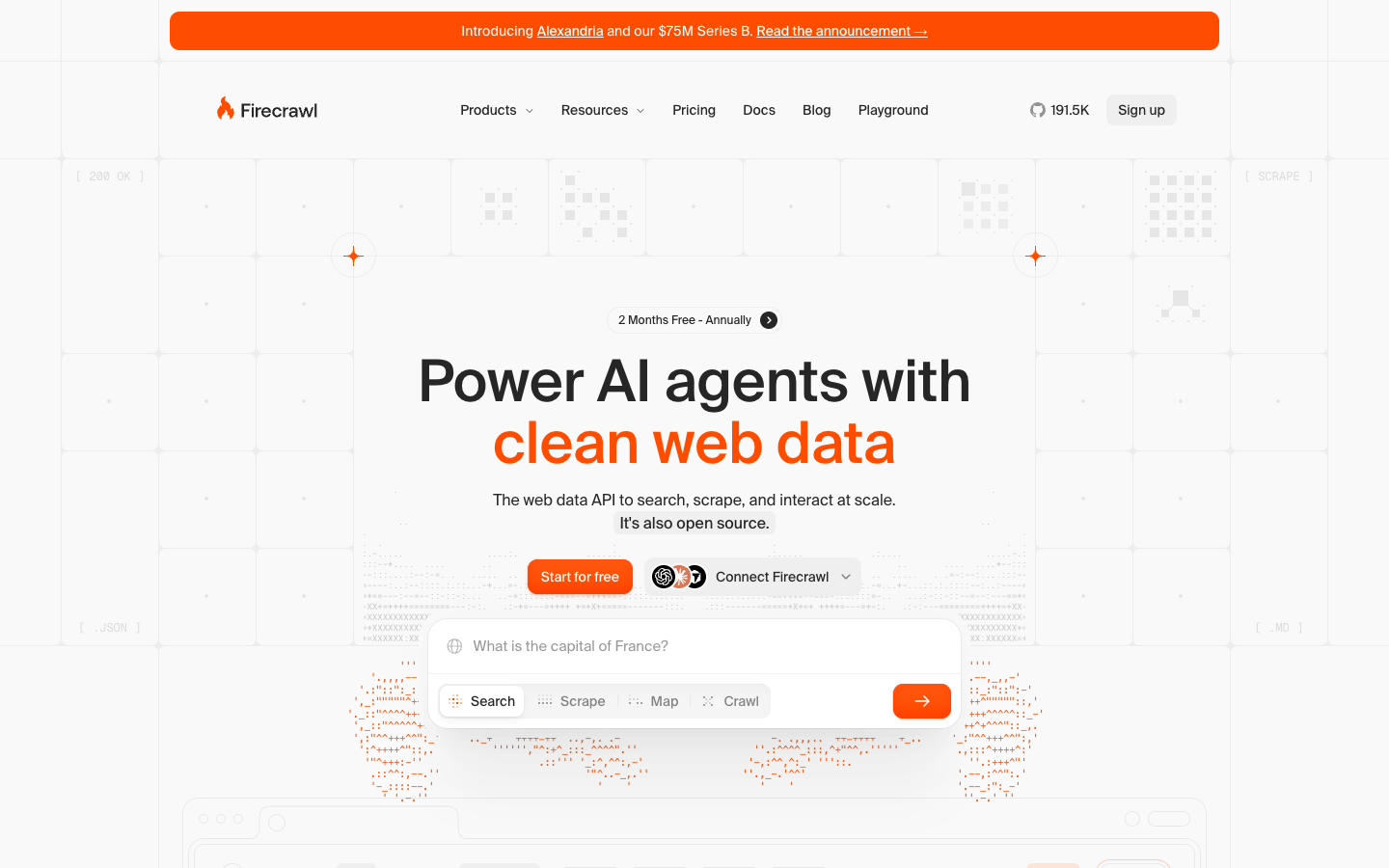
Firecrawl is the name on almost every AI scraping list, and leaving it out of a crawler comparison would be strange. It covers scrape, crawl and map from one SDK and returns Markdown and JSON.
Pricing is credits. Scrape, crawl and map are 1 credit per page. Hobby is $16/month billed yearly ($19 monthly) for 5,000 credits. Standard is $83 for 100K credits, Growth $333 for 500K, Scale $599 for 1M. The free tier is 1,000 credits per month with no card. JSON, question and highlight formats add 4 credits per page. A scrape that returns no result is not charged.
Pros
- Scrape, crawl and map under one SDK
- Fast: 3.6 s median in our scrape benchmark, against 8.5 s for us
- Free tier without a card
Cons
- Extra formats multiply the credit cost, so the bill is harder to predict
- In the same benchmark its main-content quality scored lower than ours (F1 0.539 against 0.623)
If you are weighing it against other tools, see Firecrawl alternatives.
3. Spider
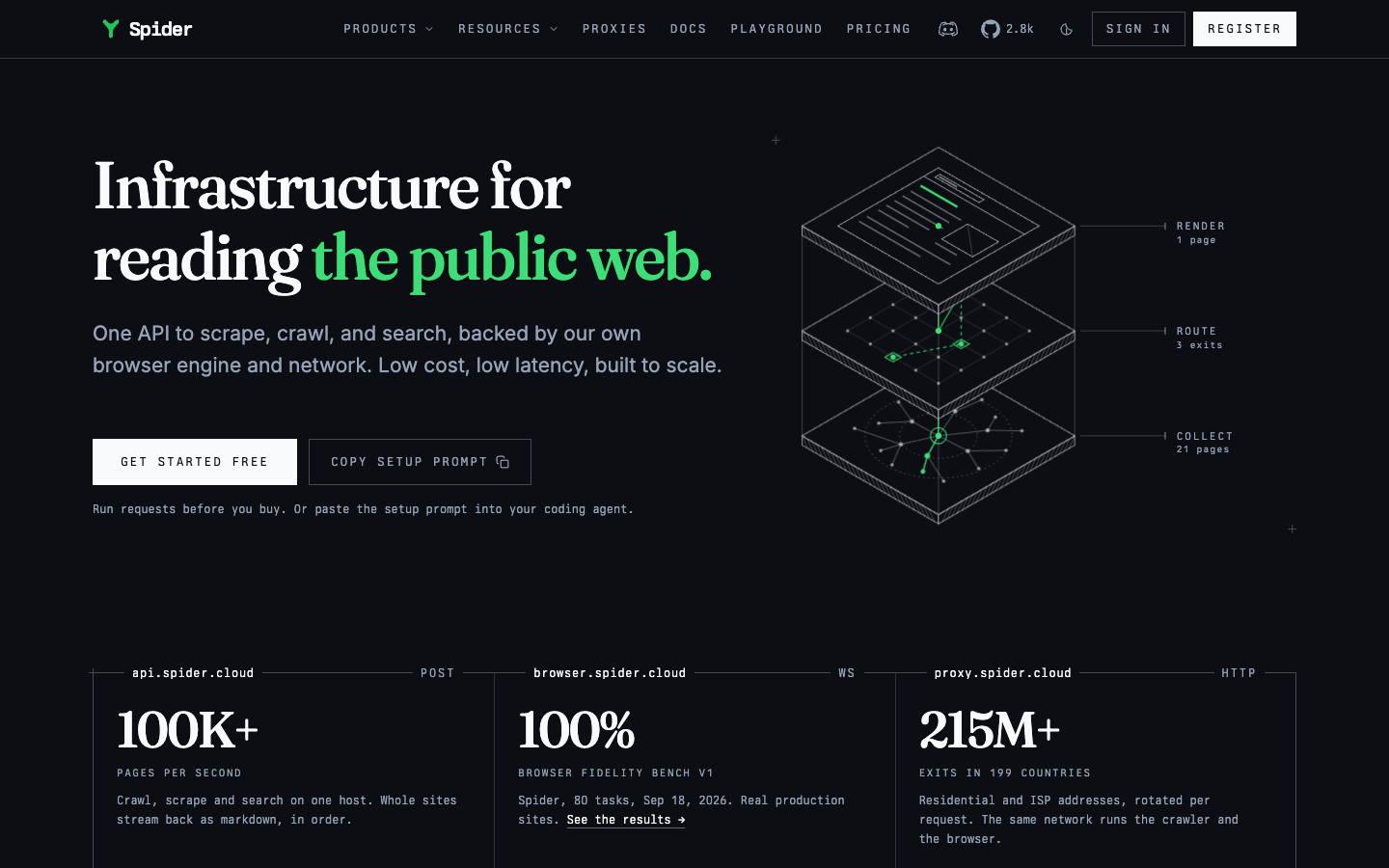
Spider is an API built for AI agents, with a Crawl API next to scrape. Billing is pay-as-you-go with no monthly fee. Each request has two line items: bandwidth ($1 per GB of pre-transformation content) and compute ($0.0001 per minute of CPU). Most pages land at a fraction of a cent, but the total depends on your settings, so it is hard to calculate up front. Failed requests cost $0. There is also an Unlimited plan at $40/month for 2 concurrent requests, or $350/month for 25.
Output includes HTML, plain text and several Markdown formats.
Pros
- Bandwidth pricing is cheap for small pages
- Failed requests cost nothing
Cons
- Bandwidth plus compute is hard to turn into a per-page number before you run a test
- 84% success rate in our scrape benchmark, the lowest of the tools we ran
4. Scrapfly Crawler API
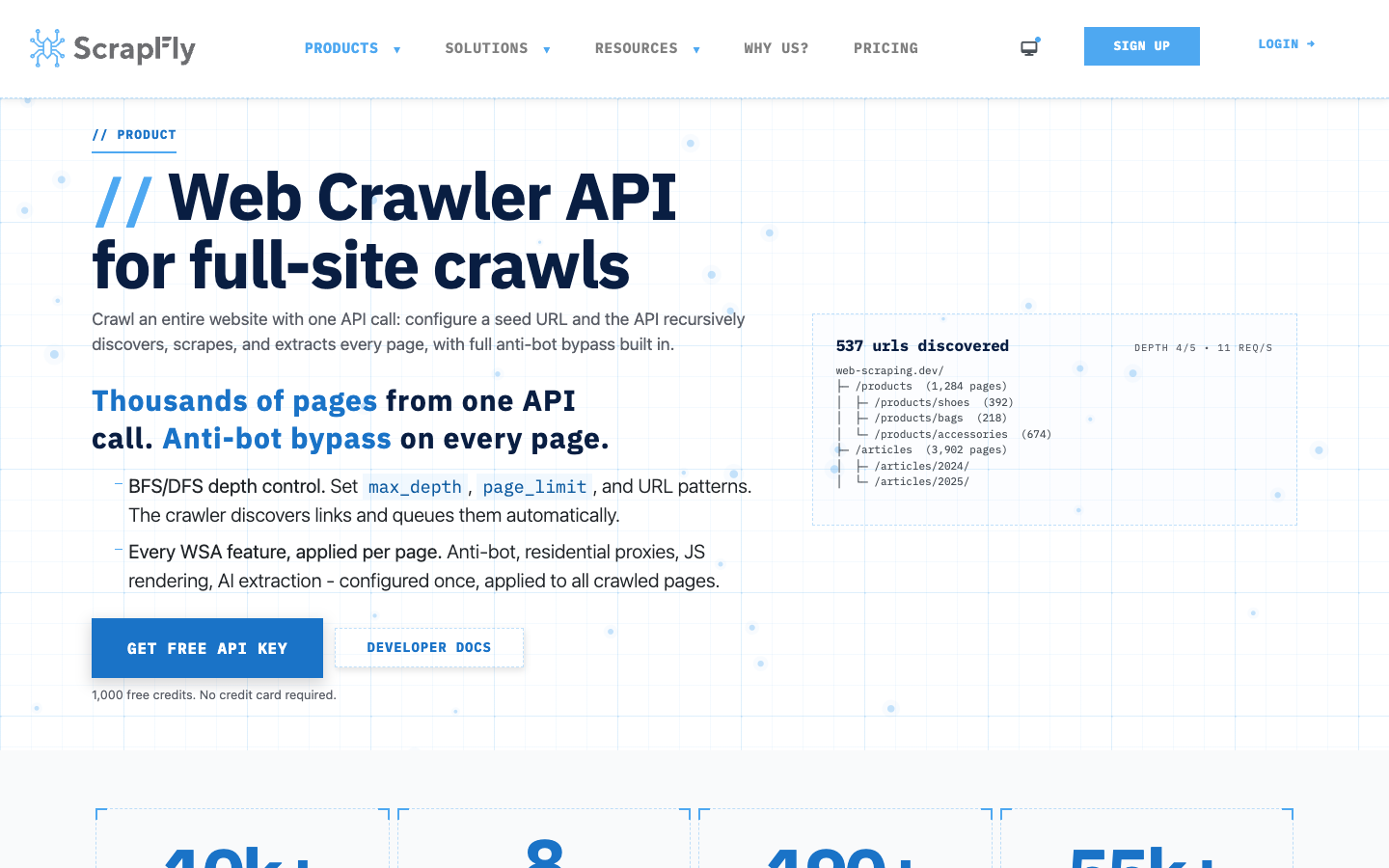
Scrapfly sells a Crawler API next to its scraping product. Pricing is prepaid credits: Discovery is $30/month for 200,000 credits at 5 concurrency, Pro $100 for 1M credits, Startup $250 for 2.5M. A plain HTTP request is 1 credit, JavaScript rendering or the Unblocker 5, residential proxies 25. Failed requests are not charged. The free tier is 1,000 credits, no card.
Pros
- Clear credit table and an unblocker built in
- Failed requests are free
Cons
- The pricing page does not say how many credits one crawled page costs, so a 10K-page estimate needs a test run
- No pay-as-you-go on the entry plan
5. Oxylabs
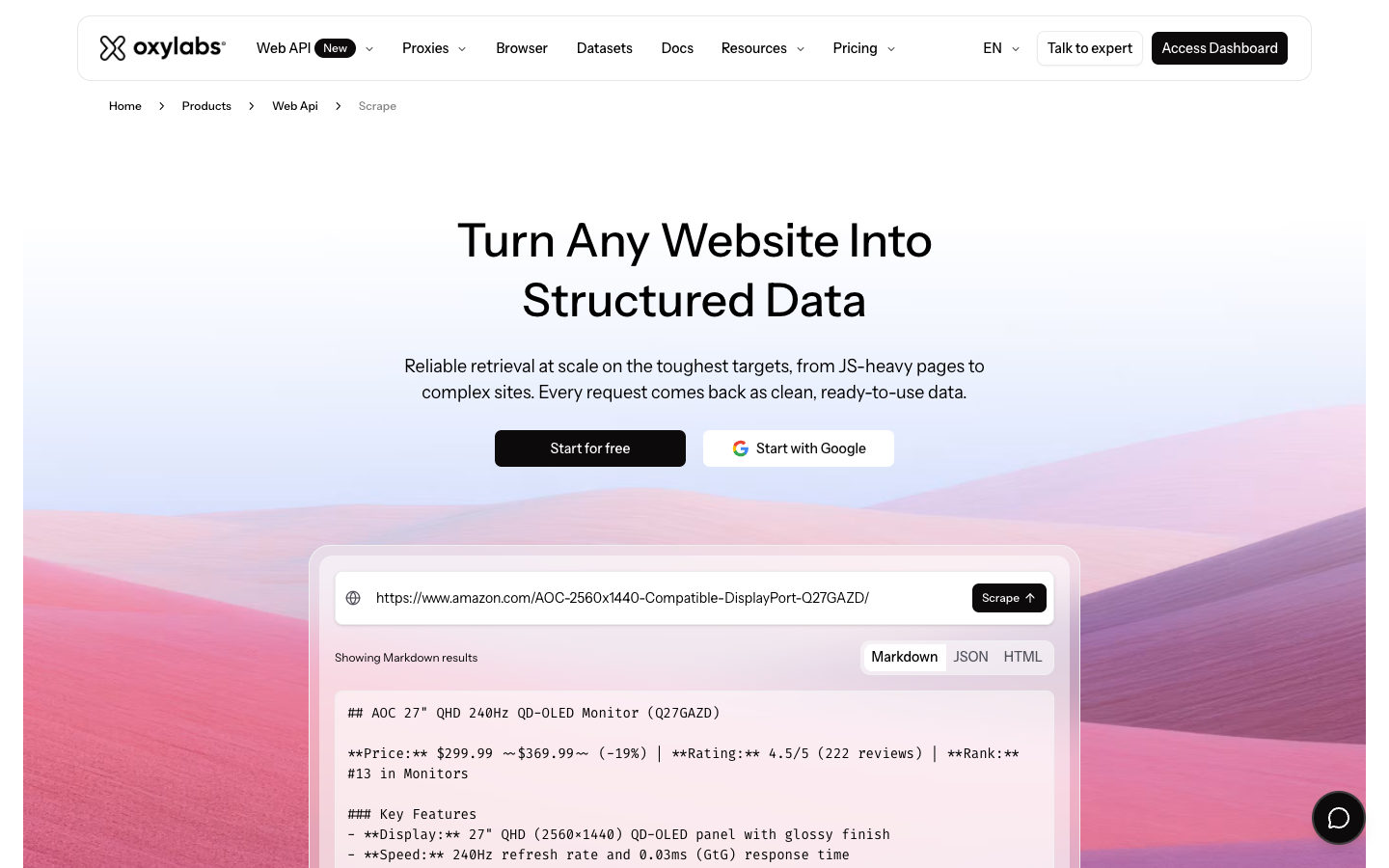
Oxylabs is a large data-collection company. Residential proxies, datacenter proxies, ready-made datasets, an unblocker, a hosted headless browser. Crawling has never been the main event, and in 2026 that's more true than it used to be.
The deterministic Web Crawler they used to document - max depth, URL regex filters, S3 delivery, scheduling - is gone from their developer docs. What replaced it is AI-Crawler, part of their AI Studio suite. You give it a starting URL and a natural-language prompt, and an agent decides which pages are relevant and extracts JSON or Markdown. There's also AI-Map, which enumerates the URLs on a domain - the closest thing anyone in this comparison offers to sitemap-style discovery.
It's a different tool with a different failure mode. A prompt-driven crawler is great when you want "all the pricing pages" and can't express that as a regex. It's worse when you want every page, and want the same crawl to return the same set next week.
Their separate Web Scraper API is still the mature product: priced per result, by target. The pricing page now lists a $30/month Starter plan, generic Web API rates from $0.50 per 1,000 results, and separate rates for Google and Amazon. But that's a per-URL scraping product, not a crawler.
Pros
- Serious infrastructure behind it - proxy network, uptime, enterprise support, account managers
- AI-Crawler's prompt-based page selection genuinely handles vague requirements well
- AI-Map is useful on its own for URL discovery
- Python and JavaScript SDKs, plus an MCP server
Cons
- Whole-site crawling is now only available through the AI layer - no deterministic depth-and-regex crawler in the docs
- AI Studio doesn't publish a credits-per-page rate. Plans start at $12/month for 3,000 credits, but nothing in their docs maps a crawled page to a credit cost. I asked their own documentation assistant and it confirmed the figure isn't published. That makes budgeting a guess until you run a test.
- Crawling is one product among a dozen, and it shows in how much of the site is about proxies
6. Crawlbase
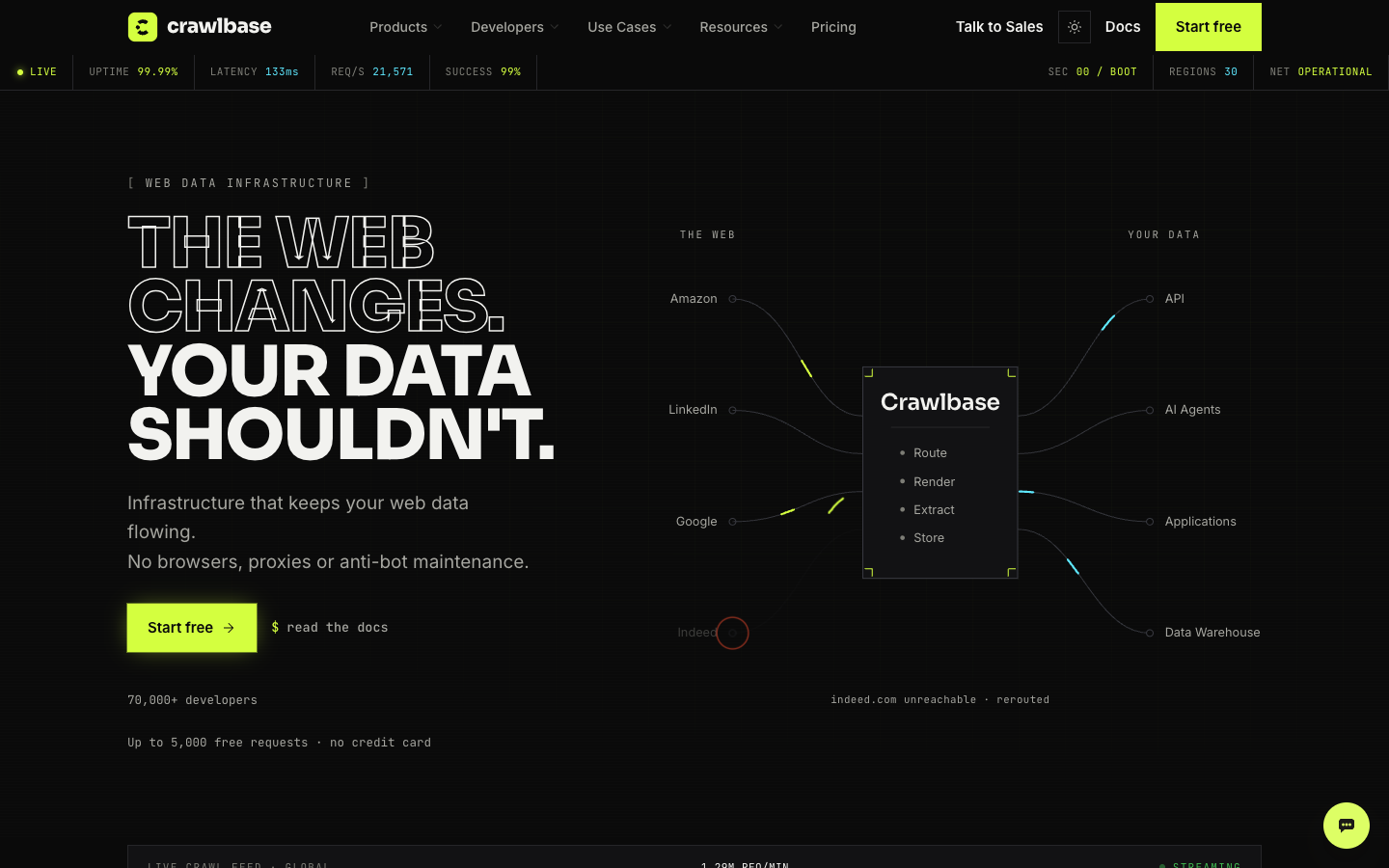
Crawlbase is a solid piece of infrastructure with a name that oversells one specific thing. It's on this list because people shortlist it when they're shopping for a crawler - and it's worth knowing, before you get to the invoice, that it isn't one.
Despite "crawl" in the name, it does not discover pages for you. The Crawling API takes one URL per request and returns that page. The Enterprise Crawler is asynchronous and high-volume, but you push the URLs in and get results back via callbacks. There are no depth or follow-links parameters in their crawling API docs. If you need to turn a domain into a page list, you build that part yourself.
What it's good at is the fetch layer. 140M residential IPs, 30 geographies, real browser rendering, and maintained scrapers for the sites that fight back hardest - Amazon, Walmart, Google SERPs, LinkedIn, eBay. Output now includes Markdown alongside HTML and structured JSON, which is new since I last looked. Custom headers and cookies are supported, so authenticated pages are on the table. SDKs cover seven languages.
Pros
- Best price at volume in this comparison, by a wide margin
- Maintained scrapers for high-value sites, updated by them when layouts change
- Cookies and custom headers, so logged-in pages are possible
- Markdown output alongside HTML and JSON
Cons
- Not a crawler in the sense this post means. You bring the URLs.
- The pricing ladder is genuinely cheap in bulk but hard to predict: JS rendering and a per-domain complexity tier (standard, moderate, complex) apply multipliers that aren't published as numbers
- Structured extraction is scraper-template-first, which is a different mental model than crawl-and-clean
Pricing
Pay-as-you-go on a graduated ladder, charged per successful request: $3.00 per 1,000 for the first 1K, $2.00 for the next 10K, $0.60 for the next 100K, then $0.50, $0.10, $0.05, $0.04, and $0.02 at the very top. Their own worked example puts 100K requests at $76.40. Subscriptions start at $99/month for 200K credits.
7. Apify
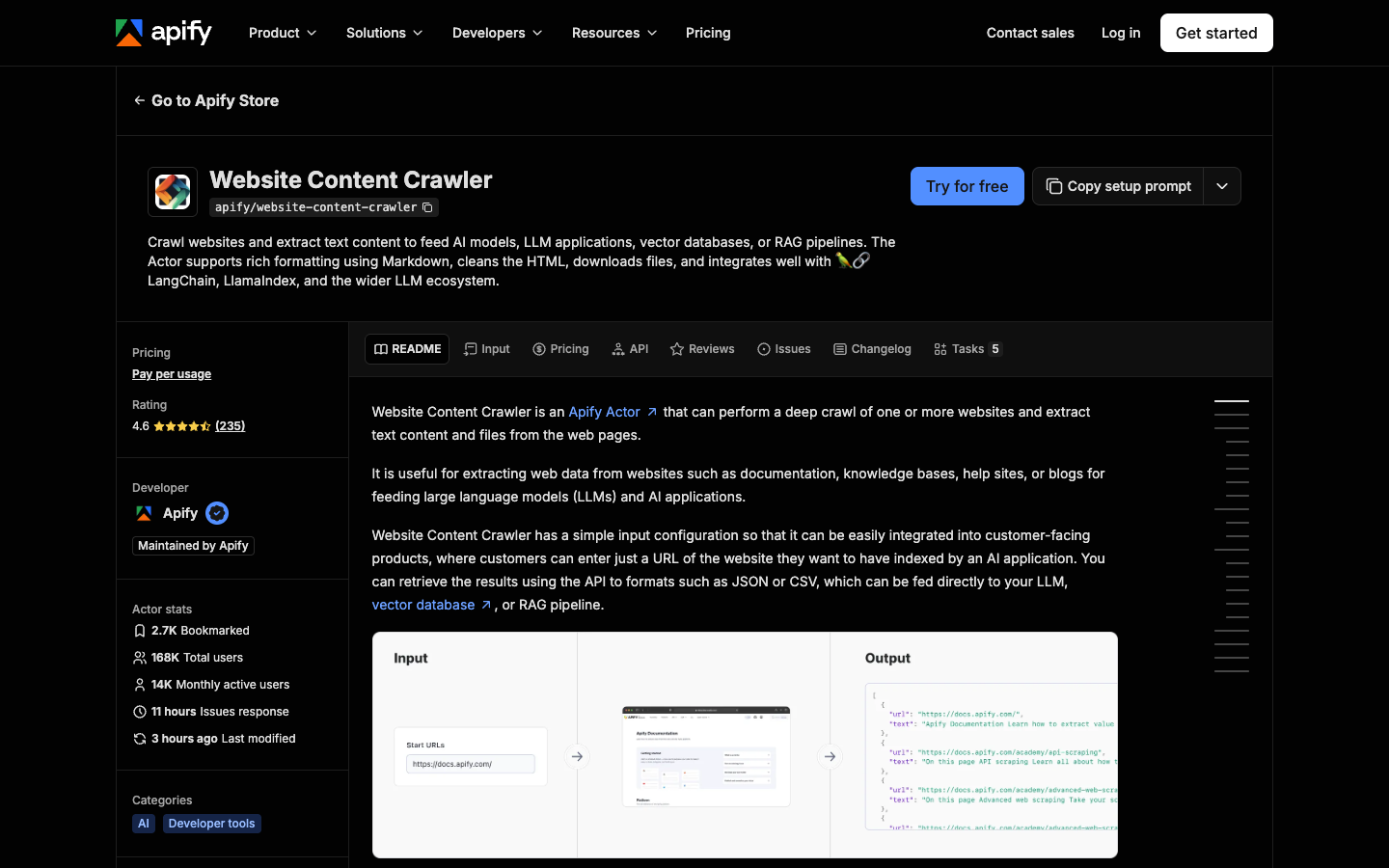
Apify is not an API you call to get a website back. It's a platform for building, hosting, and running crawlers, with a marketplace of roughly 68,000 pre-built ones ("actors") on top.
For this post's use case the relevant actor is Website Content Crawler - it crawls a site and extracts text specifically for feeding AI models and vector databases. It works well. But you're configuring an actor, not calling an endpoint, and the output shape is whatever that actor's author decided.
The tradeoff cuts both ways. If your requirements are unusual - click through a wizard, handle a login, parse a weird pagination scheme - Apify lets you write exactly that and run it on their infrastructure. No fixed API matches that. If your requirements are "give me this domain as Markdown," you're doing a lot of setup for something the other tools do in one request.
Cost is the other catch. Billing is per compute unit, so an inefficient crawl on a slow site costs more than an efficient one on a fast site, and you won't know which you have until you run it. Budget by experiment, not by spreadsheet.
If you landed here mainly because of Apify, we have a longer Apify alternatives comparison that goes deeper.
Pros
- Total control - if you can code it, you can run it
- Enormous actor library, including well-maintained ones for AI ingestion
- Handles logins, interactions, and multi-step flows that fixed APIs can't
Cons
- Steeper learning curve than everything else here
- Compute-unit billing makes costs hard to predict before you run something
- No plain "URL in, content out" endpoint - you're always choosing or writing an actor
Pricing
Compute is billed at $0.2 per compute unit on the entry plan. Starter is $19/month, Scale $199/month at $0.16 per CU, Business $999/month at $0.13 per CU. Concurrent runs, extra RAM, and proxies are priced separately as add-ons.
What about open-source crawlers?
Crawl4AI, Scrapy and Crawlee are free, but you run the browsers, proxies and retries yourself. They are a different decision from picking a managed API. See open-source web crawlers for that comparison.
Best web crawler API for AI agents and knowledge bases
For a knowledge base or a support bot four things matter more than raw speed: clean Markdown with boilerplate removed, a page cap and URL filters so a crawl cannot run away, re-crawls that fetch only changed pages, and an MCP server for agents.
WebCrawlerAPI covers all four (main-content Markdown, items_limit and regex filters, Feeds, MCP). Firecrawl and Spider return Markdown and are good when speed or bandwidth cost matters more than content quality. Apify can do it with the right actor. Crawlbase and Oxylabs are weaker fits because they do not discover pages from a seed URL the way a crawler does. For the re-crawl side, see keeping a support bot in sync and how often to re-crawl.
What a 10,000-page crawl costs
From the published rates, for plain pages. JavaScript-heavy and protected sites cost more.
| Vendor | 10K pages | Note |
|---|---|---|
| WebCrawlerAPI | $20 (Starter), $15 (Professional), $10 (Business) | Plan fee is separate. LLM-cleaned Markdown is $60 to $50 |
| Firecrawl | $83 (Standard plan) | 1 credit per page, 100K credits included. Hobby covers 5,000 per month |
| Crawlbase | about $21 | $3.00 for the first 1K plus $2.00 per 1K for the next 9K. You supply the URLs |
| Spider | Not per page | Bandwidth ($1 per GB) plus compute ($0.0001 per CPU minute). Depends on settings, hard to calculate |
| Scrapfly | Not published per page | Credits per crawled page not on the pricing page |
| Apify | Not published per page | Compute units, depends on the actor |
| Oxylabs | Not published per page | AI Studio credits, no per-page mapping |
So which one
Seven options, no single winner:
- WebCrawlerAPI - if you want the shortest path from a domain to clean Markdown for an AI knowledge base. Not if you need logins or you're crawling millions of pages a month.
- Firecrawl - if you want one SDK for scrape, crawl and map, and speed matters.
- Spider - if you crawl a lot of small pages and bandwidth pricing suits you.
- Scrapfly - if you already use it for scraping and want a crawler from the same vendor.
- Crawlbase - if you already have your URL list and want the cheapest reliable fetch layer at volume, or you need cookies and hard-site scrapers. Crawlbase against Apify is the usual head-to-head: Crawlbase if you bring the URLs, Apify if you need custom flows.
- Apify - if your crawl is genuinely custom and you'd rather write code than fit into someone's parameter list.
- Oxylabs - if you're already buying their proxies, or if prompt-driven page selection fits how you think about the problem better than regex does.
FAQ
What is the best web crawler API? It depends on the job. WebCrawlerAPI for a domain to Markdown for a knowledge base, Crawlbase for high-volume fetching of known URLs, Apify for fully custom flows.
What is the best web crawling API for AI agents? Look for clean Markdown, boilerplate removal, an MCP server and change-only re-crawls. WebCrawlerAPI, Firecrawl and Spider are the closest fits.
What's the difference between a web crawler API and a web scraping API? Crawling discovers pages from a seed URL. Scraping fetches one known URL. See the web scraping API comparison and web crawling vs web scraping.
How much does a web crawler API cost per 1,000 pages? From about $1 to $3.80 per 1K pages for the vendors that publish a per-page rate. Apify, Spider, Scrapfly and Oxylabs bill by compute, bandwidth or credits, so they cannot be converted cleanly.
Are open-source web crawlers better than a crawler API? They are free, but you run the browsers, proxies and maintenance. See open-source web crawlers.
Can a web crawler API crawl pages behind a login? Some can: Crawlbase with cookies, Apify with the right actor. WebCrawlerAPI can't.
Is web crawling legal? Public pages are generally fine, but robots.txt, terms of service and personal data matter. WebCrawlerAPI has a respect_robots_txt option. See web scraping ethics.
What changed in this update
Added Firecrawl, Spider and Scrapfly. Dropped Usescraper, which shut down. Fixed the SDK list and the Feeds description, and re-checked prices in October 2026.
I've tried to make this comparison as impartial as I can while also selling one of the products in it. If something above is wrong, outdated, or unfair, tell me: hello@webcrawlerapi.com. You can try WebCrawlerAPI at webcrawlerapi.com, or read how a crawl API works first.
